Overview
Concepts App
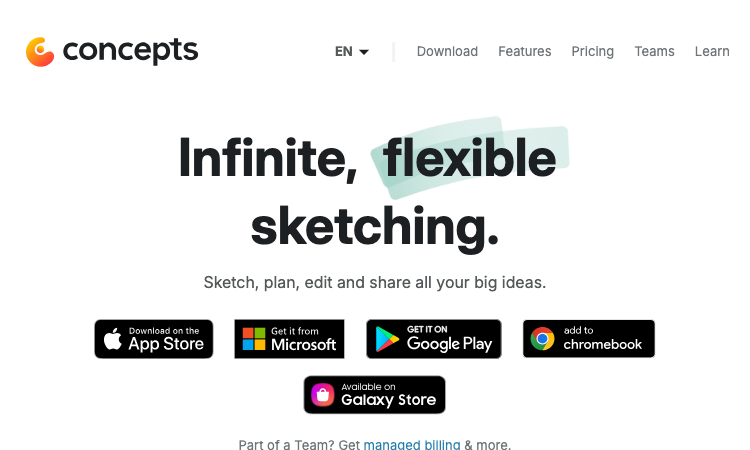
Concepts App is an infinite, flexible sketching platform built for visual thinkers. It treats every idea as a concept and gives writers, designers, architects, illustrators, and product teams a single canvas to capture notes, mind maps, mood boards, plans, and finished illustrations. The product has been named an Editors’ Choice selection on the Apple App Store, the Microsoft Store, and Google Play, and is published by TopHatch.
Under the hood, every stroke on the canvas is an editable vector. Users can sketch with realistic pencils, pens, wire, and marker-style brushes that draw on a vector-raster hybrid, and they can adjust, recolor, or reposition any line without redrawing. The built-in color system uses designer COPIC colors licensed from Too Corporation and is paired with HSL and RGB color wheels. Precision tools such as grids, line smoothing, live snap, shape guides, real-world scale, and measurement keep expressive work accurate.
Sharing and collaboration are first-class features. A built-in Presentation Mode lets users share the live canvas with teammates or clients during video calls, making the app useful as a remote whiteboard alongside tools like Zoom. Users can drop in PDF and image files, mark them up with annotations, and export the results through PDF, PNG, PSD, SVG, DXF (AutoCAD), and other formats. Object libraries, custom brushes, infinite layers, and custom grids support reusable design systems that move across projects.
Pricing is flexible and varies by region. The free Basic tier provides an infinite sketchbook with five layers, COPIC/HSL/RGB color wheels, paper and grid types, and basic JPG exports. Pro adds more than 200 libraries and features for $4.99 per month or $29.99 per year, with a seven-day free trial. Essentials and add-on packs such as brushes, object libraries, and PDF exports are available as one-time purchases between $1.99 and $39.99 per item. Businesses can deploy managed Pro licenses, and qualifying schools can unlock the product free of charge.
Concepts App is available on iOS, Windows, Android, and ChromeOS, with active development toward cross-platform parity. It is widely used for architecture, illustration, note-taking, product design, UI/UX design, visual thinking, and remote whiteboarding, particularly when paired with a stylus.
Related apps
Love Calculator
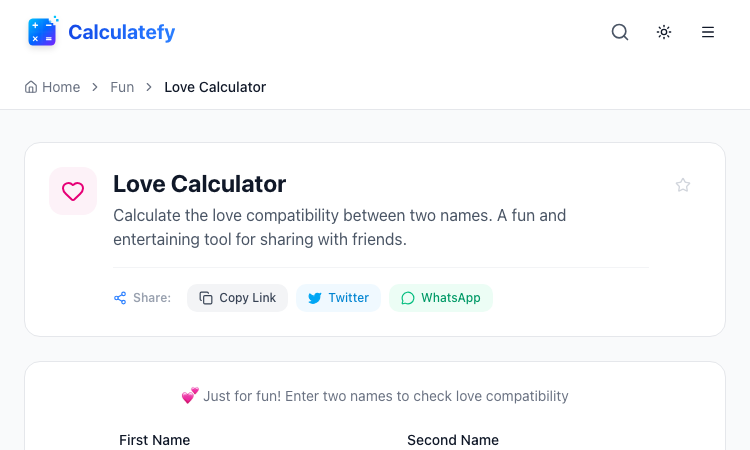
Love Calculator - Free online tool that scores name-pair compatibility with a playful verdict for fun.
Love Calculator Love Calculator is a free online entertainment tool that takes two names and returns a playful compatibility score with a short verdict. Hosted at…
Explore App
Wowovid – Kling AI Video Generator
Turn photos or text into video with Kling AI. Free preview, HD export with no watermark.
What is Wowovid? Wowovid is a web-based video generation tool built on Kling AI, designed for people who want AI-powered video without dealing with a complicated setup. Upload a…
Explore App
Age Of Discovery2 Vercel
Age Of Discovery2 Vercel — a 3D globe with ocean and ship, plus five cinematic cameras to explore the world.
Age Of Discovery2 Vercel Age Of Discovery2 Vercel is a 3D ocean and globe scene inspired by the Age of Discovery, where a ship crosses the sea and a cinematic camera lets you…
Explore App
Imagine Image
Imagine Image: the free AI generator people find when searching Grok Imagine Image, now running on Imagine Image 2.0 — n
If you searched Grok Imagine Image, here's what you found: Imagine Image, a free AI generator running on Imagine Image 2.0. What it does Text-to-image — describe a scene, get a…
Explore App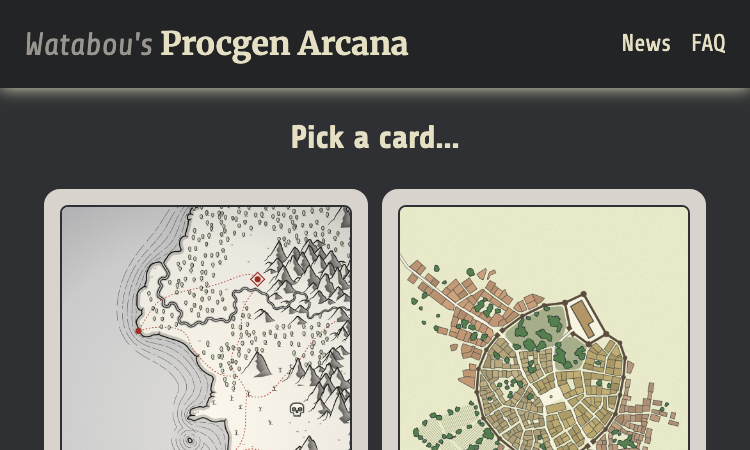
Watabou Github Io
Watabou Github Io - browser-based map generators: realms, cities, villages, dungeons and mansions for game masters.
Watabou Github Io watabou github io is a delightful collection of free procedural map generators built for tabletop role-playing games and fantasy worldbuilding. Created by Oleg…
Explore App
Happy Horse 1.0 AI video model
Cinematic AI Video, Open to Everyone
Happy Horse 1.0 is a 15-billion parameter open-source Transformer model designed for joint video and audio generation. It specializes in creating synchronized multimedia content…
Explore App