Overview
Creatify AI – Official Website, What It Is & How to Use
Creatify AI Official Website
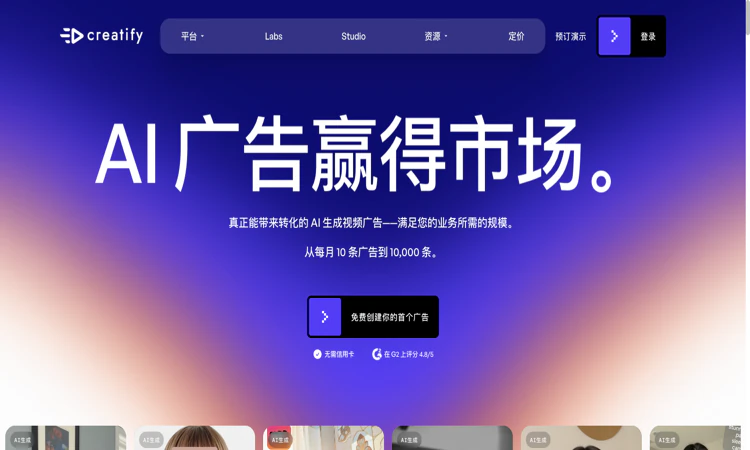
Creatify AI is an AI platform for creating and iterating image and video advertisements.
- Official app: https://creatify.ai/
- Creator: Creatify Lab Inc.
- Price: Freemium; limited free credits, with paid subscriptions and business options
- Login required: Yes for the creation service; the public website can be browsed without signing in
- Platform: Web
- Main use: Turning product information into advertising creatives and campaign variants
- Last checked: 2026-10-22
We are not the official developer of Creatify AI. This page helps users find, understand, and use the product.
What Is Creatify AI?
Creatify AI helps advertisers turn a product page, a brief, or supplied media into advertising assets. The public website groups its workflow around discovering ideas, producing creatives, launching campaigns, and reviewing performance. Creatify AI includes URL-to-video, avatar videos, image ads, a model playground, and the node-based Ad Flow editor. Its focus is commercial creative production: a retailer can begin with a product URL instead of assembling every scene manually. Creatify AI also presents creative and performance agents, although availability depends on the chosen plan. The distinguishing experience is the connection between product information and multiple ad formats. A generated draft still needs factual review, suitable product imagery, and an appropriate offer. The public pages demonstrate these features; this guide does not claim that an ad was generated or that campaign results were independently measured.
For a first visit, the useful question is how quickly a small, well-defined task becomes a result you can inspect. This edition follows that first-project route and explains the decisions that should come before a larger commitment.
How to Use Creatify AI
- Open the official Creatify AI website and confirm the domain before starting a project.
- In Creatify AI, choose the creation entry point and register or sign in. For a straightforward first project, look for URL-to-video rather than connecting advertising accounts immediately.
- In Creatify AI, provide a product URL or the source material requested by the selected tool. Check the imported product name, images, benefits, and offer before continuing.
- In Creatify AI, review the script and choose suitable presentation settings, such as an avatar or creative style. Generate one small draft before producing a batch of variations.
- In Creatify AI, watch the result with sound, proofread captions, and correct unsupported claims. Check the plan, watermark, credit charge, and export options before downloading.
Creatify AI: Preparing the Input and Checking the Result
For Creatify AI, prepare a public product page plus an approved description of its offer. The target deliverable is a short advertising draft with an accurate offer, readable text, and a suitable visual treatment. Use this as an acceptance condition rather than assuming that every completed draft or preview is ready for its final audience.
Before calling a Creatify AI project complete, check product appearance, pronunciation, offer accuracy, caption readability, and the final call to action. Preserve the original material so a correction can be traced to the source. Keep a copy of the accepted deliverable through the available official workflow, especially when storage or access is limited.
Creatify AI: A First Project That Produces a Useful Result
Begin your Creatify AI evaluation with one simple product with clear photographs, a factual benefit, and a single call to action. Write down the expected result before changing settings: a short advertising draft with an accurate offer, readable text, and a suitable visual treatment. This makes the exercise concrete and keeps an impressive preview from replacing a useful outcome.
For the first Creatify AI session, preserve the original input and change only one major setting at a time. Record what improved and what still needs attention. If the result fails, compare it with the original requirement before spending more time on a more elaborate project. A small test is easier to diagnose and explain to another person.
The next Creatify AI decision is whether the workflow is repeatable. Can you find the same entry point again, understand what was saved, and identify the final deliverable? Keep a short note covering the chosen settings, the limitation encountered, and the next action. A successful first project should leave you with an understandable process as well as a result.
Creatify AI Evaluation Checklist
- Creatify AI input: Prepare a public product page plus an approved description of its offer and confirm that it is appropriate to provide to the service.
- Creatify AI expected result: Define a short advertising draft with an accurate offer, readable text, and a suitable visual treatment before judging the first preview.
- Quality review: In the Creatify AI result, check product appearance, pronunciation, offer accuracy, caption readability, and the final call to action.
- Creatify AI budget and delivery: Check credits consumed by a usable creative, including rejected drafts and revisions against the actual task.
- Creatify AI handoff: Preserve the approved brief, source product link, selected script, final asset, and permitted advertising channels for the next session or reviewer.
Is Creatify AI Safe?
Creatify AI publishes a privacy policy identifying Creatify Lab Inc. as the operator. Creating assets involves sending product information, scripts, and potentially uploaded media to the service. Connecting an advertising account is an additional permission decision: the policy describes access to campaign information and performance data for those integrations. Creatify AI can be evaluated with public product information before a team decides whether to connect business accounts. Use images and likenesses you are entitled to upload, and review the requested permissions for the particular feature.
For Creatify AI, review the current policies before providing sensitive material. This public-page check is not a security audit.
Why Is Creatify AI Popular?
Creatify AI addresses a recognizable advertising problem: teams need several creative angles and formats for the same offer. Its URL-to-video entry point, avatar presentations, and batch-oriented tools make that promise easy to demonstrate. The official website publishes customer stories, but these are vendor material rather than independent performance guarantees. No verified single viral event or origin of current search interest was established during this check.
Creatify AI Not Working?
- Refresh the official page and check whether the issue concerns browsing, account access, processing, or the final deliverable. Try a current browser when a page fails to render correctly.
- For Creatify AI, if product import fails, confirm that the source page is public and contains usable product information. Try a simpler product page or the manual inputs offered by the tool.
- For Creatify AI, if generation stops, inspect remaining credits and the job status before starting another paid attempt. A slow task does not by itself prove the website is offline.
- For Creatify AI, if an export has a watermark or a restricted option, compare the active plan with the current pricing table rather than treating the restriction as a browser error.
- If a content blocker appears to interfere, temporarily test the official page with that extension paused. Restore the setting afterward and contact official support if the problem persists.
The Creatify AI public homepage was reachable on 2026-10-22; individual account features and jobs were not tested.
Creatify AI Alternatives
Compare Creatify AI alternatives against the required input and deliverable; capabilities and commercial terms differ.
- HeyGen — an adjacent option for avatar-led business videos; compare its ad workflow with the required campaign tasks.
- Synthesia — an adjacent option for scripted presenter videos, especially when the brief centers on explanation or training.
- InVideo — an adjacent option for AI-assisted video assembly when a broader video workflow is needed.
Frequently Asked Questions
What is the official Creatify AI website?
The official Creatify AI website is https://creatify.ai/. Use the official navigation to reach account, pricing, downloads, and support rather than relying on a similarly named search result.
Is Creatify AI free?
The Creatify AI pricing FAQ lists a free allowance of 10 credits per month, with watermarked exports. It describes up to two video ads or twenty image ads within that allowance; different creation tools can consume different amounts. Paid Standard, Pro, Max, business, and enterprise options are shown. Creatify AI displays monthly and annual billing choices, so a discounted monthly equivalent should not be mistaken for a month-to-month charge. Verify the selected tool and billing interval on the live pricing page.
Do I need an account to use Creatify AI?
Yes for the creation service; the public website can be browsed without signing in.
Who created Creatify AI?
The official public attribution for Creatify AI is Creatify Lab Inc.
Is Creatify AI still available?
Yes: the official Creatify AI public website was accessible when checked on 2026-10-22. No account creation, customer upload, paid output, or physical order was tested.
What should a first-time user test?
Creatify AI: A small project with a visible pass condition is the most useful first test. Use one simple product with clear photographs, a factual benefit, and a single call to action, then check product appearance, pronunciation, offer accuracy, caption readability, and the final call to action. Expand only after that result meets the original requirement.
What limitations should I check before relying on Creatify AI?
Generated scripts can invent or exaggerate a benefit; avatar suitability, source-image quality, credit consumption, and watermark rules require a separate review. A practical Creatify AI evaluation should include one example that exposes the limitation most relevant to your project. Check the current plan or item details again before a subscription, purchase, integration, or external handoff.
Where should I begin with Creatify AI?
Start with Creatify AI and use one simple product with clear photographs, a factual benefit, and a single call to action. Keep the source, acceptance condition, and final decision together so the next step is based on an observed result.
Sources and Review Scope
Official references checked or linked from the reviewed website: Official website; Official pricing; Privacy policy; Terms of service.
Last checked: 2026-10-22. Verify current Creatify AI plan details before a purchase or integration.
Related apps

India Bot
India Bot - WhatsApp and Telegram automation for SMB campaigns, customer chats, and AI-assisted engagement
India Bot India Bot is a customer messaging and marketing automation platform designed for small and medium-sized businesses that rely on WhatsApp and Telegram to reach…
Explore App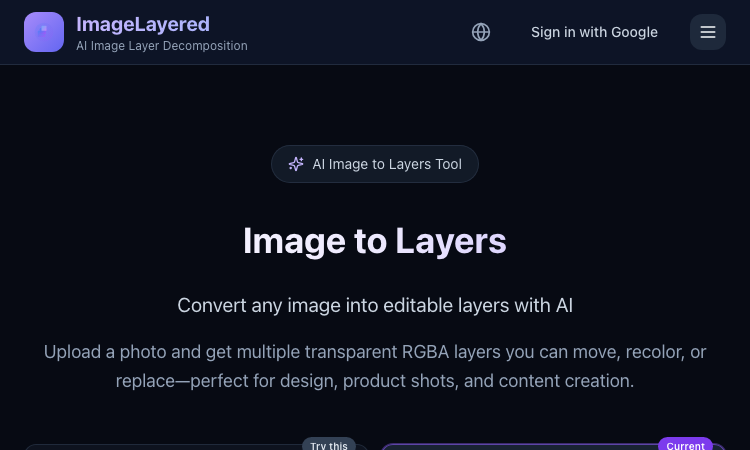
Image to Layers
Image to Layers – Official Website, What It Is & How to Use
Image to Layers Official Website Image to Layers is an AI image layer decomposition tool that turns one flat image into multiple editable transparent RGBA layers. Official app:…
Explore App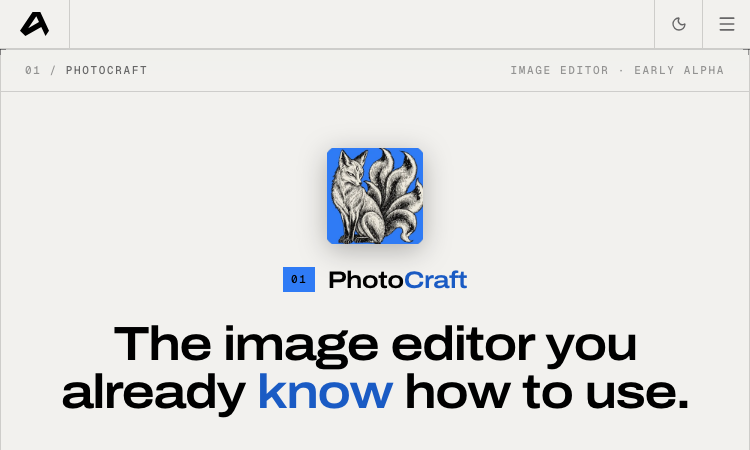
Photocraft
Photocraft – Official Website, What It Is & How to Use
Photocraft is an AI product-photography app on the ArtCraft platform that turns one casual product photo into studio-quality shots, lifestyle scenes, ad creatives, and…
Explore App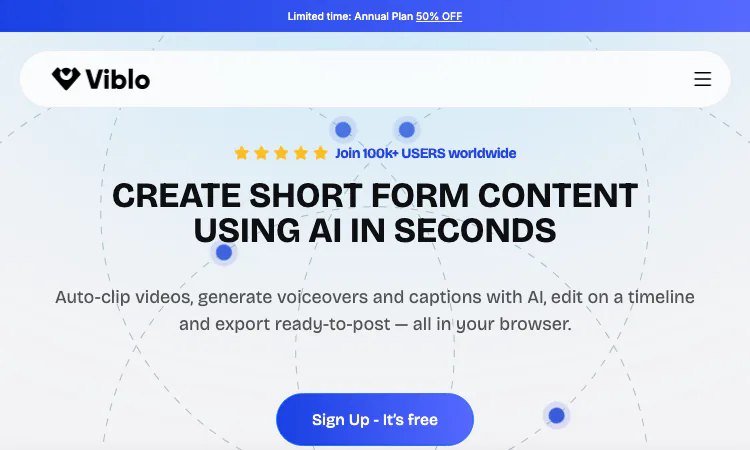
Viblo
Viblo is a browser-based AI video editor for short-form content, pairing auto-clipping, AI voiceovers and captions with a timeline editor.
What Viblo Is Short-form video has a production problem. A creator publishing to TikTok, Instagram Reels, YouTube Shorts, and Facebook needs several clips a week, but the usual…
Explore App
TapEdit
TapEdit gives product and portrait creators browser tools for photo cleanup, enhancement, and generative edits, for a clear first look.
TapEdit: Launch Snapshot for 2026 TapEdit helps photographers, ecommerce teams, creators, and small marketing groups a polished image that is easier to publish or hand to a…
Explore App
DeepSeek Harness
DeepSeek Harness — a practical overview and first steps for makers and curious users.
DeepSeek Harness DeepSeek Harness is an open-source agent harness from DeepSeek. It sits between a model and the tools, workspace, and runtime that let an agent carry out…
Explore App