Overview
Google AI Edge Foresight: a practical tool for your next project
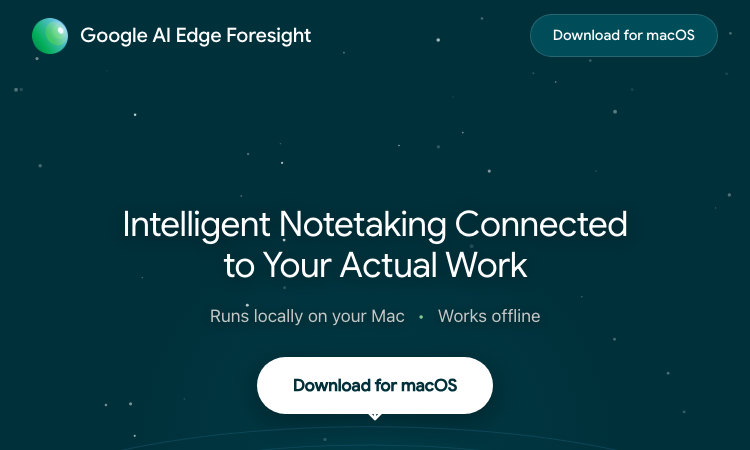
Google AI Edge Foresight is an experimental Mac meeting assistant designed to keep audio capture, note enrichment, indexing, and retrieval on the device. Google describes it as an offline-capable showcase for local AI rather than a cloud transcription service. The Google AI Edge Foresight works best when the goal and expected output are clear before work begins. Teams can use Google AI Edge Foresight to test the same task against their current process.
Capture audio, jot shorthand, and enrich notes from the transcript. Index selected references to ask natural-language questions after a meeting. This can surface decisions scattered across conversations and project files while keeping work on the device. With Google AI Edge Foresight, a small representative task is a better first test than a complicated edge case.
Google AI Edge Foresight Google says the app uses EmbeddingGemma 2 and Gemma 4 for local retrieval and note assistance. Download the Mac app, review audio permissions, and test a short meeting with a few reference files. Check language and source support before using it for recurring work. The Google AI Edge Foresight can be compared on the same example with another option when the choice is not obvious.
Directory visitors need a quick route from task to first result. Start with the input and output, then use one guided action to judge fit. A useful listing keeps that path clear before asking readers to study implementation details. For this audience, Google AI Edge Foresight is easiest to judge in context rather than from a headline alone.
It is experimental and Mac-specific, so treat its current behavior and source integrations as subject to change. Confirm consent and local recording policies before capturing a meeting. Check that Google AI Edge Foresight fits your requirements for privacy, rights, setup, and output quality before relying on it.
Start with Google AI Edge Foresight, test one representative task, and use the official documentation to confirm current access. Try it on a non-sensitive meeting first, then check the official page for current downloads and supported features. The Google AI Edge Foresight page has its current controls and terms. Compare Google AI Edge Foresight with your existing workflow before adopting it.
Related apps

DeepSeek Harness
DeepSeek Harness — a practical overview and first steps for makers and curious users.
DeepSeek Harness DeepSeek Harness is an open-source agent harness from DeepSeek. It sits between a model and the tools, workspace, and runtime that let an agent carry out…
Explore App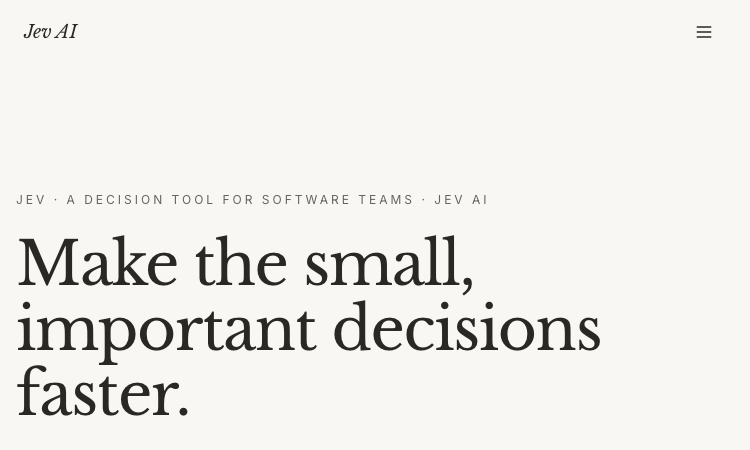
Jev AI
Jev AI – Official Website, What It Is & How to Use
Jev AI Official Website Jev AI is a decision engine for software teams: an AI model that turns real-world state into structured, probability-backed decisions — classification,…
Explore App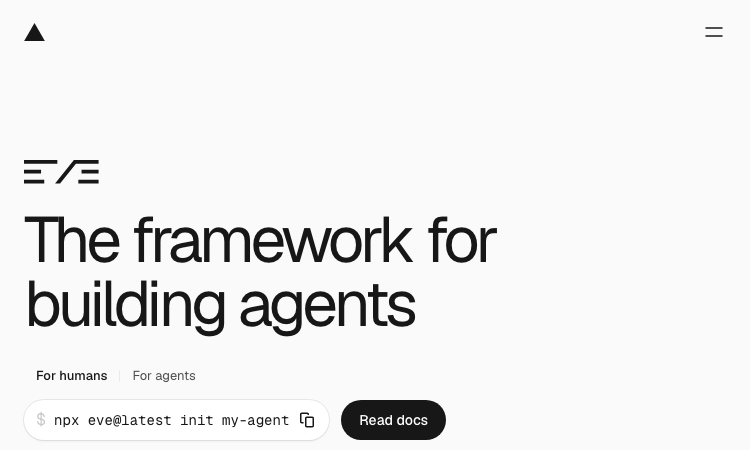
Vercel Eve
Vercel Eve - Build and deploy production AI agents with tools, skills, workflows, sandboxes, and channels
Vercel Eve Vercel Eve is a developer framework for creating, deploying, and operating production AI agents on Vercel infrastructure. It gives agent projects a structured format…
Explore App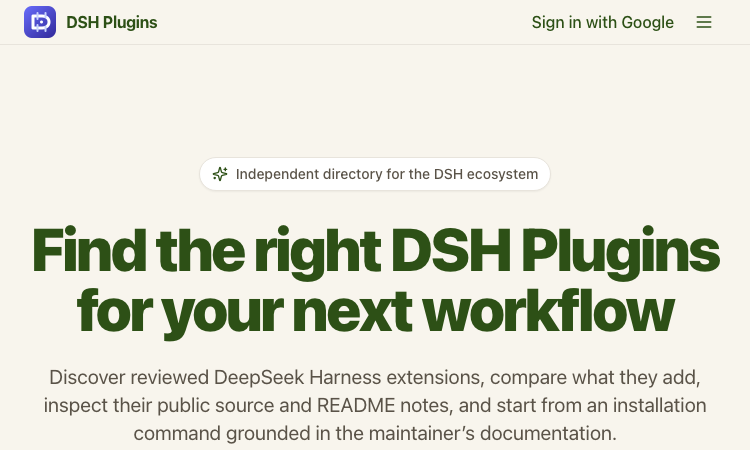
DSH Plugins
DSH Plugins — discover reviewed DeepSeek Harness plugins, inspect source and README notes, copy install commands.
DSH Plugins DSH Plugins is the go-to discovery hub for the DeepSeek Harness plugin ecosystem. DeepSeek Harness is a flexible agent framework, and its power grows with every…
Explore App
Whats App Web
Whats App Web mirrors WhatsApp mobile chats into a desktop browser for fast, keyboard-driven messaging.
Whats App Web Whats App Web is the official desktop browser companion to the WhatsApp messenger, built by Meta to keep conversations flowing when the phone is out of reach. A…
Explore App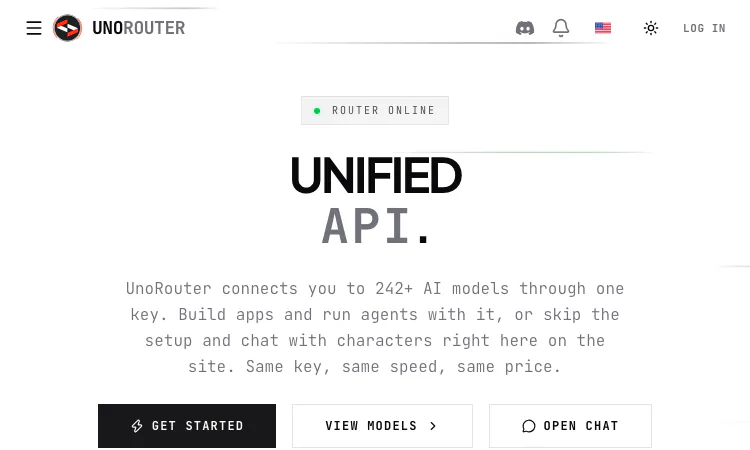
UNORouter
UNORouter connects 244+ AI models through one OpenAI-compatible key for agents, chat clients, and CLI tools, for a clear first look.
UNORouter: Launch Snapshot for 2026 UNORouter helps developers, agent builders, CLI users, and people comparing hosted AI models one compatible access path for trying models from…
Explore App