
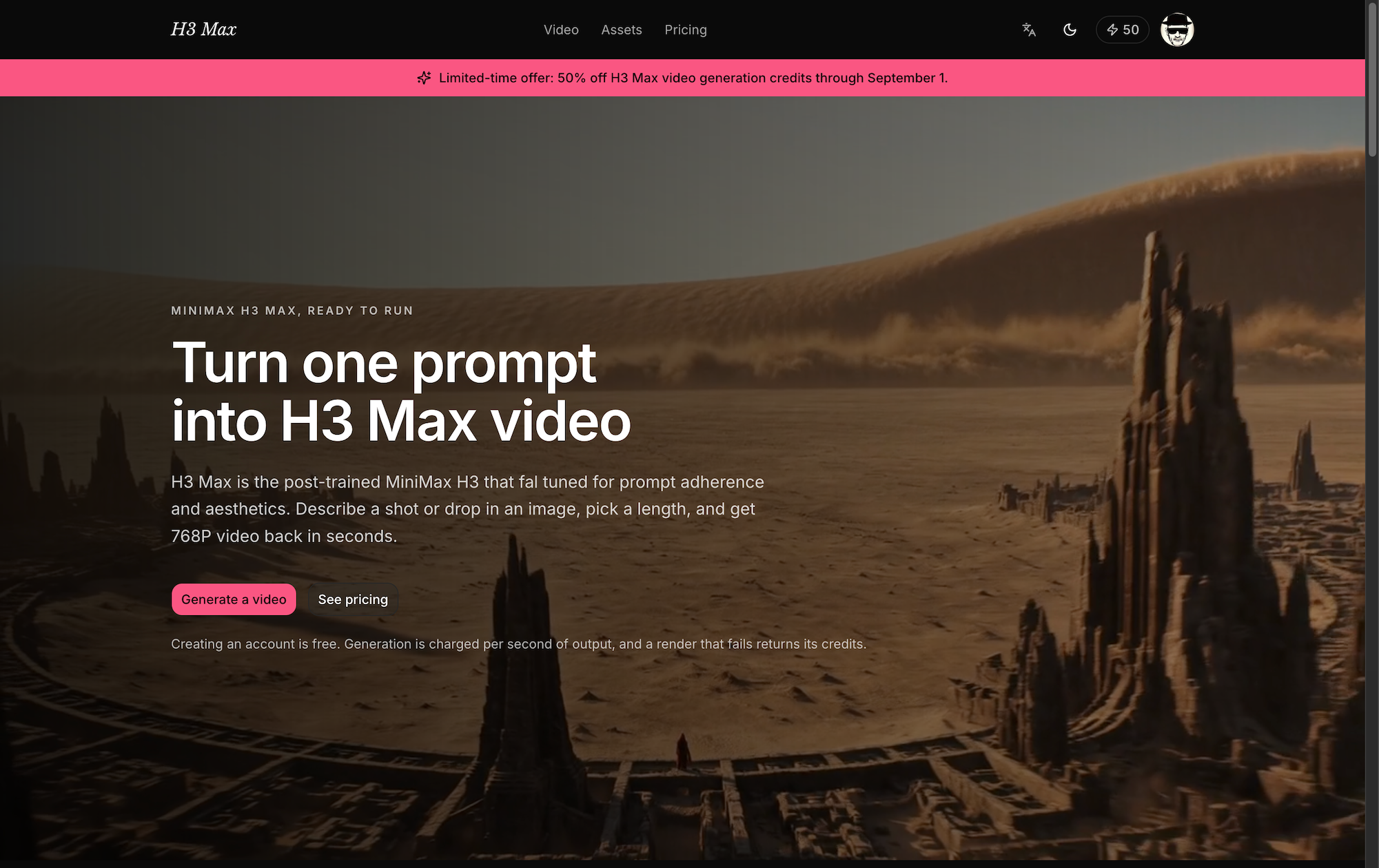
H3 Max

Describe the shot. Get it back with sound, in seconds.

H3 Max cover

Overview

What it is

H3 Max turns a written prompt or a single still image into a 5–15 second video
with synchronized audio and directed camera motion. There is no timeline, no
node graph, and nothing to install — you type the shot you want, watch it come
back, and adjust.

It runs on MiniMax's H3 family: H3 Max, post-trained for prompt adherence,
for fast 480P and 768P work, and standard H3 when a piece needs to finish at
2K or 4K.

Who it's for. People who need short shots quickly and often — social and
performance marketers testing creative, editors and directors blocking out a
sequence before committing a crew, solo creators without a studio behind them,
and product teams that need a moving hero shot this afternoon rather than next
quarter. If you are producing a feature, this is a previz tool. If you are
producing a week of content, it may be the whole pipeline.

Why this rather than the others.

  • The shot arrives with its audio. Most generators hand back a silent clip
    and leave you to score it. This one doesn't, which removes an entire pass from
    the process.
  • You pay by the second, for what actually rendered. Pricing is per second
    of output and the exact cost appears on the button before you commit. A render
    that fails returns its credits automatically — you are never billed for a
    video you did not receive.
  • Iterating is cheap on purpose. Draft at 480P until the shot is right, then
    re-run the one you kept at 768P. The price difference between exploring and
    finishing is the point of having both.
  • You can direct where a shot lands. Give it a first frame and a last frame,
    and the motion between them is yours to specify rather than to hope for.
  • Nothing to set up. Sign in and generate. New accounts start with free
    credits, and an account costs nothing to keep.

Features

Text to video. A prompt is enough. Describe subject, motion, lens, and mood;
H3 Max was post-trained specifically to follow what you wrote.

Image to video. Upload one image and it animates. Add a second image as the
end frame and the model works out the movement between them.

Audio, generated with the picture. Sound arrives synchronized to the shot,
not layered on afterward.

5 to 15 seconds per render. Long enough to be a real shot, short enough to
iterate on. Longer pieces are assembled from several renders.

480P to 4K. H3 Max covers 480P and 768P. Standard H3 adds 2K and 4K for
work that has to hold up on a large screen.

Per-second credit pricing. Cost scales with the length and resolution you
actually chose, shown before you run it. Failed renders are refunded without
you asking.

A library of everything you have made. Every generation is kept with its
prompt and settings, so a shot from last week is one click from being re-run
with one word changed.

English and Chinese throughout.

Use cases

Ad and social creative. Produce a dozen variants of the same concept in an
afternoon, run them, and put the budget behind whichever one performs. The unit
of work is a shot, not a shoot.

Previz and storyboards. Show a client or a crew what the sequence looks like
before anyone books a location. Moving boards land differently than a stack of
stills.

Product and e-commerce. Animate a product still into a hero shot — a slow
push in, a turn, a change of light — without a table-top studio.

Bringing stills to life. Archive photographs, illustrations, concept art, key
frames. One image in, motion out, with the end frame under your control.

Music, mood, and title work. Short atmospheric pieces where the sound and
the image are generated together, which is exactly the case that benefits from
audio arriving with the picture.

Pitches and prototypes. A concept explains itself faster as ten seconds of
video than as a paragraph, and at this price it is worth making one just to find
out whether the idea reads.

Featured Lovable Apps

Featured
Trends Monitor

Trends Monitor

发现 Google Trends 热度与上升查询,监控关键词需求变化

Trends Monitor 帮助你持续监控 Google Trends,发现新词、飙升词与搜索需求,为 SEO、内容创作和产品研究寻找潜在机会。你可以查询热度和上升相关查询、收藏词根、开启每日监控并查看历史快照,从而发现新的搜索需求和产品研究线索。

Explore App
Featured
Kenerate AI

Kenerate AI

AI creative studio for images, video, voiceovers, and music.

Kenerate AI is an AI creative studio for video, images, voiceovers, and music. Explore creative tools, work with reference media, choose AI models, and manage creations in one place. Kenerate AI also supports an agent-style chat workflow for developing ideas into finished creative work.

Explore App
Featured
Mistral Large 4: Try Online, Pricing, AP

Mistral Large 4: Try Online, Pricing, AP

Use the Mistral Large 4 playground for free. Explore coding, writing and images, compare plans, and connect through the API.

Mistral Large 4 — Online Playground & Mistral Large 4 API Mistral Large 4 brings an online AI playground, developer API, and practical model guides together in one place. Use it to work through code, improve writing, ask questions about supplied documents, and understand images. When a prompt becomes useful enough to repeat, connect the same service to your application through the Mistral Large 4 API. The playground gives individuals and teams a place to try real tasks without writing integration code. Developers can move into an OpenAI-compatible REST interface with streaming responses, structured JSON output, image inputs, and function calling. Documentation, model comparisons, and deployment guides help explain the choices involved in building a workflow. About this service: mistrallarge4.com is independently operated and is not affiliated with Mistral AI. Its accounts, API keys, endpoint, and credit plans belong to this service. The underlying model is developed by Mistral AI. What you can do | Capability | Put it to work | | --- | --- | | AI conversations | Ask questions, explore ideas, and refine an answer through follow-up messages. | | Coding assistance | Explain functions, investigate errors, review implementation choices, and propose focused changes. | | English and Chinese writing | Draft, rewrite, and summarize text with a specified audience, tone, and terminology. | | Document questions | Supply relevant passages and ask for summaries, comparisons, or answers supported by the supplied text. | | Image understanding | Attach a public image URL to ask about a screenshot, diagram, or other visual context. | | Adjustable reasoning | Choose direct answers or higher reasoning effort according to the task. | | Structured responses | Request JSON in the playground or use JSON objects and JSON Schema through the API. | | Streaming API | Receive incremental response content for conversational applications. | | Function calling | Let the model request defined functions that your application validates and executes. | The documentation describes the supported inputs, controls, and service limits for each workflow. Who it is for | Audience | Example workflows | | --- | --- | | Software developers | Review a function, explain an unfamiliar module, or investigate a bug using relevant code and error messages. | | Writers and content teams | Turn a brief into a draft, adjust tone for a specific audience, or refine Chinese and English copy. | | Researchers and analysts | Compare supplied passages, summarize findings, and extract information into a structured response. | | Product and operations teams | Review screenshots, organize written feedback, and draft plans from provided context. | | Independent makers | Explore a product idea in the playground, then add an AI feature to an application. | | AI agent builders | Connect approved lookup functions and application tools to a conversational workflow. | For example, a developer can paste a failing function and its error message, ask for an explanation, and request a small proposed patch. A content team can provide a Chinese passage and ask for a rewrite that preserves product names, dates, and technical terminology. An analyst can attach a diagram URL and ask for an explanation alongside questions that still need clarification. Start in the playground Open the playground and sign in. Use an account on this website to send requests. Describe a concrete task. Include the relevant text, code, or public image URL, together with the result you need. Choose the response settings. Adjust the system prompt, reasoning effort, temperature, maximum output tokens, and text or JSON output. Review the answer. Check the result against your source material and follow up with missing context or corrections. Move a repeatable workflow into your app. Create an account API key and use the documented chat endpoint. A useful coding prompt: Review the following TypeScript function. Explain its purpose, identify edge cases supported by the code, and suggest one small improvement. Return a short explanation followed by the proposed change. A useful document prompt: Summarize the supplied passage for a product manager. Preserve the original dates and numbers, separate decisions from open questions, and cite the relevant passage for each conclusion. If the text does not answer a question, say so. Conversation context remains available while the playground page is open. Refreshing the page starts a new conversation, so copy answers you want to keep before leaving. Build with the Mistral Large 4 API The Mistral Large 4 API connects the service to applications, internal tools, and AI agents through an OpenAI-compatible chat interface. Start with a small text request, then add streaming, image inputs, structured output, or tools as the workflow requires. | Setting | Value | | --- | --- | | Base URL | https://mistrallarge4.com/api/v1 | | Chat endpoint | POST https://mistrallarge4.com/api/v1/chat/completions | | Model ID | mistral-large-4-0 | | Authentication | Authorization: Bearer | | Request format | Content-Type: application/json | | Reasoning effort | none or high | Create a key under Account → API Keys, then set MODELAPIKEY in your server environment to that account key. A minimal request looks like this: For a standard non-streaming response, read the answer from choices[0].message.content and token usage from usage. Keep API keys in your server environment. The API also supports: Streaming: set stream to true to receive Server-Sent Events and process incremental content. Image questions: combine text with an image_url content part pointing to an accessible public image. Structured output: use responseformat with jsonobject or a named json_schema to shape the response. Tool workflows: define functions in tools, inspect returned tool_calls, execute approved functions in your application, and return their results for the next model response. Reasoning control: choose none or high; reasoning tokens share the output budget with the visible answer. See the API guide for complete request examples, limits, and error handling. Use this site's endpoint, model ID, and account key together. Working with inputs and results The service accepts text and public image URLs. For document questions, extract the relevant text from a PDF before submitting it. Direct PDF, audio, and video uploads are not supported by the documented playground and chat API. The playground currently accepts up to 24 messages, 24,000 characters per message, a 96 KiB request body, and up to 16,384 output tokens. API limits differ. The underlying model's advertised context window should not be treated as the playground's input allowance; consult the current service limits when sizing a request. For code tasks, run the proposed change in your own environment. For document and image tasks, check names, numbers, quotations, and small visual details against the supplied material. Validate structured responses before using them in another system. Free access and paid usage Mistral Large 4 uses a freemium model. Signed-in users receive 30 free playground requests per day, resetting at midnight UTC+8 / Asia/Singapore. Requests admitted for generation count toward that allowance, including requests that subsequently fail or are cancelled. After the daily allowance, completed playground answers use credits. One-time credit packs and monthly subscriptions are available for additional usage. The daily free allowance applies to the playground; it does not establish a free allowance for API calls. Compare current prices and included credits on the pricing page, and read the usage guide before integrating billing-sensitive workflows. This service's billing is separate from Mistral AI's official API billing. About the organization The organization behind mistrallarge4.com was founded on May 1, 2026, and is led by Mason King, Founder & CEO, in Seattle, United States. The team has 10 full-time employees and focuses on accessible AI experimentation and developer integrations. This profile introduces the independent web service and its developer entry points. For product questions, account help, or collaboration inquiries, email support@mistrallarge4.com. Explore the product Website — Product overview and model information. Playground — Try text, code, and image questions online. Documentation — Read API examples, controls, and service limits. Pricing — Compare credit packs and subscriptions. Model Comparison — Explore evaluation questions and model choices. Deployment Guide — Review weight availability and deployment considerations. Blog — Browse tutorials and model guides.

Explore App
Featured
DecisionsApi

DecisionsApi

Text in. Decisions out.

DecisionsApi is a developer-focused AI platform for testing decision models in an online playground and integrating them through an API. Developers provide text, JSON objects, or arrays of text as state, define typed Choice, Score, or Noul (yes/no) questions, and receive structured answers with probabilities, confidence, usage, and request details. The platform supports customer-request routing, agent next-step selection, evidence checks, safety gates, and human-review workflows, with API key management, usage history, and one shared credit balance across the playground and API.

Explore App
Featured
Decision API

Decision API

Decision API – Official Website, What It Is & How to Use

Decision API is a developer platform that aggregates decision AI models — Jev, Laya, Kev, Solar Decide, Span, Liquid, D1 and more — behind one playground and one unified API for classifying, scoring, and routing text. Instead of prompting an LLM and parsing prose, you send a state (a ticket, message, or record) plus structured questions and get back typed answers with probability distributions: a label (Choice), a rating along your rubric (Score), or a yes/no judgment with probability (Noul). Use it for customer-request routing, agent next-step selection, and claim-versus-evidence checking. An evaluation workspace lets you A/B test two models or question phrasings on the same cases before wiring one into production, and a single endpoint (POST /v1/systemone, Bearer auth) keeps the integration identical across all models — switching is a one-string change. New accounts get 100 free credits; paid packs are one-time ($10/$100/$1,000), credits never expire. Note: decisionapi.org is an independent platform — not the OpenAI Decisions API preview — and is the current home of the tool previously seen at decisions-api.org.

Explore App
Featured
Decisions API

Decisions API

Decisions API – Official Website, What It Is & How to Use

Decisions API is an independent developer platform that brings multiple decision models — Jev, Laya, Kev, Solar Decide, and Span — into one playground and one unified API for classifying, scoring, and routing text. Instead of prompting an LLM and parsing prose, you send a state (a ticket, message, or record) plus structured questions and get back typed answers with probability signals: a label (Choice), a rating along your rubric (Score), or a yes/no judgment with probability (Noul). Use it for customer-request routing, agent next-step selection, and claim-versus-evidence checking. An evaluation workbench lets you A/B test two models or question phrasings on the same cases before wiring one into production, and a single endpoint (POST /v1/systemone, Bearer auth) keeps the integration identical across models. New accounts get 100 free credits; paid packs are one-time ($10/$100/$1,000) and credits never expire. Note: decisions-api.org is an independent platform, not the OpenAI Decisions API preview announced at DevDay.

Explore App