Overview
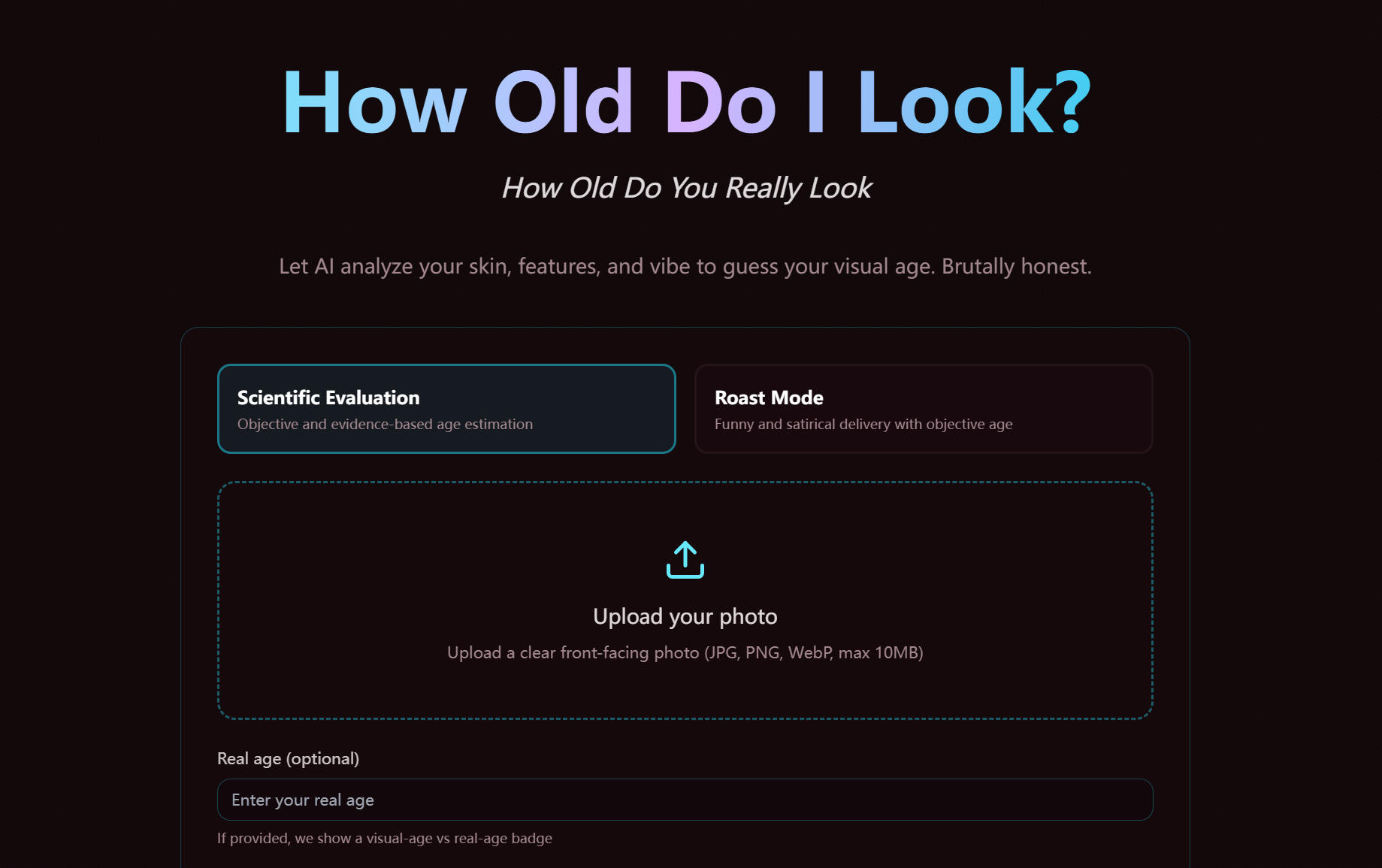
How Old Do I Look is a free AI-powered visual age estimator. Upload your photo and let How Old Do I Look analyze your skin, features, and vibe to guess your visual age — brutally honest, backed by research.
What Is How Old Do I Look?
How Old Do I Look is an AI feature on Pretty Scale that estimates your visual age from a single photo. Instead of returning just one number, How Old Do I Look breaks down eight key aging-related signals so you can understand exactly what drives your age impression — from skin smoothness to styling and vibe.
Optionally enter your real age, and How Old Do I Look will show a visual age vs. real age badge so you can see how young — or old — you really look.
Key Features of How Old Do I Look
🤖 AI Age Engine
How Old Do I Look analyzes multiple facial aging signals to estimate your visual age with confidence scoring.
📊 8-Dimension Age Breakdown
How Old Do I Look reports skin, eye, jawline, tone, and styling cues in one structured, easy-to-read result.
⚡ Instant Age Result
How Old Do I Look returns your estimated age, confidence level, and practical interpretation in seconds.
📤 Downloadable Result Card
How Old Do I Look lets you export your result card for sharing and progress tracking over time.
🔒 Privacy First
How Old Do I Look processes your image for analysis only and does not build a long-term archive of your raw uploads.
🆓 Free to Use
How Old Do I Look is currently free and does not consume any credits.
Two Evaluation Modes in How Old Do I Look
| Mode | Description |
|---|---|
| Scientific Evaluation | Objective, evidence-based visual age estimation |
| Roast Mode | Same accurate scoring, delivered in a funny and satirical tone |
Curious how old you really look? Try How Old Do I Look for free — upload your photo and get your visual age in seconds.
Featured Lovable Apps
Decision API
Decision API – Official Website, What It Is & How to Use
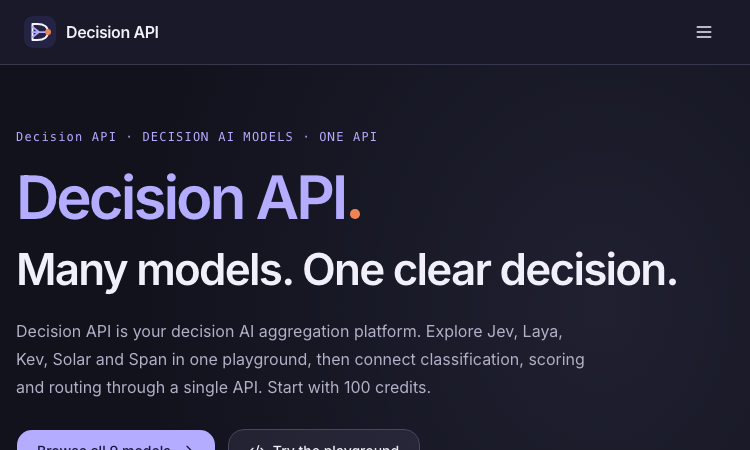
Decision API is a developer platform that aggregates decision AI models — Jev, Laya, Kev, Solar Decide, Span, Liquid, D1 and more — behind one playground and one unified API for classifying, scoring, and routing text. Instead of prompting an LLM and parsing prose, you send a state (a ticket, message, or record) plus structured questions and get back typed answers with probability distributions: a label (Choice), a rating along your rubric (Score), or a yes/no judgment with probability (Noul). Use it for customer-request routing, agent next-step selection, and claim-versus-evidence checking. An evaluation workspace lets you A/B test two models or question phrasings on the same cases before wiring one into production, and a single endpoint (POST /v1/systemone, Bearer auth) keeps the integration identical across all models — switching is a one-string change. New accounts get 100 free credits; paid packs are one-time ($10/$100/$1,000), credits never expire. Note: decisionapi.org is an independent platform — not the OpenAI Decisions API preview — and is the current home of the tool previously seen at decisions-api.org.
Explore App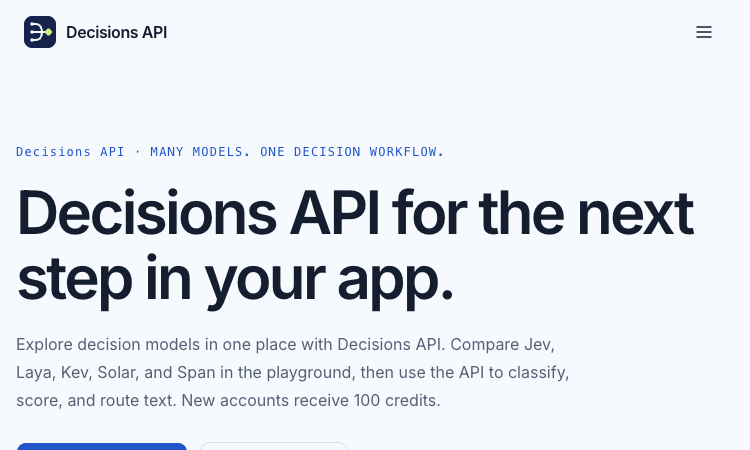
Decisions API
Decisions API – Official Website, What It Is & How to Use
Decisions API is an independent developer platform that brings multiple decision models — Jev, Laya, Kev, Solar Decide, and Span — into one playground and one unified API for classifying, scoring, and routing text. Instead of prompting an LLM and parsing prose, you send a state (a ticket, message, or record) plus structured questions and get back typed answers with probability signals: a label (Choice), a rating along your rubric (Score), or a yes/no judgment with probability (Noul). Use it for customer-request routing, agent next-step selection, and claim-versus-evidence checking. An evaluation workbench lets you A/B test two models or question phrasings on the same cases before wiring one into production, and a single endpoint (POST /v1/systemone, Bearer auth) keeps the integration identical across models. New accounts get 100 free credits; paid packs are one-time ($10/$100/$1,000) and credits never expire. Note: decisions-api.org is an independent platform, not the OpenAI Decisions API preview announced at DevDay.
Explore App
SdanceAI
Create short-form video with Seedance 2.5
SdanceAI is a browser-based Seedance 2.5 AI video generator and API service built for creators, marketers, developers, and production teams. Turn text prompts or reference images into short-form videos, adjust generation settings such as aspect ratio, duration, and resolution, track each task, and download completed videos as MP4 files. SdanceAI can support workflows for social media clips, advertisements, product launches, explainers, visual storytelling, and rapid creative testing. Developers can create an API key, submit generation tasks, monitor task status, and manage credit usage from the same platform. With a freemium, credit-based model and starter pricing from $9.90, SdanceAI makes Seedance 2.5 video creation accessible for individual experiments as well as automated application workflows. SdanceAI is an independent third-party product and is not affiliated with AI model providers.
Explore App
Twibird
Twitter bookmarks search made simple
Twibird is a Twitter bookmarks search tool designed for people who save valuable posts on Twitter/X and want an easier way to find them later. It turns a growing bookmark collection into a searchable personal knowledge library, helping users quickly rediscover useful threads, ideas, references, resources, and inspiration. Twibird reduces the time spent scrolling through old bookmarks and makes saved content easier to organize and revisit. It is useful for creators, researchers, marketers, founders, developers, and anyone who relies on Twitter/X for learning and discovery.
Explore App
GPT Image 2 API
Production-ready image generation and editing with GPT Image 2 API
GPT Image 2 API is a browser-based image generation and editing platform powered by GPT Image 2 for creators, designers, marketers, ecommerce teams, and developers. It turns detailed text prompts into polished images and supports targeted edits such as subject replacement, background changes, style updates, and local retouching. The platform is designed for practical creative work, including posters, product photography, advertisements, social media graphics, character sheets, comics, brand assets, and design mockups. GPT Image 2 API emphasizes readable text, stable composition, realistic materials, and consistent visual direction across multiple outputs. Users can export images in PNG or JPEG format, while developers can create API keys, submit image tasks, monitor task status, and manage credit-based usage from the dashboard. With freemium access and paid credits starting at $9.90, GPT Image 2 API gives both individuals and teams a flexible way to move from an initial concept to production-ready visual assets.
Explore App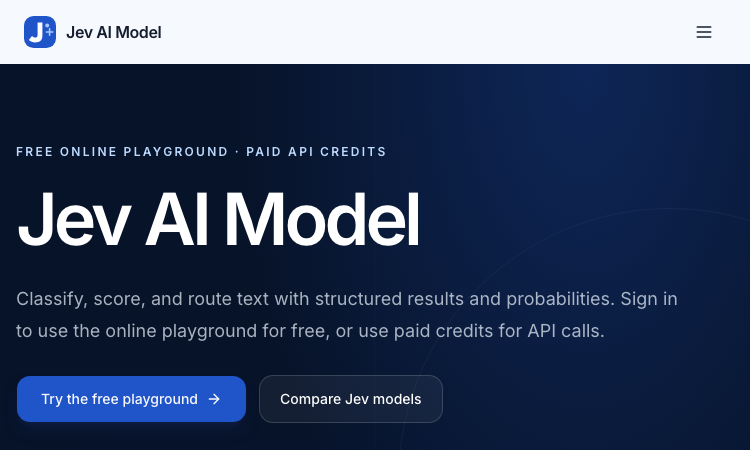
Jev AI Model
Jev AI Model – Official Website, What It Is & How to Use
Jev AI Model Official Website Jev AI Model is the model-focused home of the Jev decision engine: classify, score, and route text with structured results and probabilities — free online playground for signed-in users, paid credits for API calls. Official app: https://jevaimodel.net Creator: the Jev team (companion site to the Jev AI workspace at thejevai.com) Price: Freemium — playground free after sign-in; API usage via paid credits Login required: Yes — even the playground requires signing in Platform: Web playground + REST API (POST /v1/systemone) with a typed SDK Main use: Turning state plus typed questions (Choice / Score / Noul) into probability-backed decisions inside your code Last checked: 2026-09-23 Visit Jev AI Model We are not the official developer of Jev AI Model. This page helps users find, understand, and use the product. What Is Jev AI Model? Jev AI Model is not a chatbot — it is a decision model. You send state (a ticket, message, form fields, or the structured context your agent already sees) plus up to eight typed questions — Choice for classification, Score for ordered levels, Noul for yes/no — and one request returns typed answers with probabilities and confidence in 70–500ms, ready to branch on in code (if result.urgent: escalate()). This site adds two things the main product page doesn't. First, a published benchmark: JevBench v1.3.0 scores 52 systems across 534 decisions (snapshot Sep 21, 2026), with Jev 1.13.0 ranked #1 at 74.4, ahead of SemIf (73.1) and djev (73.0) — covering decision quality, probability calibration, speed, and cost per decision. Second, a 21-example interactive showcase with a clear specialty: agent trace evaluation — feeding an agent's tool-call trace into questions like taskcompletion, failuremode, and grounded_answer to grade whether an AI agent actually completed the task and whether its final response is grounded in its tool results. How to Use Jev AI Model Open the official Jev AI Model website and sign in — the playground is free for signed-in users. Pick one of the 21 decision workflows (e.g. agent trace evaluation) or build your own: enter state as Text or JSON. Define up to eight typed questions (Choice / Score / Noul), then click Generate decisions to see typed output with probabilities. Copy the POST /v1/systemone JSON preview, buy API credits, create a key, and wire the decision into your service via REST or the typed SDK. Is Jev AI Model Safe? The site runs on the jevaimodel.net domain over standard HTTPS and publishes API, Pricing, and Docs pages. Note the account gate: unlike the main Jev AI site, where the playground works without an account, here even the playground requires sign-in, and API calls use paid credits. Any state you send (tickets, messages, agent traces) leaves your system for classification, so treat customer-sensitive content accordingly — the same caution as any hosted AI API. The model's design supports safety use cases itself (pre-action checks around deletion and payment). No deceptive redirects were observed during review. Last checked September 2026. Why Is Jev AI Model Popular? As teams ship AI agents, evaluating and controlling them became the bottleneck of 2026: did the agent finish the task, is its answer grounded, when should a human step in? Jev AI Model answers exactly that with typed, probability-backed outputs — and backs its claims with a published, dated benchmark rather than adjectives. The free playground (just a sign-in) lets developers pressure-test it on a real scenario in minutes. Jev AI Model Not Working? If Jev AI Model fails to load: Refresh the page. Open it in another browser. Disable ad blockers temporarily. Check whether the original jevaimodel.net deployment is still online. Try again later if the developer is updating the app. Jev AI Model Alternatives Jev AI (thejevai.com) — the same decision engine with a no-login playground OpenAI Structured Outputs — typed JSON from GPT models you orchestrate yourself LangSmith — LLM/agent evaluation and tracing platform Frequently Asked Questions What is the official Jev AI Model website? The official website is https://jevaimodel.net. Is Jev AI Model free? The online playground is free once you sign in; API requests use paid credits. Do I need an account to use Jev AI Model? Yes — this site requires sign-in even for the playground (the companion thejevai.com playground needs no account). Who created Jev AI Model? The Jev team, which also publishes JevBench — an independent evaluation of decision-model quality across 52 systems. Is Jev AI Model still available? Yes, the site was live as of September 23, 2026.
Explore App