Overview
Qwen Image 2.1 Generator: a practical tool for your next project
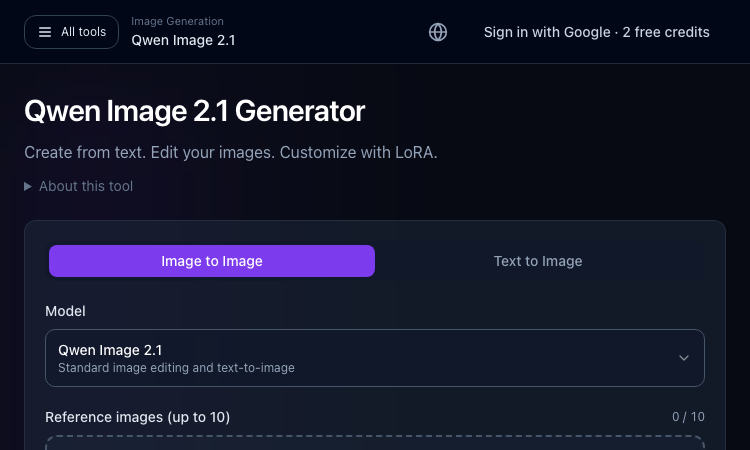
Qwen Image 2.1 Generator is a browser-based image creation and editing workspace on ImageLayered, powered by Qwen Image 2.1. It offers text-to-image and image-to-image modes, allowing users to make a new visual or refine supplied reference material in one place. The Qwen Image 2.1 Generator works best when the goal and expected output are clear before work begins. Teams can use Qwen Image 2.1 Generator to test the same task against their current process.
Choose text-to-image or editing, describe what should change and what to preserve, and add references if needed. The workspace supports up to ten images, LoRA customization, and 1K, 1.5K, or 2K outputs. Start with a clear prompt and adjust one constraint at a time. With Qwen Image 2.1 Generator, a small representative task is a better first test than a complicated edge case.
Qwen Image 2.1 Generator This page lets users try Qwen Image 2.1 without first assembling a local ComfyUI workflow. Use it for mockups, concepts, background changes, or iterative edits. The open model is also available for local workflows when users prefer pipeline control and have compatible hardware. The Qwen Image 2.1 Generator can be compared on the same example with another option when the choice is not obvious.
Directory visitors need a quick route from task to first result. Start with the input and output, then use one guided action to judge fit. A useful listing keeps that path clear before asking readers to study implementation details. For this audience, Qwen Image 2.1 Generator is easiest to judge in context rather than from a headline alone.
Check current account requirements, remaining credits, model options, and file rules before uploading work. For confidential images, confirm the service terms and choose a local workflow if needed. Check that Qwen Image 2.1 Generator fits your requirements for privacy, rights, setup, and output quality before relying on it.
Start with Qwen Image 2.1 Generator, test one representative task, and use the official documentation to confirm current access. Open the generator, select a mode, and begin with a small image edit or a short text prompt. The Qwen Image 2.1 Generator page has its current controls and terms. Compare Qwen Image 2.1 Generator with your existing workflow before adopting it.
Related apps
Happiepages
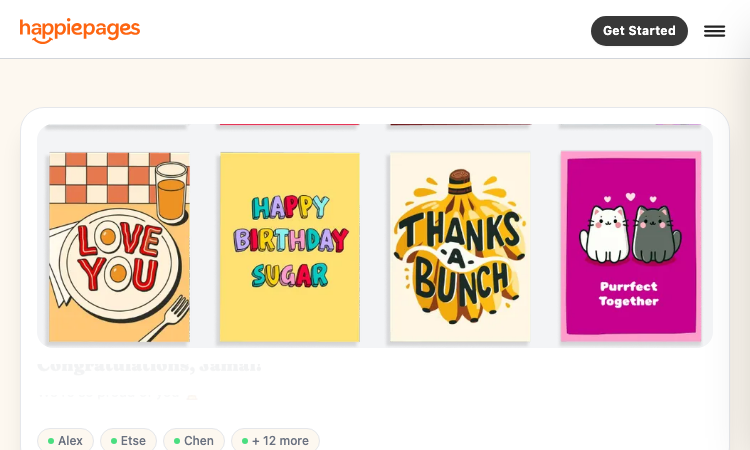
Happiepages - Digital greeting cards you can sign solo or with a group, sent online from anywhere.
Happiepages Happiepages is a browser-based digital greeting card service that lets anyone create a fun, personalized card for any occasion in just a few minutes. The product is…
Explore App
Infinite Worlds
Infinite Worlds — do whatever you want; the AI makes sense of any action and weaves it into a compelling story.
Infinite Worlds Infinite Worlds is an AI adventure game built around unlimited freedom. Most narrative games ask you to pick from a list of options the writers imagined in…
Explore App
SeaArt AI – Official Website
SeaArt AI – Official Website, What It Is & How to Use
SeaArt AI Official Website SeaArt AI is a web-based creation platform and community for generating and editing images, making videos, exploring models, and sharing work. The home…
Explore App
Sogni AI
Sogni AI turns a text prompt into finished images and video through 200+ creative models on a community-powered GPU network, with a free tier to start.
What Sogni AI Actually Is Most people meet generative art tools one at a time. A subscription here for photorealistic images, another one there for short video clips, a third for…
Explore App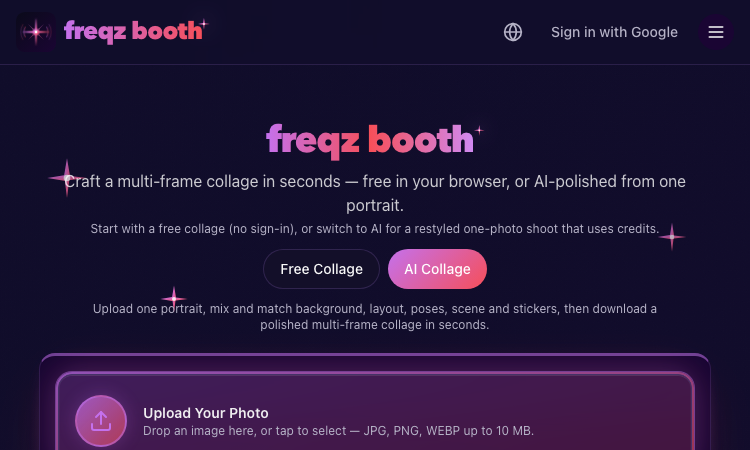
Ideal Photo Vercel
Ideal Photo Vercel- an AI photo booth app that builds shareable, multi-frame portrait strips from one photo.
Ideal Photo Vercel Ideal Photo Vercel reimagines the classic photo booth as a fast, web-based AI utility. From a single uploaded photo, the tool generates a clean, four-panel…
Explore App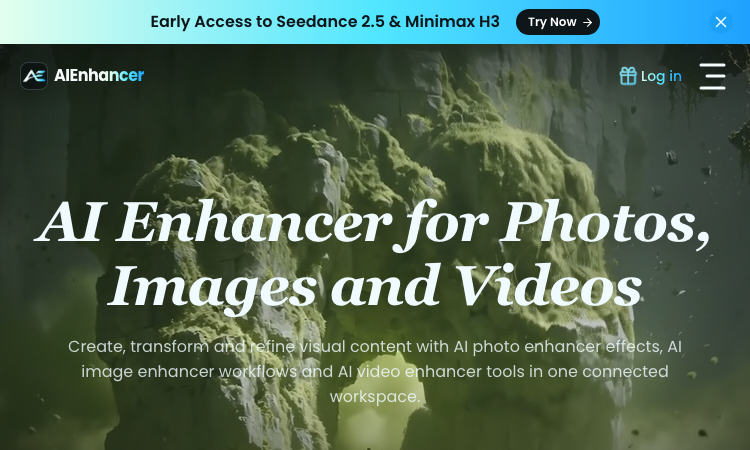
AIEnhancer
AIEnhancer – Official Website, What It Is & How to Use
AIEnhancer Official Website AIEnhancer is an all-in-one AI workspace for enhancing and creating photos, images, and videos, with 27 production-ready models and guided creative…
Explore App