Overview
Muse Official Website
Muse is Meta’s personal AI agent. Instead of only answering questions, it can plan and work through tasks across connected apps, then ask before sensitive actions such as sending an email or making a purchase.
- Official app: https://muse.ai/
- Creator: Meta
- Price: Free for most basic use; Meta says optional subscription plans are available for people who want to do more. Exact plans depend on rollout.
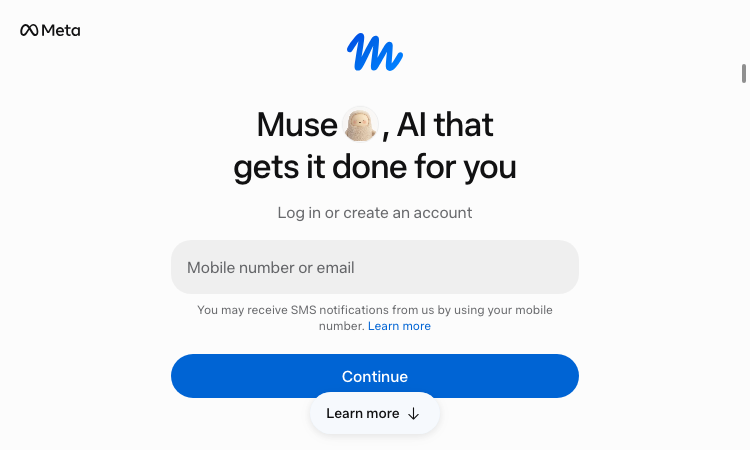
- Login required: Yes. The current site asks users to sign in or create an account with a phone number or email.
- Platform: Web, iOS, Android, and WhatsApp, subject to regional availability.
- Main use: Delegate research, planning, shopping, and other multi-step tasks to a personal AI agent.
- Last checked: September 29, 2026
We are not the official developer of Muse. This page helps users find, understand, and use the product.
What Is Muse?
Muse is Meta’s personal AI agent, powered by Muse Spark. You can describe a goal in ordinary language; Muse can make a plan, use a browser, and continue working in the background. Meta says the agent runs in a dedicated Muse Secure VM and checks with the user before sensitive actions. It is being rolled out in the United States through mobile apps, WhatsApp, and muse.ai, so access may vary by region.
How to Use Muse
- Open the official Muse website or app and sign in with your phone number or email.
- Describe a concrete task or goal, such as comparing options or organizing a plan.
- Review the proposed steps and choose which connected apps Muse may access.
- Check its activity log and approve any sensitive action when prompted.
Is Muse Safe?
Meta says Muse uses an isolated cloud computer, keeps connected credentials in secure storage, and asks for permission before sensitive actions. Meta also says users can disconnect apps and opt out of model training. These are the developer’s stated safeguards, not an independent security audit. Because an agent may act in connected services, grant only the access needed and review its activity before approving actions. Read Meta’s Muse announcement for the full privacy and safety details.
Why Is Muse Popular?
Meta introduced Muse in September 2026 as an agent that can continue working after the app is closed. That ability to carry out tasks, rather than only chat, is a likely reason for the recent interest. This explanation is an inference from the launch announcement and the product’s positioning.
Muse Not Working?
Availability is still rolling out by region. Confirm that Muse is available in your country, update the app, and check that the connected service is still authorized. If a task pauses, review the activity log for an approval request.
Alternatives
- ChatGPT agent: Another option for delegated browser and multi-step tasks; compare access controls and availability in your region.
- Meta AI: A better fit if you want Meta’s conversational assistant without delegating as much ongoing work.
Frequently Asked Questions
What is the official Muse website?
The official website is https://muse.ai/.
Is Muse free?
Meta says Muse is free for most needs, with optional subscription plans for additional use.
Do I need an account?
Yes. The current website presents a phone-or-email sign-in and account creation flow.
Who created Muse?
Muse is a Meta product.
Is Muse available everywhere?
No. Meta announced a United States rollout on iOS, Android, and muse.ai, with availability expanding over time.
Related apps

Pi Agent
Pi Agent - Terminal-based minimal coding agent harness with tree sessions, skills, and 15+ model providers.
Pi Agent Pi Agent is a minimal, terminal-based coding agent built around the idea that the harness should adapt to the developer instead of forcing the developer to adapt to the…
Explore App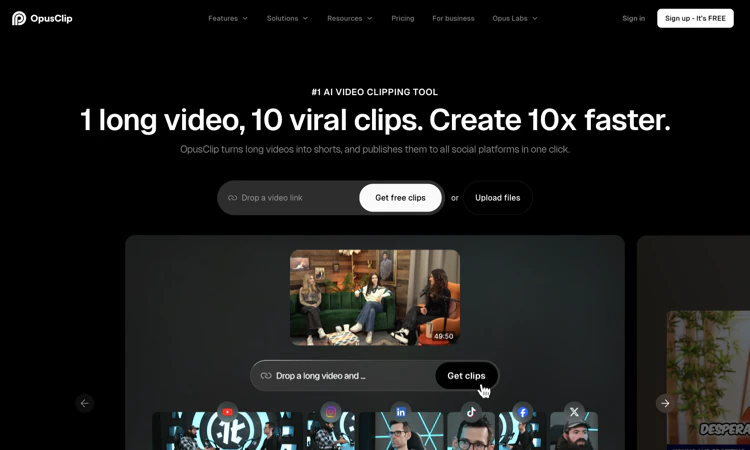
Opus Clip
Opus Clip – Explore its first-project workflow, official site, pricing, account needs, practical limits, safety checks, and troubleshooting.
Opus Clip – Official Website, What It Is & How to Use Opus Clip Official Website Opus Clip is an AI clipping and reframing platform for turning longer videos into short-form…
Explore App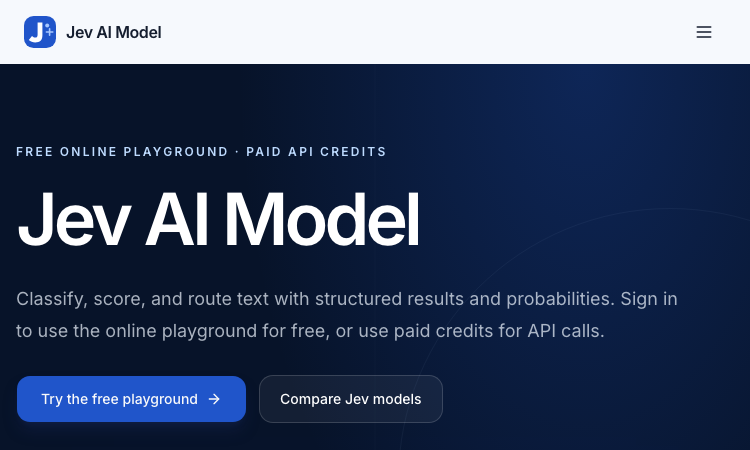
Jev AI Model
Jev AI Model – Official Website, What It Is & How to Use
Jev AI Model Official Website Jev AI Model is the model-focused home of the Jev decision engine: classify, score, and route text with structured results and probabilities — free…
Explore App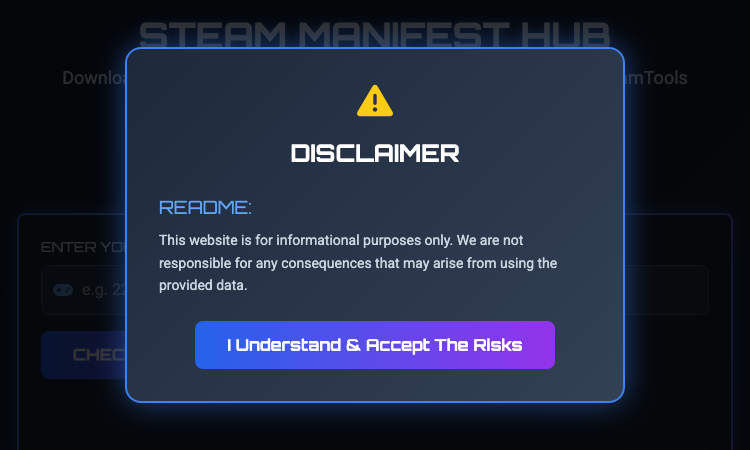
Steam Manifest
Steam Manifest - One-click tool to fetch Steam application manifests by App ID for use with SteamTools.
Steam Manifest Steam Manifest Hub is a free static-site utility for Steam users who want to download application manifests by simply entering a Steam App ID. The page lives on…
Explore App
Vizard AI
Vizard AI – Explore its first-project workflow, official site, pricing, account needs, practical limits, safety checks, and troubleshooting.
Vizard AI – Official Website, What It Is & How to Use Vizard AI Official Website Vizard AI is an AI video clipping and editing service for repurposing longer recordings. Official…
Explore App
Granola App
Granola App is the AI notepad for back-to-back meetings that turns spoken conversations into editable notes.
Granola App Granola App is built for the knowledge worker whose week is dominated by back-to-back meetings. Instead of forcing a choice between listening carefully and taking…
Explore App