Overview
Posewear — Three References, One Fashion Image
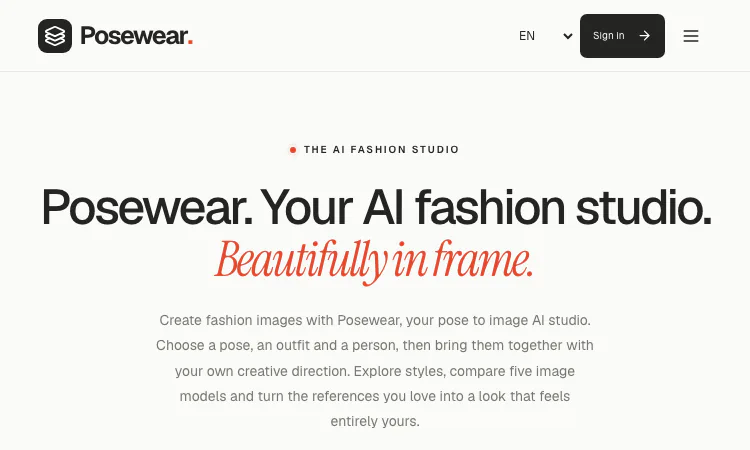
Posewear is a creative workspace for AI fashion imaging, and its workflow is refreshingly concrete. Instead of describing a scene from scratch, you give Posewear three visual anchors: a pose reference for silhouette and camera angle, an outfit reference for the clothing, and a person reference for face and hairstyle. A short creative-direction prompt in Posewear then sets lighting, background and mood, and the studio renders the combined look.
The Posewear create page is organized as four steps. Step one, choose a pose from the library or upload your own. Step two, choose an outfit. Step three, choose a person. Step four, write your creative direction — the default example reads "soft studio lighting, a warm neutral backdrop, natural expression and beautifully detailed fabric" — and pick an image model. Posewear offers GPT Image 2.6, Seedream 5.5, Kling Image 4.0, MiniMax H3 and MAI Image 2.7, with per-model credit pricing and five aspect ratios from 1:1 to 16:9.
What makes Posewear pleasant is that everything lives in one place: a creation feed shows your latest generations, a showcase offers inspiration from other Posewear users, and My Creations keeps your work organized. Posewear also supports four interface languages — English, Traditional Chinese, Japanese and Korean — and reminds you to generate only from images you own or have permission to use.
For designers, stylists and hobbyists who think in references rather than prose, Posewear is a studio that matches how fashion ideas actually form. Try a pose, an outfit and a person at Posewear and watch your next look come together.
Related apps

Tikdek AI video generator
Tikdek – AI Video Generator, AI Image Generator & Wan 3.0 API
Tikdek Create and edit AI images and videos with 30+ models. Seedance, Kling, Veo, Wan, GPT Image and Nano Banana behind one login and one credit balance — in the browser or via…
Explore App
AI virtual try-on & product photography
Upload once and generate model try-on images, multiple angle
Tryonr is an AI-powered virtual try-on and product photography tool for e-commerce. Upload a product photo and generate try-on images, multi-angle views, and listing-friendly…
Explore App
Wowovid – Kling AI Video Generator
Turn photos or text into video with Kling AI. Free preview, HD export with no watermark.
What is Wowovid? Wowovid is a web-based video generation tool built on Kling AI, designed for people who want AI-powered video without dealing with a complicated setup. Upload a…
Explore App
Wizstar AI
Tell your agent what to create.
Wizstar is an AI video platform built for ecommerce brands and content creators who need high-quality video at scale. The Wizstar AI video generator turns text prompts, images,…
Explore App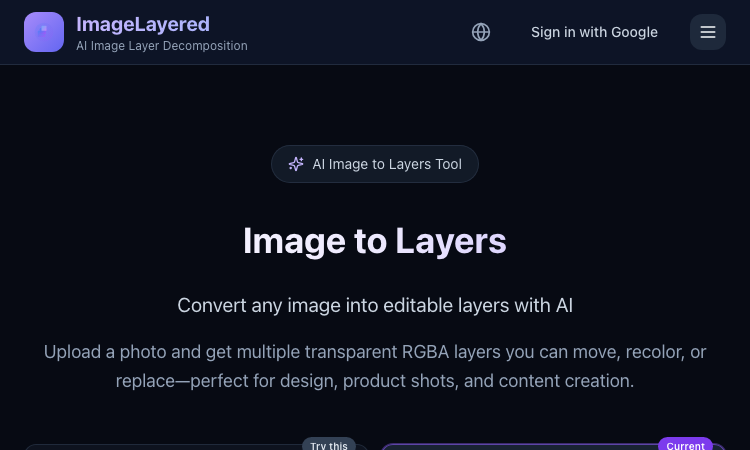
Image to Layers
Image to Layers – Official Website, What It Is & How to Use
Image to Layers Official Website Image to Layers is an AI image layer decomposition tool that turns one flat image into multiple editable transparent RGBA layers. Official app:…
Explore AppSubmify
Submify is an AI directory submission service with 7,000+ backlink sites. Let Codex auto-fill forms, verify emails and submit, and track every SaaS directory su
Submify Let Codex submit your backlinks for you. A 7,000+ backlink library plus Codex automation — auto-fill forms, verify emails, submit, and track every link's progress.…
Explore App