

Overview
Try OC Maker
Try OC Maker is an online AI character generator that helps you create original characters from text prompts and reference images. Describe your character’s appearance, outfit, personality, pose, and setting, or upload an existing image to create a new version.
Choose from anime, cartoon, fantasy, game, cyberpunk, and other character styles. You can create full-body OCs, character portraits, profile images, roleplay avatars, character sheets, and artwork for stories or games. Once your character is ready, use the AI Animation Generator to turn the image into a short animated video.
Key Features
- Create original characters from text prompts
- Generate new characters from reference images
- Customize faces, hairstyles, outfits, poses, and backgrounds
- Explore multiple anime and character art styles
- Create full-body OCs and character portraits
- Turn character images into animated videos
- Download high-quality results
- No drawing or animation skills required
Try OC Maker is designed for anime fans, writers, roleplayers, game creators, and anyone who wants to visualize an original character quickly.
Featured Lovable Apps

Mistral Large 4: Try Online, Pricing, AP
Use the Mistral Large 4 playground for free. Explore coding, writing and images, compare plans, and connect through the API.
Mistral Large 4 — Online Playground & Mistral Large 4 API Mistral Large 4 brings an online AI playground, developer API, and practical model guides together in one place. Use it to work through code, improve writing, ask questions about supplied documents, and understand images. When a prompt becomes useful enough to repeat, connect the same service to your application through the Mistral Large 4 API. The playground gives individuals and teams a place to try real tasks without writing integration code. Developers can move into an OpenAI-compatible REST interface with streaming responses, structured JSON output, image inputs, and function calling. Documentation, model comparisons, and deployment guides help explain the choices involved in building a workflow. About this service: mistrallarge4.com is independently operated and is not affiliated with Mistral AI. Its accounts, API keys, endpoint, and credit plans belong to this service. The underlying model is developed by Mistral AI. What you can do | Capability | Put it to work | | --- | --- | | AI conversations | Ask questions, explore ideas, and refine an answer through follow-up messages. | | Coding assistance | Explain functions, investigate errors, review implementation choices, and propose focused changes. | | English and Chinese writing | Draft, rewrite, and summarize text with a specified audience, tone, and terminology. | | Document questions | Supply relevant passages and ask for summaries, comparisons, or answers supported by the supplied text. | | Image understanding | Attach a public image URL to ask about a screenshot, diagram, or other visual context. | | Adjustable reasoning | Choose direct answers or higher reasoning effort according to the task. | | Structured responses | Request JSON in the playground or use JSON objects and JSON Schema through the API. | | Streaming API | Receive incremental response content for conversational applications. | | Function calling | Let the model request defined functions that your application validates and executes. | The documentation describes the supported inputs, controls, and service limits for each workflow. Who it is for | Audience | Example workflows | | --- | --- | | Software developers | Review a function, explain an unfamiliar module, or investigate a bug using relevant code and error messages. | | Writers and content teams | Turn a brief into a draft, adjust tone for a specific audience, or refine Chinese and English copy. | | Researchers and analysts | Compare supplied passages, summarize findings, and extract information into a structured response. | | Product and operations teams | Review screenshots, organize written feedback, and draft plans from provided context. | | Independent makers | Explore a product idea in the playground, then add an AI feature to an application. | | AI agent builders | Connect approved lookup functions and application tools to a conversational workflow. | For example, a developer can paste a failing function and its error message, ask for an explanation, and request a small proposed patch. A content team can provide a Chinese passage and ask for a rewrite that preserves product names, dates, and technical terminology. An analyst can attach a diagram URL and ask for an explanation alongside questions that still need clarification. Start in the playground Open the playground and sign in. Use an account on this website to send requests. Describe a concrete task. Include the relevant text, code, or public image URL, together with the result you need. Choose the response settings. Adjust the system prompt, reasoning effort, temperature, maximum output tokens, and text or JSON output. Review the answer. Check the result against your source material and follow up with missing context or corrections. Move a repeatable workflow into your app. Create an account API key and use the documented chat endpoint. A useful coding prompt: Review the following TypeScript function. Explain its purpose, identify edge cases supported by the code, and suggest one small improvement. Return a short explanation followed by the proposed change. A useful document prompt: Summarize the supplied passage for a product manager. Preserve the original dates and numbers, separate decisions from open questions, and cite the relevant passage for each conclusion. If the text does not answer a question, say so. Conversation context remains available while the playground page is open. Refreshing the page starts a new conversation, so copy answers you want to keep before leaving. Build with the Mistral Large 4 API The Mistral Large 4 API connects the service to applications, internal tools, and AI agents through an OpenAI-compatible chat interface. Start with a small text request, then add streaming, image inputs, structured output, or tools as the workflow requires. | Setting | Value | | --- | --- | | Base URL | https://mistrallarge4.com/api/v1 | | Chat endpoint | POST https://mistrallarge4.com/api/v1/chat/completions | | Model ID | mistral-large-4-0 | | Authentication | Authorization: Bearer | | Request format | Content-Type: application/json | | Reasoning effort | none or high | Create a key under Account → API Keys, then set MODELAPIKEY in your server environment to that account key. A minimal request looks like this: For a standard non-streaming response, read the answer from choices[0].message.content and token usage from usage. Keep API keys in your server environment. The API also supports: Streaming: set stream to true to receive Server-Sent Events and process incremental content. Image questions: combine text with an image_url content part pointing to an accessible public image. Structured output: use responseformat with jsonobject or a named json_schema to shape the response. Tool workflows: define functions in tools, inspect returned tool_calls, execute approved functions in your application, and return their results for the next model response. Reasoning control: choose none or high; reasoning tokens share the output budget with the visible answer. See the API guide for complete request examples, limits, and error handling. Use this site's endpoint, model ID, and account key together. Working with inputs and results The service accepts text and public image URLs. For document questions, extract the relevant text from a PDF before submitting it. Direct PDF, audio, and video uploads are not supported by the documented playground and chat API. The playground currently accepts up to 24 messages, 24,000 characters per message, a 96 KiB request body, and up to 16,384 output tokens. API limits differ. The underlying model's advertised context window should not be treated as the playground's input allowance; consult the current service limits when sizing a request. For code tasks, run the proposed change in your own environment. For document and image tasks, check names, numbers, quotations, and small visual details against the supplied material. Validate structured responses before using them in another system. Free access and paid usage Mistral Large 4 uses a freemium model. Signed-in users receive 30 free playground requests per day, resetting at midnight UTC+8 / Asia/Singapore. Requests admitted for generation count toward that allowance, including requests that subsequently fail or are cancelled. After the daily allowance, completed playground answers use credits. One-time credit packs and monthly subscriptions are available for additional usage. The daily free allowance applies to the playground; it does not establish a free allowance for API calls. Compare current prices and included credits on the pricing page, and read the usage guide before integrating billing-sensitive workflows. This service's billing is separate from Mistral AI's official API billing. About the organization The organization behind mistrallarge4.com was founded on May 1, 2026, and is led by Mason King, Founder & CEO, in Seattle, United States. The team has 10 full-time employees and focuses on accessible AI experimentation and developer integrations. This profile introduces the independent web service and its developer entry points. For product questions, account help, or collaboration inquiries, email support@mistrallarge4.com. Explore the product Website — Product overview and model information. Playground — Try text, code, and image questions online. Documentation — Read API examples, controls, and service limits. Pricing — Compare credit packs and subscriptions. Model Comparison — Explore evaluation questions and model choices. Deployment Guide — Review weight availability and deployment considerations. Blog — Browse tutorials and model guides.
Explore App
DecisionsApi
Text in. Decisions out.
DecisionsApi is a developer-focused AI platform for testing decision models in an online playground and integrating them through an API. Developers provide text, JSON objects, or arrays of text as state, define typed Choice, Score, or Noul (yes/no) questions, and receive structured answers with probabilities, confidence, usage, and request details. The platform supports customer-request routing, agent next-step selection, evidence checks, safety gates, and human-review workflows, with API key management, usage history, and one shared credit balance across the playground and API.
Explore App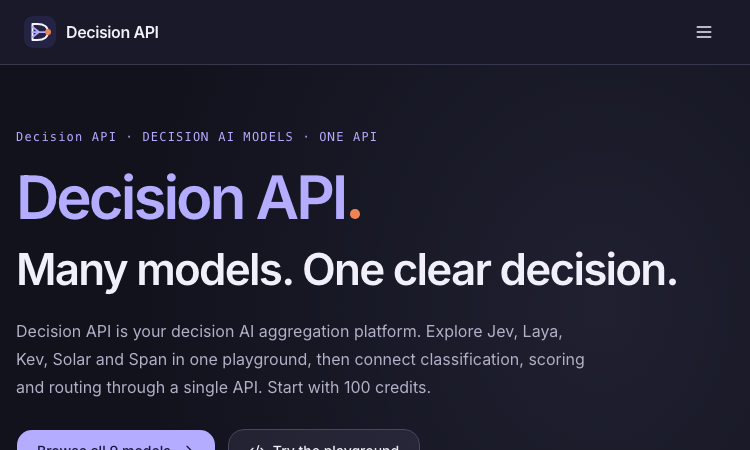
Decision API
Decision API – Official Website, What It Is & How to Use
Decision API is a developer platform that aggregates decision AI models — Jev, Laya, Kev, Solar Decide, Span, Liquid, D1 and more — behind one playground and one unified API for classifying, scoring, and routing text. Instead of prompting an LLM and parsing prose, you send a state (a ticket, message, or record) plus structured questions and get back typed answers with probability distributions: a label (Choice), a rating along your rubric (Score), or a yes/no judgment with probability (Noul). Use it for customer-request routing, agent next-step selection, and claim-versus-evidence checking. An evaluation workspace lets you A/B test two models or question phrasings on the same cases before wiring one into production, and a single endpoint (POST /v1/systemone, Bearer auth) keeps the integration identical across all models — switching is a one-string change. New accounts get 100 free credits; paid packs are one-time ($10/$100/$1,000), credits never expire. Note: decisionapi.org is an independent platform — not the OpenAI Decisions API preview — and is the current home of the tool previously seen at decisions-api.org.
Explore App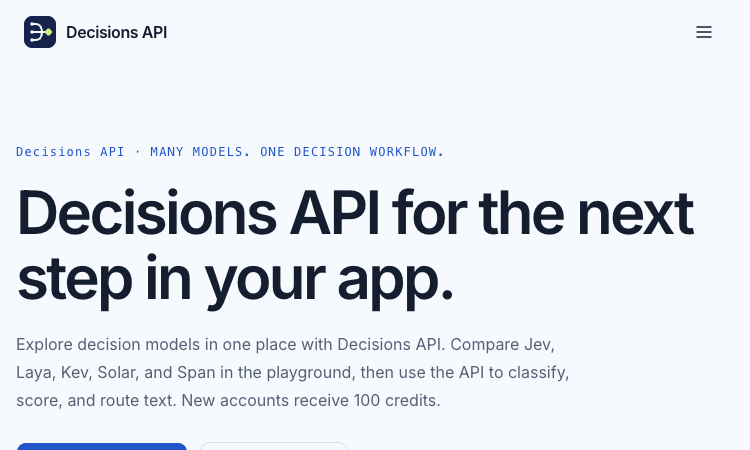
Decisions API
Decisions API – Official Website, What It Is & How to Use
Decisions API is an independent developer platform that brings multiple decision models — Jev, Laya, Kev, Solar Decide, and Span — into one playground and one unified API for classifying, scoring, and routing text. Instead of prompting an LLM and parsing prose, you send a state (a ticket, message, or record) plus structured questions and get back typed answers with probability signals: a label (Choice), a rating along your rubric (Score), or a yes/no judgment with probability (Noul). Use it for customer-request routing, agent next-step selection, and claim-versus-evidence checking. An evaluation workbench lets you A/B test two models or question phrasings on the same cases before wiring one into production, and a single endpoint (POST /v1/systemone, Bearer auth) keeps the integration identical across models. New accounts get 100 free credits; paid packs are one-time ($10/$100/$1,000) and credits never expire. Note: decisions-api.org is an independent platform, not the OpenAI Decisions API preview announced at DevDay.
Explore App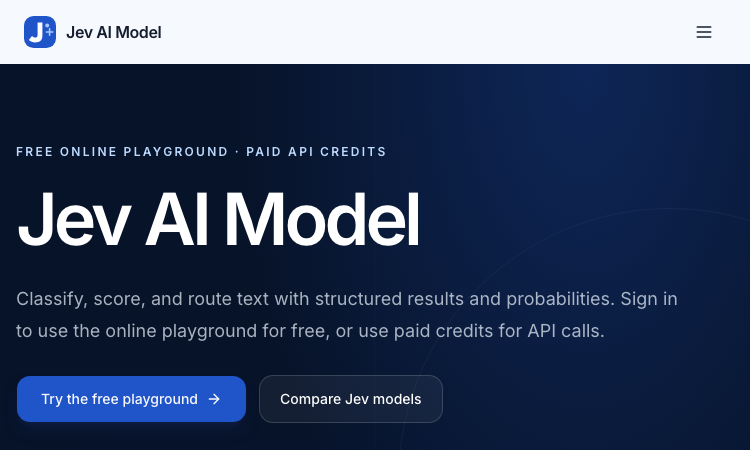
Jev AI Model
Jev AI Model – Official Website, What It Is & How to Use
Jev AI Model Official Website Jev AI Model is the model-focused home of the Jev decision engine: classify, score, and route text with structured results and probabilities — free online playground for signed-in users, paid credits for API calls. Official app: https://jevaimodel.net Creator: the Jev team (companion site to the Jev AI workspace at thejevai.com) Price: Freemium — playground free after sign-in; API usage via paid credits Login required: Yes — even the playground requires signing in Platform: Web playground + REST API (POST /v1/systemone) with a typed SDK Main use: Turning state plus typed questions (Choice / Score / Noul) into probability-backed decisions inside your code Last checked: 2026-09-23 Visit Jev AI Model We are not the official developer of Jev AI Model. This page helps users find, understand, and use the product. What Is Jev AI Model? Jev AI Model is not a chatbot — it is a decision model. You send state (a ticket, message, form fields, or the structured context your agent already sees) plus up to eight typed questions — Choice for classification, Score for ordered levels, Noul for yes/no — and one request returns typed answers with probabilities and confidence in 70–500ms, ready to branch on in code (if result.urgent: escalate()). This site adds two things the main product page doesn't. First, a published benchmark: JevBench v1.3.0 scores 52 systems across 534 decisions (snapshot Sep 21, 2026), with Jev 1.13.0 ranked #1 at 74.4, ahead of SemIf (73.1) and djev (73.0) — covering decision quality, probability calibration, speed, and cost per decision. Second, a 21-example interactive showcase with a clear specialty: agent trace evaluation — feeding an agent's tool-call trace into questions like taskcompletion, failuremode, and grounded_answer to grade whether an AI agent actually completed the task and whether its final response is grounded in its tool results. How to Use Jev AI Model Open the official Jev AI Model website and sign in — the playground is free for signed-in users. Pick one of the 21 decision workflows (e.g. agent trace evaluation) or build your own: enter state as Text or JSON. Define up to eight typed questions (Choice / Score / Noul), then click Generate decisions to see typed output with probabilities. Copy the POST /v1/systemone JSON preview, buy API credits, create a key, and wire the decision into your service via REST or the typed SDK. Is Jev AI Model Safe? The site runs on the jevaimodel.net domain over standard HTTPS and publishes API, Pricing, and Docs pages. Note the account gate: unlike the main Jev AI site, where the playground works without an account, here even the playground requires sign-in, and API calls use paid credits. Any state you send (tickets, messages, agent traces) leaves your system for classification, so treat customer-sensitive content accordingly — the same caution as any hosted AI API. The model's design supports safety use cases itself (pre-action checks around deletion and payment). No deceptive redirects were observed during review. Last checked September 2026. Why Is Jev AI Model Popular? As teams ship AI agents, evaluating and controlling them became the bottleneck of 2026: did the agent finish the task, is its answer grounded, when should a human step in? Jev AI Model answers exactly that with typed, probability-backed outputs — and backs its claims with a published, dated benchmark rather than adjectives. The free playground (just a sign-in) lets developers pressure-test it on a real scenario in minutes. Jev AI Model Not Working? If Jev AI Model fails to load: Refresh the page. Open it in another browser. Disable ad blockers temporarily. Check whether the original jevaimodel.net deployment is still online. Try again later if the developer is updating the app. Jev AI Model Alternatives Jev AI (thejevai.com) — the same decision engine with a no-login playground OpenAI Structured Outputs — typed JSON from GPT models you orchestrate yourself LangSmith — LLM/agent evaluation and tracing platform Frequently Asked Questions What is the official Jev AI Model website? The official website is https://jevaimodel.net. Is Jev AI Model free? The online playground is free once you sign in; API requests use paid credits. Do I need an account to use Jev AI Model? Yes — this site requires sign-in even for the playground (the companion thejevai.com playground needs no account). Who created Jev AI Model? The Jev team, which also publishes JevBench — an independent evaluation of decision-model quality across 52 systems. Is Jev AI Model still available? Yes, the site was live as of September 23, 2026.
Explore App
Get Face Report
Get Face Report – Official Website, What It Is & How to Use
Get Face Report Official Website Get Face Report is a photo-based face analysis tool: a free on-device scan of your facial proportions, symmetry, and shape, with an optional one-time $14.79 full report covering styling guidance and six hairstyle previews on your own face. Official app: http://getfacereport.com Creator: Get Face Report team Price: Freemium — first scan free, full report $14.79 once (no subscription) Login required: No for the free scan; Google sign-in to save and revisit a purchased report Platform: Web (free analysis runs in your browser, on this device) Main use: Understanding facial proportions, symmetry, and shape, then acting on it with hairstyle and styling recommendations Last checked: 2026-09-20 Visit Get Face Report We are not the official developer of Get Face Report. This page helps users find, understand, and use the product. What Is Get Face Report? Get Face Report turns a single front-facing photo into a structured read of your face geometry — proportions, symmetry, harmony, structure — scored in a sample dossier (e.g. Symmetry 84, Harmony 86). What makes it different from typical face-rating apps is restraint and privacy: the first scan runs entirely on your device (no upload, no account), the scores come with honest caveats (photo-based geometric estimates affected by lighting and pose — "not objective judgments of your worth or medical assessments"), and the paid report is action-oriented rather than a vanity number: individual observations with evidence, strengths and priorities, a four-week plan, color and eyewear guidance, and six AI hairstyle concepts rendered on your own face (labeled illustrative, not predictions). Around the core report sit focused tools — PSL Scale analysis, Hunter Eyes, Golden Ratio Face, Face Shape Detector, Face Symmetry Test, AI Hairstyle Changer — plus guides that explain the terminology and limits of photo-based analysis. How to Use Get Face Report Open the official Get Face Report website and choose a clear front-facing photo (neutral expression, even light; a side photo is optional context). Start the free analysis — the scan of proportions and symmetry runs in your browser; no account needed. Review the measurements, then decide whether to purchase the full report ($14.79, one-time) with Google sign-in. Explore your detailed observations, prioritized four-week plan, styling guidance, and six hairstyle previews; revisit anytime under My reports. Is Get Face Report Safe? The privacy model is unusually explicit: free scans never leave your device, and only when you purchase are your photos and generated concepts stored privately with your report until you delete them. Payment is a one-time purchase with no subscription, and login is Google-based rather than a fresh password. Honest limitations: a front photo is required; unseeable profile features are not scored; results are geometric estimates, not medical assessments. The site publishes Privacy and Terms pages. The main caveat is inherent to the category — you are uploading face photos for the paid features, so consider what that means for you. During review, no deceptive redirects were observed. Last checked September 2026. Why Is Get Face Report Popular? Face-analysis tools ride two currents: the looksmaxxing/PSL-scale vocabulary that spread through TikTok and Reddit, and the practical "what hairstyle suits my face shape?" question everyone asks before a haircut. Get Face Report serves both — it speaks the PSL/Hunter Eyes/Golden Ratio language that community searches for, while steering toward constructive output (priorities, a plan, hairstyle previews) instead of a single harsh rating. Get Face Report Not Working? If Get Face Report fails to load: Refresh the page. Open it in another browser. Disable ad blockers temporarily. Check whether the original getfacereport.com deployment is still online. Try again later if the developer is updating the app. Get Face Report Alternatives FaceShape app — face shape detection with hairstyle ideas Golden Ratio Face apps — symmetry and proportion scoring on mobile Frequently Asked Questions What is the official Get Face Report website? The official website is http://getfacereport.com. Is Get Face Report free? The first face report scan is free and runs on-device. The full saved report is a one-time $14.79 purchase — no subscription. Do I need an account to use Get Face Report? No account is needed for the free scan. Google sign-in is required to save and revisit a purchased report. Who created Get Face Report? The Get Face Report team; the site publishes Privacy, Terms, and Contact pages. Is Get Face Report still available? Yes, the site was live as of September 20, 2026.
Explore App