Overview
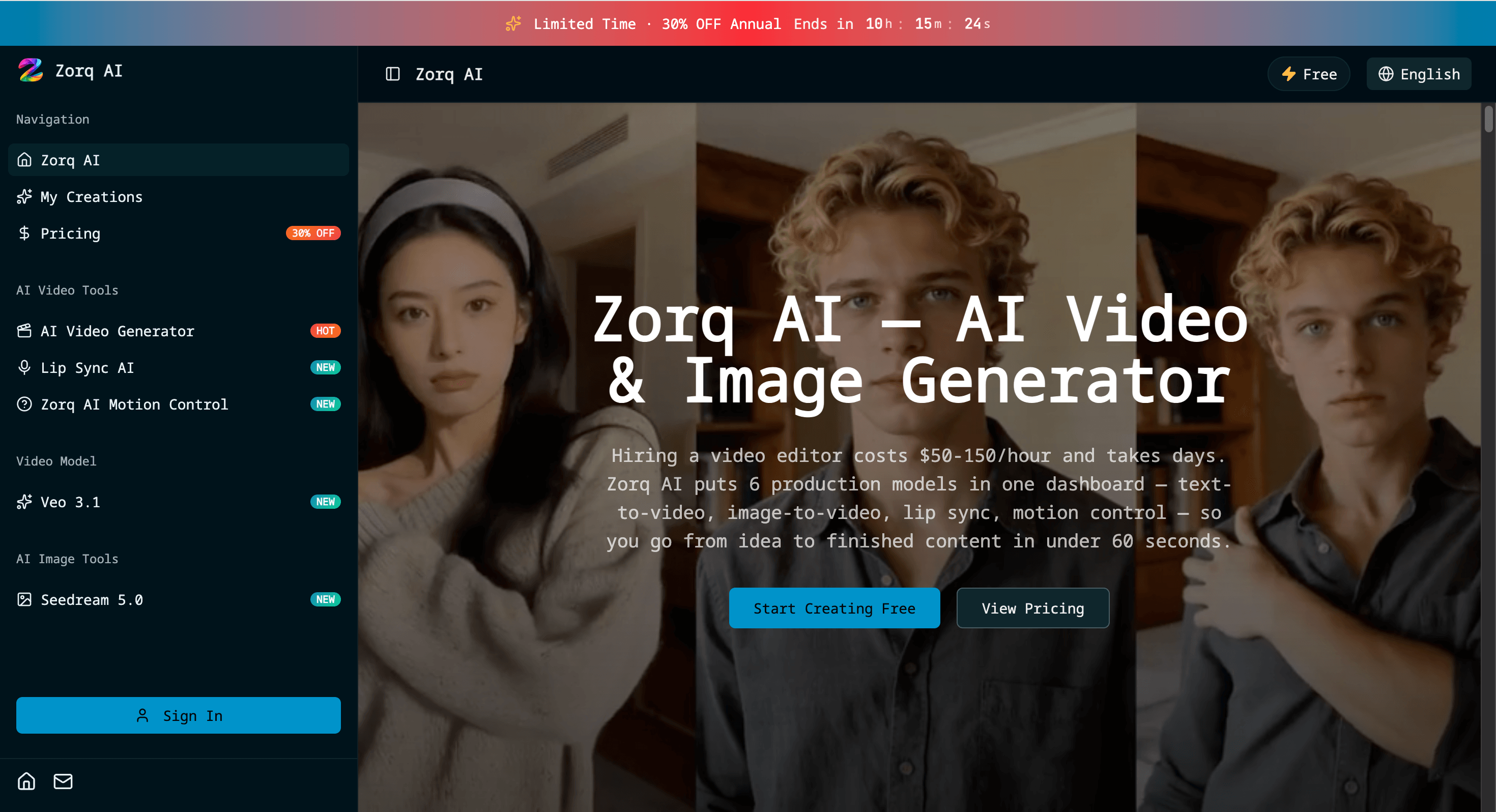
Zorq AI is an AI video generator and AI image generator designed for creators, marketers, and businesses that want to produce high-quality visual content faster.
With Zorq AI, users can create AI videos and AI images from text prompts, images, and reference footage in one place. The platform combines several popular AI creation workflows, including text-to-video, image-to-video, AI lip sync, motion control, and AI art generation, helping users turn ideas into ready-to-use content for social media, advertising, branding, education, and entertainment.
Zorq AI is built for modern content production. Instead of relying on multiple separate tools, users can manage different creative tasks inside one platform, from generating concept images to producing short AI videos, animated characters, talking avatars, product visuals, and promotional clips. This makes it useful for content creators, agencies, e-commerce brands, AI influencer projects, and teams that need to test and publish visual assets at scale.
Key features
- AI video generator for turning text and images into dynamic videos
- AI image generator for concepts, thumbnails, product visuals, and creative assets
- Text-to-video workflow for rapid video creation
- Image-to-video generation for bringing still images to life
- AI lip sync for talking portraits, avatars, and character videos
- Motion control tools for transferring movement from reference footage
- Fast workflow for social media videos, ad creatives, and marketing content
- High-quality output options for creators and commercial teams
- Private creation and commercial use options on supported plans
Best for
- AI video creation
- AI image generation
- Social media content production
- Marketing and advertising creatives
- AI influencer and avatar videos
- Product promotion and brand storytelling
- Educational and explainer content
- Creative testing and visual prototyping
Zorq AI helps simplify AI content creation by combining AI video generation and AI image generation into one workflow. It is a practical choice for anyone looking for an all-in-one AI creative tool to make visual content faster, easier, and more scalable.
Related apps
Qoves AI
Qoves AI analyzes portraits across six evidence-based dimensions, measuring facial proportions and light to suggest reversible style changes worth testing.
Qoves AI Turns One Clear Selfie Into an Evidence-Based Portrait Plan Qoves AI is a browser-based AI portrait analysis platform built around a simple promise: stop guessing what…
Explore App
ArchyBase
Transform Ideas into Reality with AI
Simply upload a photo of your existing room or house. Our AI design generator will analyze the structure and propose stunning new styles while keeping the layout intact.
Explore App
whisk ai
Turn your image references into fresh, creative visuals with an intuitive, image-first workflow inspired by advanced AI
If you’re tired of writing long prompts just to get one decent image, you might want to try Whisk AI. It’s an AI image tool inspired by a more workflow-driven approach — instead…
Explore App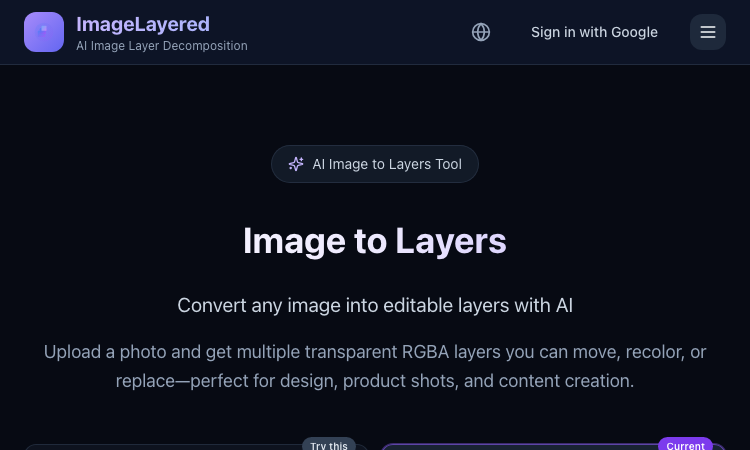
Image to Layers
Image to Layers – Official Website, What It Is & How to Use
Image to Layers Official Website Image to Layers is an AI image layer decomposition tool that turns one flat image into multiple editable transparent RGBA layers. Official app:…
Explore AppSwapAnything.io
AI Platform to Swap Faces, Clothes, and More
SwapAnything.io is an online platform combining AI-powered visual editing tools with browser-based file format converters. The AI tools use deep learning to detect facial…
Explore App
Seedance 2.0
Create professional 1080p AI videos from text and images without complex editing software.
Seedance 2.0 is an AI video generator that helps creators produce high-quality cinematic footage using models like Sora and Veo. By converting text prompts and images into 1080p…
Explore App