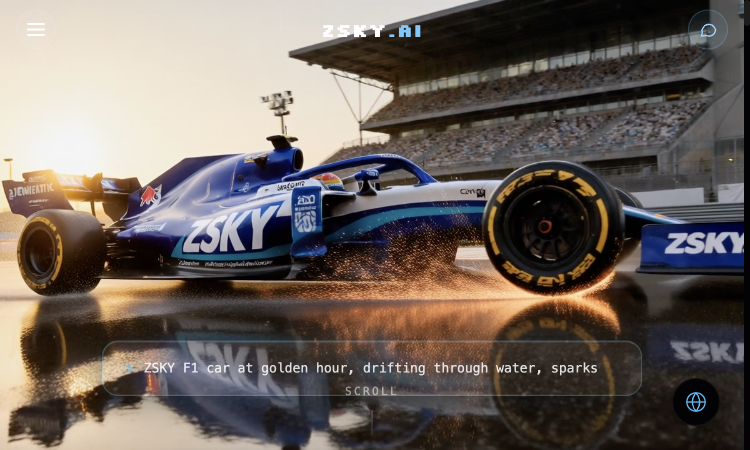
Overview
ZSky AI: A Practical Overview
ZSky AI is an online image and video creation studio that combines prompt-led generation, image editing, and image-to-video workflows. This listing on lovableapp.org looks at a broad discovery catalog and helps creators who want to understand a tool quickly and decide whether it fits a real task. Visit ZSky AI to inspect the current product page and see its available workflow for yourself.
What the Product Helps You Do
A user can start with a text prompt or a still image, choose an image, video, or image-to-video route, set a format, and review the result. The site also presents creative guidance and prompt refinement as part of the experience, which can help when a brief is still taking shape. ZSky AI keeps the focus on a clear sequence: bring an idea or source asset, choose an appropriate action, review a result, and make a considered revision. A good first test is a small project with a clearly defined goal, since that makes it easier to judge output quality, control, and the time saved.
Features and Everyday Use
ZSky AI describes image creation, text-to-video, image-to-video, editing, and creative direction in one studio. Its public site advertises multiple output tiers and a free entry option; plan limits, watermarks, and current generation conditions should be checked on the live pricing page before relying on them. For a first project, ZSky AI can be assessed with a concrete example rather than a broad prompt: describe the intended output, set the needed format, and compare the result with the original requirement. This makes the strengths and limitations of ZSky AI easier to see.
Who May Find It Useful
Possible workflows include producing an initial visual from a short description, animating a reference still, testing alternate aspect ratios for social posts, and iterating on a concept before editing it elsewhere. This makes the service relevant to creators, small teams, and people learning how to direct generative media with prompts. The best use of ZSky AI depends on the user's starting material and the amount of control needed. Someone exploring ideas may value speed and variety, while a professional workflow may require consistent outputs, clear export settings, and terms that fit client work.
Details to Check Before Adopting It
Evaluate prompt controls, image and video duration, resolution, audio behavior, credits, queue time, watermark rules, and rights for the plan you intend to use. A quick comparison of those settings will show whether the free route is enough for a test or a paid plan is needed for delivery. Compare the current product information with your own requirements instead of assuming every feature is included in every plan. A short trial project can reveal how well ZSky AI handles your subject, whether its controls are understandable, and how much refinement is usually needed.
Product Link
For an up-to-date overview, visit ZSky AI. ZSky AI is included in this a broad discovery catalog collection because its workflow offers a practical route for users exploring this category. Review the official page for the current feature set, supported formats, pricing, and usage conditions before building it into a longer-term process.
Related apps
Palmier Io
Palmier Io - an AI-native desktop video editor with multi-model AI generation on the timeline.
Palmier Io Palmier Io is an AI-native video editor built for creators who want to generate and edit AI media in one continuous workflow. Instead of juggling separate AI…
Explore App
Viggle AI
Viggle AI — Start with the core task and use the guided workflow to evaluate fit.
Viggle AI: a practical tool for your next project Viggle AI is a video and character-animation product with motion transfer, character replacement, 3D character, and developer…
Explore App
Love Meter
Love Meter - Spanish Android app that calculates a fun love-percentage score from two names, no signup needed.
Love Meter Love Meter is a Spanish-language Android app that turns name entry into a quick, shareable love-percentage calculator. Published by Rolio Solutions and listed on…
Explore App
Flower Wand Garden
Flower Wand Garden turns hand gestures into a playful garden of growing and scattering flowers.
Flower Wand Garden: A Gesture-Controlled Digital Garden From a product-discovery perspective, Flower Wand Garden is presented for people looking for delightful, experimental web…
Explore App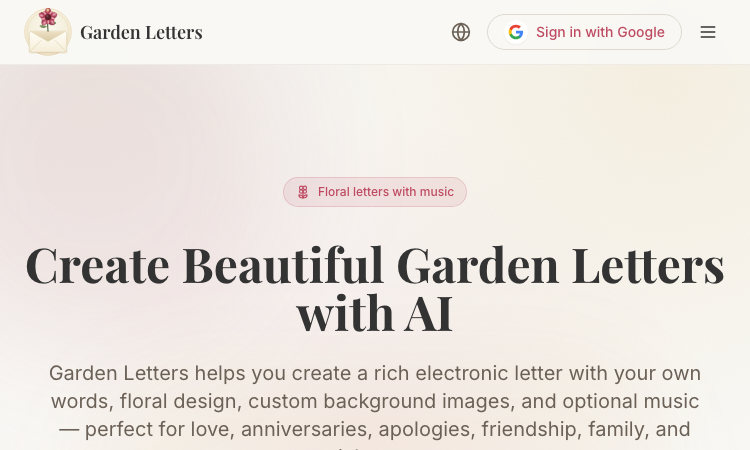
Garden Letters
Garden Letters- Create floral AI letters with custom backgrounds, music, and sealed sharing.
Garden Letters Garden Letters is an expressive AI-assisted letter creation tool built for moments when ordinary messaging is not enough. It gives users a simple way to compose a…
Explore App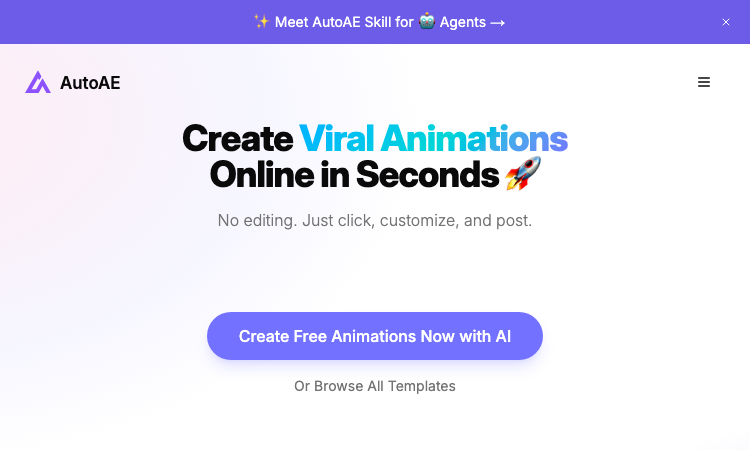
AutoAE
AutoAE – Official Website, What It Is & How to Use
AutoAE Official Website AutoAE is an AI motion graphic designer for creators: turn a script or idea into ready-to-post viral animations — text animations, product mockups, 3D…
Explore App