
Overview
Cue by Manus Official Website
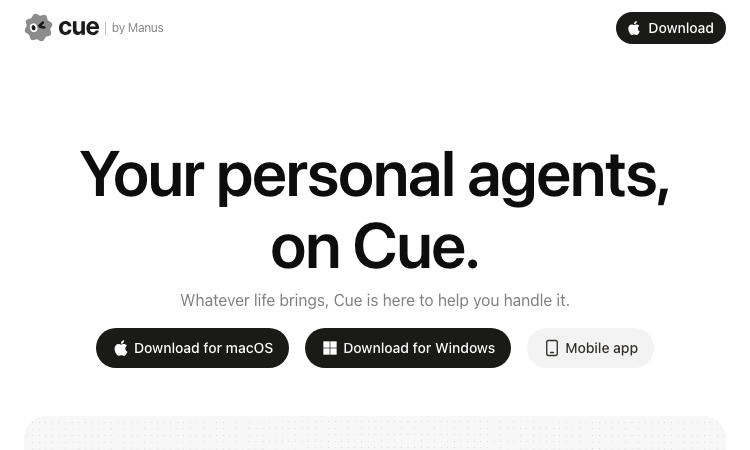
Cue by Manus is a personal AI agent app designed to help with practical tasks across everyday life and work. A Cue agent is presented as having its own identity and workspace, including a dedicated computer and, depending on the task, a phone number, email, or wallet. The product connects agents to useful services so they can carry out multi-step requests instead of only returning a chat response. See the official Cue website and Manus’s Introducing Manus 2.0 announcement.
- Official app: https://cue.im/
- Creator: Manus (Butterfly Effect Pte. Ltd.)
- Price: Free during the announced early-access period; future pricing may change.
- Login required: Early access is invite-based and requires onboarding; availability can change.
- Platform: Web, macOS, Windows, and mobile. Android is listed on Google Play; check Cue for current iOS availability.
- Main use: Delegate personal and work tasks to AI agents with their own workspace and connected apps.
- Last checked: October 1, 2026
We are not the official developer of Cue by Manus. This page helps users find, understand, and use the product.
What Is Cue by Manus?
Cue is Manus’s app for personal AI agents. The main difference from a typical chatbot is the way Cue frames an agent as something that can use a workspace and connected services to complete a task: the official site describes agents with a dedicated computer, plus their own phone number, email, and wallet. The site also illustrates everyday use cases such as travel planning, shopping, communication, administration, and work. Cue was introduced with Manus 2.0 on September 28, 2026, so searches for “Cue by Manus” may be driven by the new launch and the idea of giving an agent a persistent identity. That launch connection is a likely explanation for the interest, not a confirmed source of every search.
How to Use Cue by Manus
- Open the official Cue website and choose the web or app option currently offered for your device.
- Sign in and follow the early-access instructions. Manus’s launch announcement listed the invite code
MEETCUE; check the current site because invitation rules can change. - Set up an agent and connect only the services needed for your task. Cue’s examples include travel, email, and personal routines.
- Describe the outcome you want, review the agent’s proposed actions, and check the result before relying on it for an important task.
Is Cue by Manus Safe?
The official product is linked from Manus’s announcement and uses the cue.im domain. Cue is designed to work with personal services and information, so review each requested permission and connect only accounts you are comfortable using with an AI agent. The public product page describes capabilities but is not a substitute for reviewing Cue’s current privacy policy, terms, and permission prompts. Manus announced that Cue was free during early access; that does not establish future pricing or guarantee that every connected feature has no separate limits. Avoid sharing passwords or payment details in a chat unless the official flow explicitly requests them.
Why Is Cue by Manus Popular?
Cue was introduced in Manus’s September 28, 2026 Manus 2.0 announcement as a new app for personal agents. The promise of agents with their own computer, contact details, and connected apps gives the product a more hands-on personal-assistant angle than a standard chat interface. The launch timing is a plausible reason for renewed searches, although there is no public evidence tying every search spike to a particular post or campaign.
Cue by Manus Not Working?
If you cannot get started:
- Confirm that you are on cue.im and that the invite or early-access process is still open.
- Re-enter the invite code exactly as shown in the current Manus announcement or Cue flow; an older code may stop working.
- Update the desktop or mobile app, or try the web experience in a current browser.
- If a connected service fails, review its authorization and reconnect it through Cue rather than sharing your password with the agent.
- Try again later if access is temporarily limited during the early-access rollout.
Cue by Manus Alternatives
- Manus — the broader Manus agent product for research and multi-step work tasks.
- OpenClaw — a personal-assistant agent framework for people who want to configure and host a more technical setup themselves.
Frequently Asked Questions
What is the official Cue by Manus website?
The official website is https://cue.im/.
Is Cue by Manus free?
Manus announced Cue as free during early access. Check the official site for current access and pricing terms.
Do I need an account or invite code?
Cue launched through an invite-based early-access flow. Sign-in and an invite may be required; follow the current instructions on Cue because access can change.
Who created Cue by Manus?
Cue is a Manus product. The Android listing names BUTTERFLY EFFECT PTE. LTD. as its developer.
Is Cue by Manus still available?
The official Cue site and Manus launch announcement were available when checked on October 1, 2026. Entry to the product may still depend on early-access availability and an invite.
Related apps

Vercel Eve
Vercel Eve - Build and deploy production AI agents with tools, skills, workflows, sandboxes, and channels
Vercel Eve Vercel Eve is a developer framework for creating, deploying, and operating production AI agents on Vercel infrastructure. It gives agent projects a structured format…
Explore App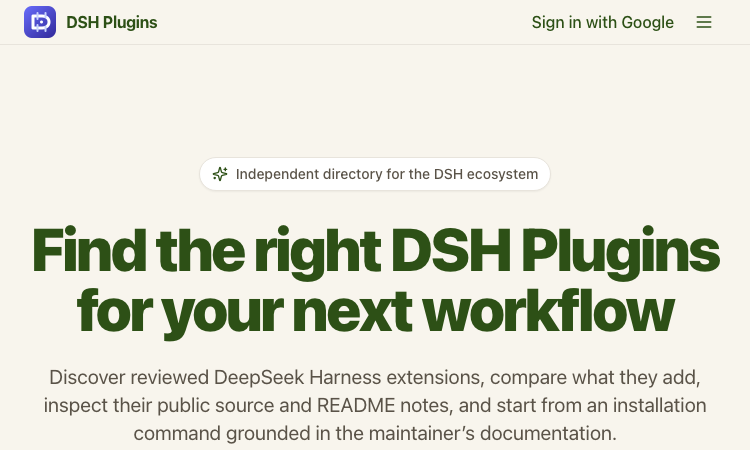
DSH Plugins
DSH Plugins — discover reviewed DeepSeek Harness plugins, inspect source and README notes, copy install commands.
DSH Plugins DSH Plugins is the go-to discovery hub for the DeepSeek Harness plugin ecosystem. DeepSeek Harness is a flexible agent framework, and its power grows with every…
Explore App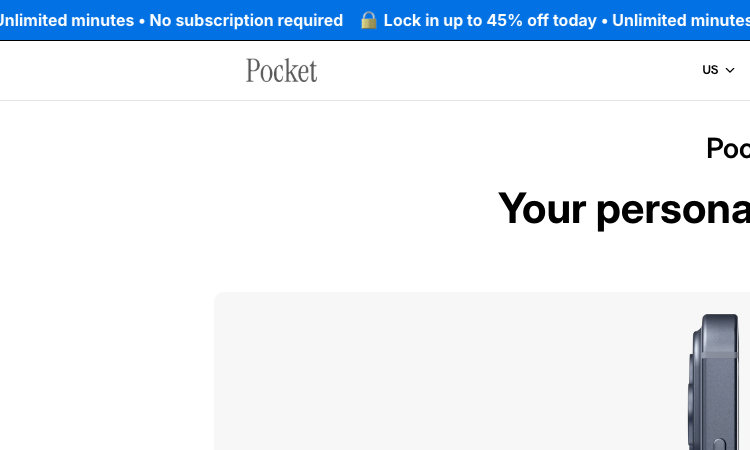
Pocket AI
Pocket AI — a screen-free MagSafe AI device with 4-day battery that captures your mind in motion, snap, talk, done.
Pocket AI Pocket AI is a hardware-first AI companion designed to capture thought the moment it happens. It pairs a small, screen-free device with custom AI and software to build…
Explore App
Whats App Web
Whats App Web mirrors WhatsApp mobile chats into a desktop browser for fast, keyboard-driven messaging.
Whats App Web Whats App Web is the official desktop browser companion to the WhatsApp messenger, built by Meta to keep conversations flowing when the phone is out of reach. A…
Explore App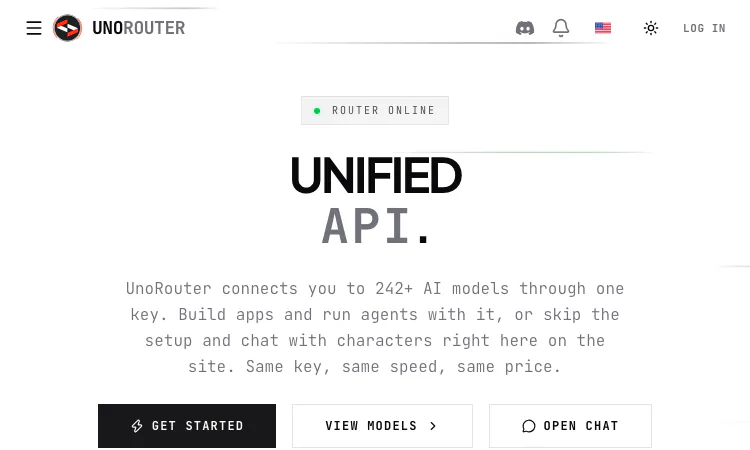
UNORouter
UNORouter connects 244+ AI models through one OpenAI-compatible key for agents, chat clients, and CLI tools, for a clear first look.
UNORouter: Launch Snapshot for 2026 UNORouter helps developers, agent builders, CLI users, and people comparing hosted AI models one compatible access path for trying models from…
Explore App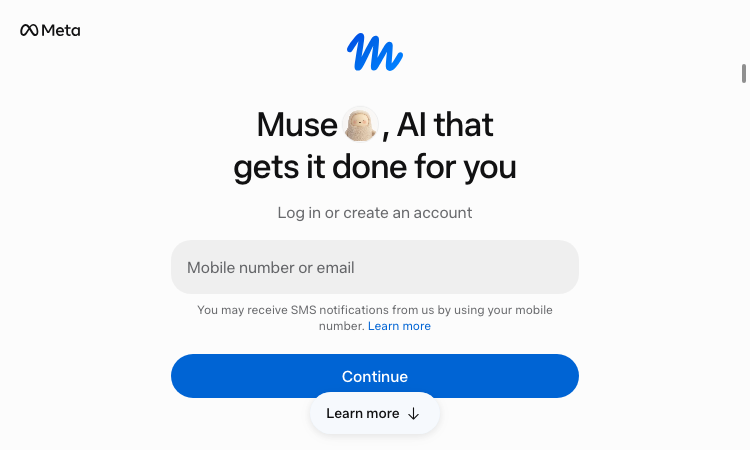
Muse – Official Website
Muse – Official Website, What It Is & How to Use
Muse Official Website Muse is Meta’s personal AI agent. Instead of only answering questions, it can plan and work through tasks across connected apps, then ask before sensitive…
Explore App