Overview
English
About Muse Spark Open
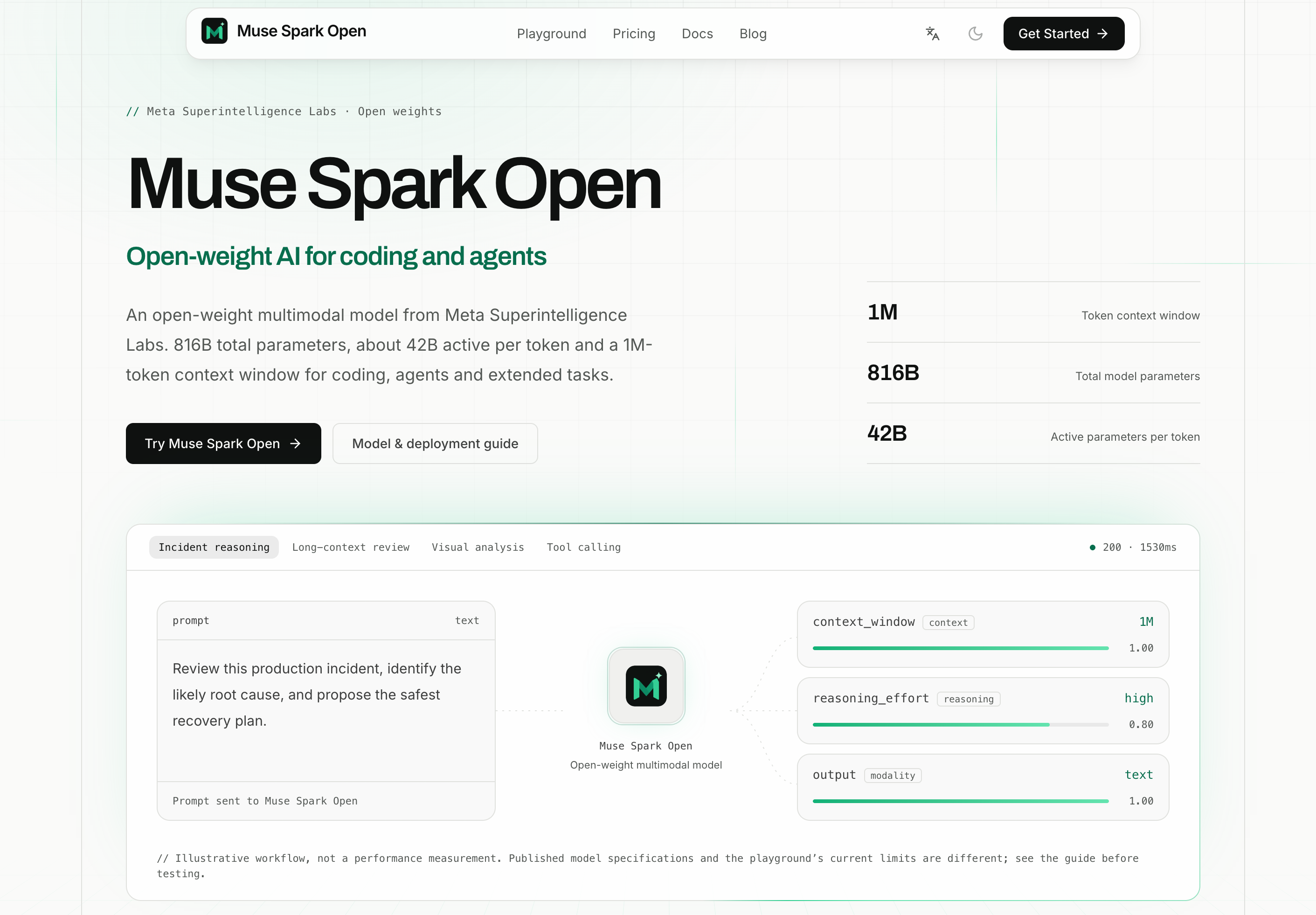
Muse Spark Open brings an online AI playground, a hosted API service, and model deployment resources together for developers, researchers, and teams. Start with a concrete question, explore the response in your browser, and use the documentation to plan an integration or a self-managed deployment.
The platform focuses on practical tasks: understanding code, investigating software issues, reasoning over supplied documents, interpreting visual context, and planning workflows for AI agents. Adjustable generation settings help you compare approaches using your own prompts and source material.
We operate themusesparkopen.com as an independent service. The website provides access tools and educational resources around Muse Spark Open; it is not affiliated with or endorsed by Meta. Model licensing and deployment requirements are described in the resources linked from our documentation.
What you can do
| Capability | How it helps |
|---|---|
| Online AI playground | Try questions, code, and document passages in a browser, then refine the task through follow-up messages. |
| Coding assistance | Explain unfamiliar functions, review proposed changes, investigate errors, and compare implementation choices using the code you provide. |
| Reasoning and planning | Work through a technical problem, examine assumptions, and turn a broad objective into a sequence of actionable steps. |
| Document analysis | Summarize supplied text, compare passages, and extract decisions, constraints, and open questions. |
| Visual understanding | Add supported public image or video URLs to ask about screenshots, diagrams, or other visual material. |
| Adjustable controls | Tune the available reasoning effort, system prompt, temperature, and maximum output length for your task. |
| Hosted API service | Discuss an integration for your application, internal tools, or evaluation workflow with our support team. |
| Deployment resources | Find links to model weights, model cards, licensing information, and inference framework guidance. |
| Agent development guidance | Explore how a compatible deployment can combine model reasoning with application-controlled tools. |
The current playground accepts text and compatible image or video URLs and returns text. Audio input and tool execution require a separate compatible deployment or integration. Available controls and context limits depend on the connected service; published model capabilities do not define the playground's request limits.
Built for practical workflows
Software development. Supply the relevant code, error output, and intended behavior. Ask Muse Spark Open to explain a failure, identify edge cases, or suggest a focused change. Review the proposal in the context of your repository before applying it.
Technical research and analysis. Bring excerpts from documentation, design proposals, or research notes. Ask for a comparison, a concise explanation, or a list of conclusions supported by the supplied material.
Product and operations. Combine written requirements with a screenshot or diagram. Explore implementation questions, summarize feedback, or draft an incident investigation plan with explicit assumptions and next steps.
AI agent development. Use the guides to explore planning, function calling, and multi-step tasks in a compatible runtime. Your application defines available tools, validates arguments, and decides which actions to execute.
Model evaluation and infrastructure. Compare prompt settings and examine deployment options against your workload. Use your own examples to assess answer quality, latency, memory requirements, and operational fit.
Start in the playground
- Open the playground. Sign in and check your available account credits.
- Describe one concrete task. Include the relevant text or code, the result you need, and any constraints.
- Add visual context when useful. Supply a compatible public image or video URL alongside your question.
- Adjust the available settings. Choose a system prompt, reasoning effort, temperature, and output limit suited to the task.
- Review and refine. Check the answer against your source material, supply missing context, and ask a focused follow-up.
For a repository review, try:
Review the following code change. Explain its intended behavior, identify correctness issues supported by the code, and propose the smallest useful fix. Reference the relevant functions and separate confirmed problems from questions that need more context.
For an incident investigation, try:
Use the supplied timeline and logs to investigate this incident. Identify the most likely causes, explain the evidence for each, and propose a recovery plan with checks to confirm that the service has recovered.
Playground conversation context stays on the current page. Refreshing starts a new conversation, so copy any answers you want to keep before leaving.
Explore the Muse Spark Open API
The Muse Spark Open API service provides a route for teams evaluating hosted integration. Contact support@themusesparkopen.com to confirm the service address, authentication method, supported features, and usage terms for your application.
A practical integration process is:
- Describe your use case, expected request volume, input types, and response requirements.
- Confirm the endpoint, authentication, limits, and billing details with support.
- Validate a small request using the agreed configuration.
- Add response handling and evaluate the results against representative tasks before expanding usage.
The API documentation includes a POST /api/playground example for a signed-in session on this website. That example uses the website's session authentication; external application access requires separately confirmed integration details.
Model downloads and deployment resources
For teams exploring self-managed inference, the documentation brings together links to model weights, the model card, licensing information, and deployment guidance.
The website discusses inference options including SGLang, vLLM, TensorRT-LLM, Hugging Face Transformers, Apple MLX, llama.cpp, and Unsloth. Consult the linked framework resources for the model-specific versions, hardware, memory, and quantization requirements relevant to your environment.
Begin with a small evaluation: choose a runtime, prepare representative prompts, and measure response quality and resource use. For agent workflows, define the functions your application can expose and validate tool requests before execution. The model supplies reasoning and requested actions; your application controls execution and maintains workflow state.
Plans and usage
The service uses account credits for playground usage, with subscriptions and one-time credit packs available. Compare current prices, included credits, and plan terms on the pricing page.
Credits are reserved before a playground request and settled against reported usage. Cancelled requests, timeouts, or missing final cost information can leave a reservation pending. The usage documentation explains the current behavior; support can help with account and billing questions.
About the team
The organization behind themusesparkopen.com was founded on May 1, 2026, and is led by Mason King, Founder & CEO, in Seattle, United States. Our team has 10 full-time employees.
Our focus is helping developers and teams move from an initial AI experiment to an informed integration or deployment decision. For product questions, technical integration, or collaboration inquiries, email support@themusesparkopen.com.
Explore further
- Website — Product overview and access to the main tools.
- Playground — Try coding, reasoning, and supported visual inputs.
- Documentation — Review inputs, settings, API guidance, and deployment resources.
- Pricing — Compare current subscriptions and credit packs.
- Blog — Browse product articles and guides.
- Contact — Get help with the service or discuss an integration.
中文
关于 Muse Spark Open
Muse Spark Open 为开发者、研究人员和团队提供在线 AI Playground、托管 API 服务与模型部署资料。你可以从一个具体问题开始,在浏览器中探索回答,再通过文档规划应用接入或自行部署。
平台聚焦实际工作:理解代码、排查软件问题、分析提供的文档、理解视觉内容,以及规划 AI Agent 工作流。通过可调整的生成设置,你可以使用自己的提示词和资料比较不同方案的效果。
themusesparkopen.com 是我们独立运营的服务,提供围绕 Muse Spark Open 的体验工具与学习资料,与 Meta 没有关联,也未获得其背书。模型许可和部署要求可通过使用文档中链接的资料了解。
核心功能
| 功能 | 可以完成什么 |
|---|---|
| 在线 AI Playground | 在浏览器中提交问题、代码和文档片段,通过多轮追问逐步完善任务。 |
| 编程辅助 | 解释陌生函数、审阅修改、分析报错,并结合提供的代码比较实现方案。 |
| 推理与规划 | 梳理技术问题、检查假设,将较大的目标拆解为可执行步骤。 |
| 文档分析 | 总结文本、比较段落,提取决策、约束条件和待解决问题。 |
| 视觉理解 | 添加支持的公开图片或视频 URL,围绕截图、图表和其他视觉资料提问。 |
| 可调生成设置 | 根据任务调整可用的推理强度、系统提示词、温度和最大输出长度。 |
| 托管 API 服务 | 与支持团队讨论面向应用、内部工具或评估流程的服务接入。 |
| 部署资料 | 查找模型权重、模型卡、许可说明和推理框架指南。 |
| Agent 开发指南 | 了解如何在兼容的部署环境中,将模型推理与应用控制的工具结合起来。 |
当前 Playground 支持文本以及兼容的图片或视频 URL,输出内容为文本。音频输入和工具执行需要单独的兼容部署或集成。可用设置和上下文限制取决于所连接的服务;模型公布的能力范围不能直接视为 Playground 的请求限额。
适用场景
软件开发。 提供相关代码、报错信息和预期行为,让 Muse Spark Open 解释故障、识别边界情况,或提出有针对性的修改建议。应用修改前,结合仓库的实际情况审阅方案。
技术研究与分析。 提供文档节选、设计方案或研究笔记,要求比较不同观点、解释技术内容,或整理有资料依据的结论。
产品与运维。 将需求说明与截图或图表结合,探索实现问题、整理反馈,或起草包含明确假设和后续步骤的故障排查计划。
AI Agent 开发。 通过指南探索兼容运行环境中的规划、函数调用和多步骤任务。应用负责定义可用工具、校验参数,并决定执行哪些操作。
模型评估与基础设施。 对比提示词设置,并根据实际工作负载评估部署选择。使用自己的案例衡量回答质量、延迟、内存需求和运行适配情况。
从 Playground 开始
- 打开 Playground。 登录账户并检查可用积分。
- 描述一个具体任务。 提供相关文本或代码,说明期望结果和约束条件。
- 按需补充视觉信息。 在问题中添加兼容的公开图片或视频 URL。
- 调整可用设置。 根据任务选择系统提示词、推理强度、温度和输出长度限制。
- 核对并完善结果。 对照原始资料检查回答,补充遗漏背景,再提出有针对性的追问。
代码审阅提示词示例:
审阅以下代码修改。解释预期行为,指出代码中有依据的正确性问题,并提出最小且有用的修复建议。引用相关函数,将已确认的问题与仍需补充背景的问题分开说明。
故障排查提示词示例:
根据提供的时间线和日志分析这次故障。列出最可能的原因,说明各项判断的证据,并提出恢复计划和用于确认服务恢复的检查步骤。
Playground 的对话上下文保留在当前页面中,刷新后会开始新的对话。离开前,请复制需要保留的回答。
探索 Muse Spark Open API
Muse Spark Open API 服务为需要评估托管接入的团队提供支持。请联系 support@themusesparkopen.com,确认适用于你所开发应用的服务地址、认证方式、支持功能和使用条款。
建议按以下步骤开展接入:
- 说明使用场景、预期请求量、输入类型和响应要求。
- 与支持团队确认接口地址、身份验证、使用限制和计费细节。
- 使用确认后的配置验证一个小规模请求。
- 完善响应处理,并用有代表性的任务评估效果,再扩大使用范围。
API 文档提供了 POST /api/playground 示例,适用于本站已登录会话。该示例使用网站会话认证;外部应用接入需要单独确认相应配置。
模型下载与部署资料
对于希望自行部署推理服务的团队,使用文档汇总了模型权重、模型卡、许可说明和部署指南的入口。
网站介绍的推理选项包括 SGLang、vLLM、TensorRT-LLM、Hugging Face Transformers、Apple MLX、llama.cpp 和 Unsloth。请根据链接中的框架资料,核对适用于该模型和你的环境的版本、硬件、内存与量化要求。
可以先开展小规模评估:选择运行框架,准备有代表性的提示词,测量回答质量与资源消耗。开发 Agent 时,先定义应用可提供的函数,并在执行前校验工具请求。模型提供推理结果和操作请求,应用负责执行控制与工作流状态维护。
套餐与使用方式
Playground 使用账户积分计费,平台提供订阅套餐和一次性积分包。当前价格、包含的积分及套餐条款,请查看价格页面。
Playground 会在发送请求前预留积分,并根据报告的用量进行结算。取消请求、超时或最终费用缺失可能使预留积分处于待处理状态。使用文档介绍了当前处理方式;账户和账单问题可联系支持团队。
关于团队
themusesparkopen.com 背后的组织成立于 2026 年 5 月 1 日,由 Mason King(创始人兼 CEO) 领导,位于美国西雅图,拥有 10 名全职员工。
我们专注于帮助开发者和团队从初步 AI 实验出发,评估适合自己的集成或部署方案。如需咨询产品、技术接入或合作事宜,请发送邮件至 support@themusesparkopen.com。
继续探索
Related apps
AInexfinder
Discover and explore the best AI tools for work, creativity, productivity, and more.
AInexfinder is an AI tools discovery platform that helps users find and explore AI-powered software, apps, and solutions for different needs. Whether you're looking for AI tools…
Explore App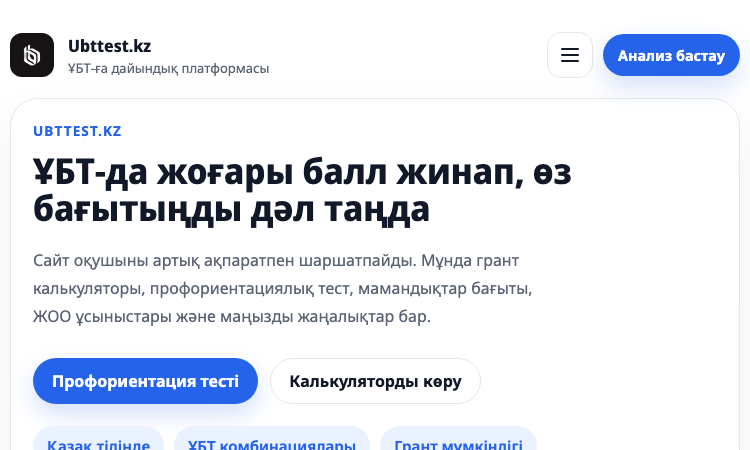
Ubt Test Kz Vercel App
Ubt Test Kz Vercel App - Kazakh platform for UNT prep: practice tests, grant calculator, career guidance, news.
Ubt Test Kz Vercel App Ubt Test Kz Vercel App is the official web platform of Ubttest.kz, a Kazakh-language preparation service for the Unified National Testing (ҰБТ) exam that…
Explore App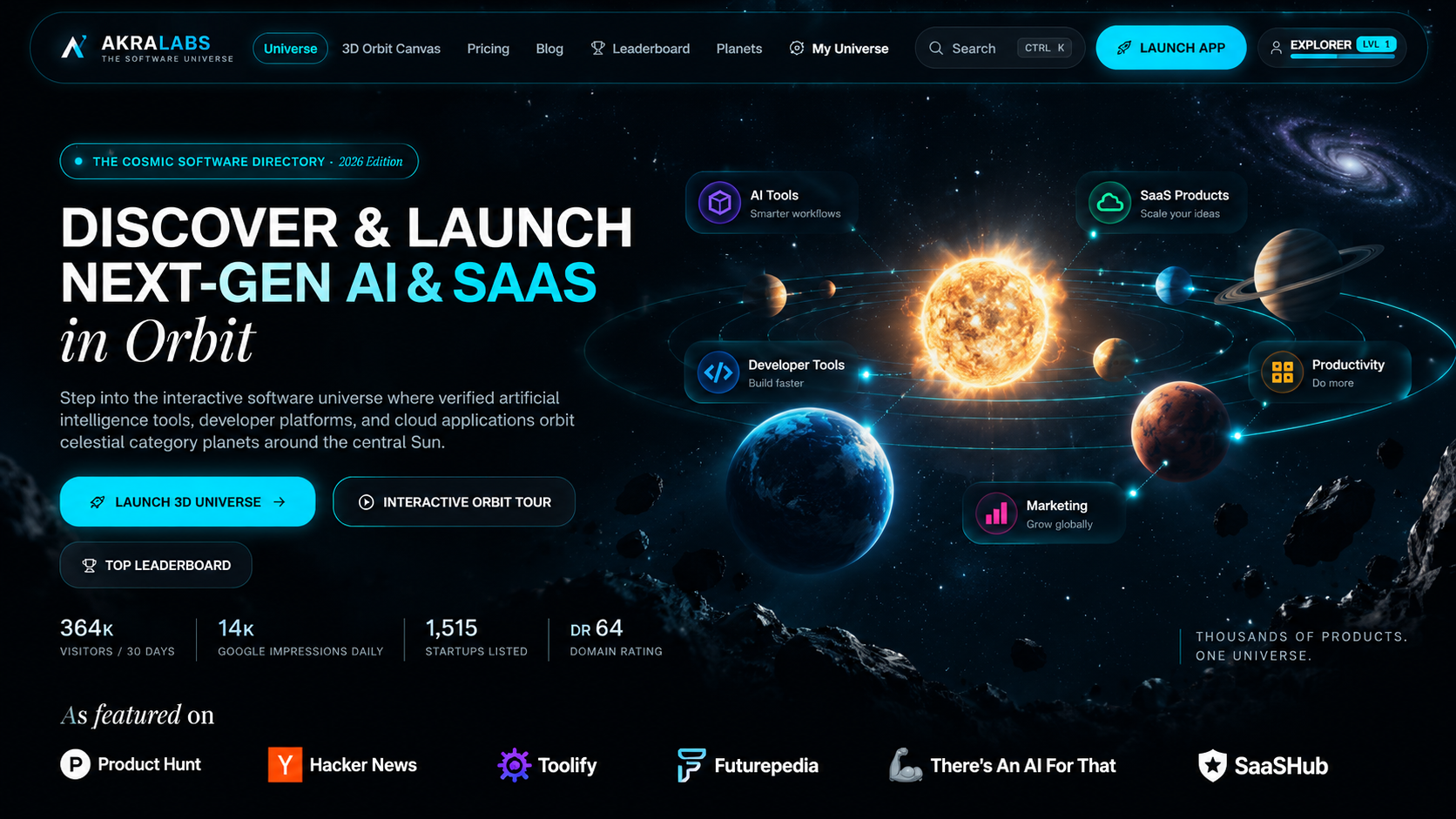
AkraLabs
Where modern software products get discovered, launched, and distributed. Explore verified AI tools, SaaS startups, and developer software.
AkraLabs is a software discovery and product launch platform for AI tools, SaaS products, developer tools, productivity software, marketing tools, business software, design…
Explore App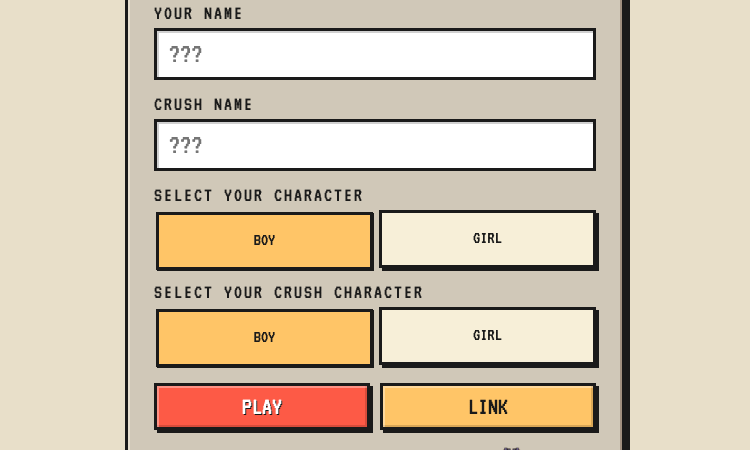
Rare Encounter
Rare Encounter - build a personalized ask-me-out RPG mini-game and send a link to your crush.
Rare Encounter Rare Encounter is a nicely built example of turning a tender, intimidating human moment into a focused, shareable web product. The app lets a user craft a…
Explore App
SVG Converter
Free Online Tool to View and Convert SVG
SVG Converter is a Free Online Tool to Convert SVG files to PNG, JPEG, and other formats online for free. Makes it easy to transform vector graphics into raster images.
Explore App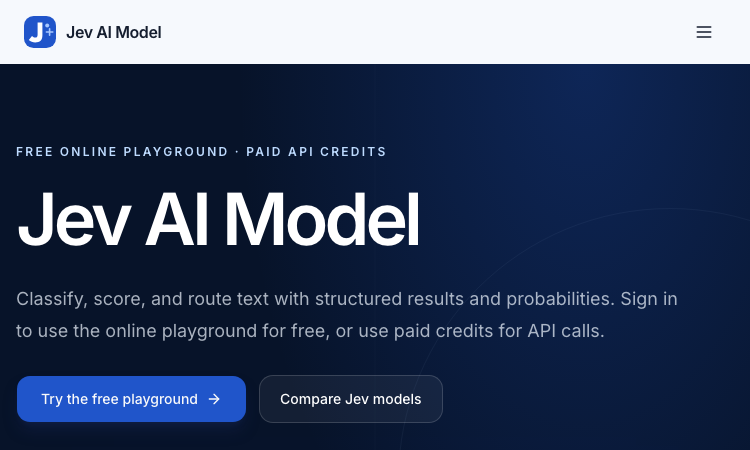
Jev AI Model
Jev AI Model – Official Website, What It Is & How to Use
Jev AI Model Official Website Jev AI Model is the model-focused home of the Jev decision engine: classify, score, and route text with structured results and probabilities — free…
Explore App