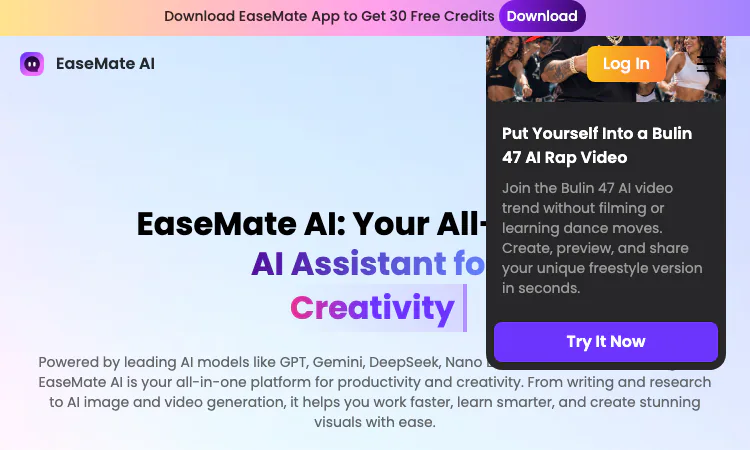
Overview
One assistant instead of six subscriptions
Most people who use AI regularly end up with a pile of single-purpose accounts. One service writes, another edits photos, a third summarizes PDFs, and a fourth generates short video clips. Each comes with its own login, its own credit meter, and its own monthly charge. EaseMate AI starts from the opposite premise: a single workspace where chat, study tools, writing help, file analysis, image editing, and video generation sit side by side under one account and one credit balance.
This profile looks at what the product covers, how its free tier works, and who it fits. It sticks to features and policies stated on the official site, so you can check every claim against the source.
What EaseMate AI actually is
EaseMate AI is an all-in-one AI assistant for study, work, and creativity. That phrase is the site's own title, and the description holds up on inspection. One account covers an AI chat workspace, a set of study and research tools, a writing suite, a ChatPDF feature for documents, an image toolbox, and a video module. The common thread is that every tool inside EaseMate AI is powered by large language models or media generation models, and every tool draws from the same credits.
The site names four audiences directly: creators, students, researchers, and marketing professionals. That range is wide, but it matches how the toolset is organized. A student can work through a chemistry problem at noon, then generate a stylized image for a class project in the evening, all without leaving EaseMate AI.
The model lineup behind the chat
The chat inside EaseMate AI is not locked to one provider. The site lists models including GPT-5, GPT-5.4, Grok 4, Gemini 3.0 Flash, Gemini 3.1 Pro, Kimi K-2.5, DeepSeek V3, DeepSeek R1, Qwen3, and Claude 3 Haiku. For media work, it names Nano Banana for images plus Veo 3, Sora 2, and Kling for video.
Why does this matter in practice? Because models fail differently. One model may handle a translation cleanly but stumble on a long structured summary. Having several models inside EaseMate AI means you can re-run a weak answer against a second model instead of accepting it or opening a new account somewhere else. The model list also gives the pricing story a shape: everyday chat leans on the free daily allowance, while expensive media models consume credits.
There is a quieter detail worth noticing. The EaseMate AI list already holds several generations side by side: GPT-5 next to GPT-5.4, Gemini 3.0 Flash next to 3.1 Pro, DeepSeek V3 next to R1. Nothing forces an upgrade, so a workflow that depends on a familiar model keeps working while you test its successor on the side.
Study tools that go beyond chat
The study section is where EaseMate AI puts real depth. There are dedicated problem solvers for math, physics, and chemistry, which walk through a solution step by step instead of printing a bare final number. A flashcard maker turns source material into review cards, and a quiz generator produces practice questions from the same content. For heavier academic work, an AI Scholar feature searches and digests research material.
Grouped this way, the tools follow the actual shape of a study session: understand the problem, digest the reading, then self-test. A generic chat window can do a weak version of each step, but the structured outputs from purpose-built tools are easier to check, grade, and reuse. Students preparing for exams are the clearest winners here, and EaseMate AI seems aware of that when it orders its navigation.
Writing, files, images, and video
The writing suite in EaseMate AI covers an essay writer, a paraphraser, a grammar checker, and a pair of tools that detect AI-written text and then humanize it. ChatPDF accepts an uploaded document, answers questions about its contents, and pulls text out of scans with OCR. For a researcher holding a forty-page paper, this is often the fastest route from file to summary.
On the visual side, AI Photo in EaseMate AI handles image generation from text or photos, style converters for looks such as Ghibli and Pixar, background removal, watermark removal, and face swap. AI Video covers text-to-video and image-to-video generation, talking avatars with lip sync, and video enhancement. A utilities drawer adds a translator, a meeting note taker, and a YouTube transcript generator. Individually these are small conveniences; together they cover the odd jobs that normally push people toward extra subscriptions.
The free tier is the real story
EaseMate AI describes its access policy in unusually specific terms. Every user gets up to 200K AI chat tokens per day at no cost. Image generation can be tried once without registering at all. Signing up brings 30 free credits, and daily check-ins add more over time. Paid plans exist for heavier use, and the site runs periodic promotions, but the free daily chat allowance is large enough that a casual user may never pay anything.
That structure shapes how you should judge the product. This is not a seven-day trial that expires into a paywall. It is a standing free tier with a paid layer on top for volume work such as long video generation, where compute costs are real. A daily visitor who chats, summarizes readings, and occasionally touches up an image can stay inside the free bounds of EaseMate AI indefinitely; credits only become the unit that matters once video enters the routine.
The check-in mechanic deserves one honest note. Daily check-ins in EaseMate AI reward showing up, which suits students on a steady schedule more than someone who logs in twice a month for a burst of work. Know which kind of user you are before the credit balance starts to drive your habits.
An honest closing assessment
EaseMate AI will not outperform a specialist service at the professional extreme of any single task. What it removes is the overhead of maintaining five accounts for the eighty percent of work that never touches that extreme. If your week mixes reading, writing, study, and occasional image or video jobs, keeping EaseMate AI as the default workspace is a sensible arrangement. Test it against your own material first; the free tier makes that costless, and the credit system tells you quickly whether your usage pattern fits.
Related apps

EduGrammar - English Grammar
Promote and sell your online courses and files while protecting from being copied.
https://edugrammar-eduvault.lovable.app
Explore App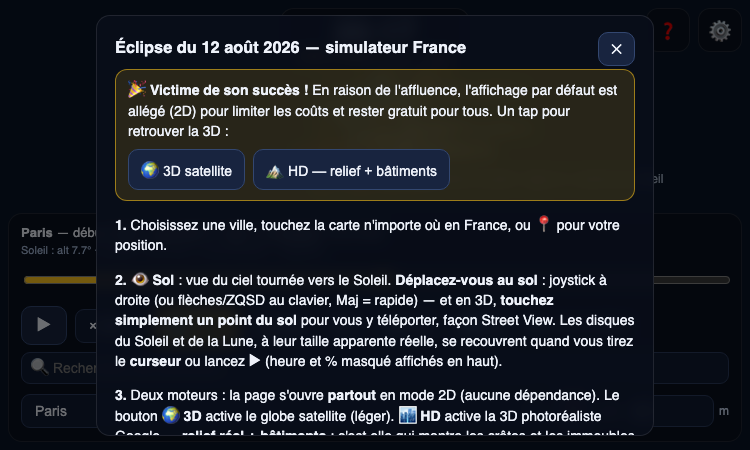
Enchanting Biscotti
Enchanting Biscotti — explore the August 12, 2026 solar eclipse in France with a 3D interactive simulator.
Enchanting Biscotti Enchanting Biscotti is an interactive simulator of the total solar eclipse of August 12, 2026, seen from anywhere in France. The eclipse is a major event —…
Explore App
Jonaki
Jonaki - Your Intelligent AI Assistant
Jonaki is an AI Assistant created by Tahmid from Chandpur, Bangladesh. Jonaki can chat, analyze your image or just fun. Jonaki has total 8 brain personalities. Support Email for…
Explore App
Kitzuna
Free Japanese AI companion that teaches you actual conversations
App features: Practice (speak/ write) specific scenarios you'll actually encounter Use "Teach Me" mode when you're stuck expressing something Save and review phrases (and even…
Explore App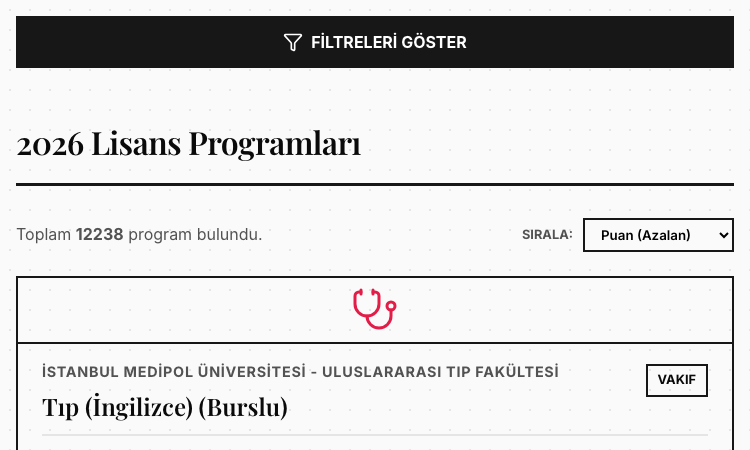
Yks2026 Vercel
Yks2026 Vercel — search and filter 12,238 Turkish university programs by score, faculty, and quota.
Yks2026 Vercel Yks2026 Vercel is a free Turkish university program search tool for YKS 2026, covering 12,238 undergraduate programs with their base and ceiling scores. If you are…
Explore App
ADHD Test
ADHD Test - a research-backed ASRS v1.1 screener with an optional AI personalized report.
ADHD Test ADHD Test shows how a focused web tool can take a respected clinical instrument and make it approachable for everyday adults. The product is built around the ASRS v1.1…
Explore App