
Overview
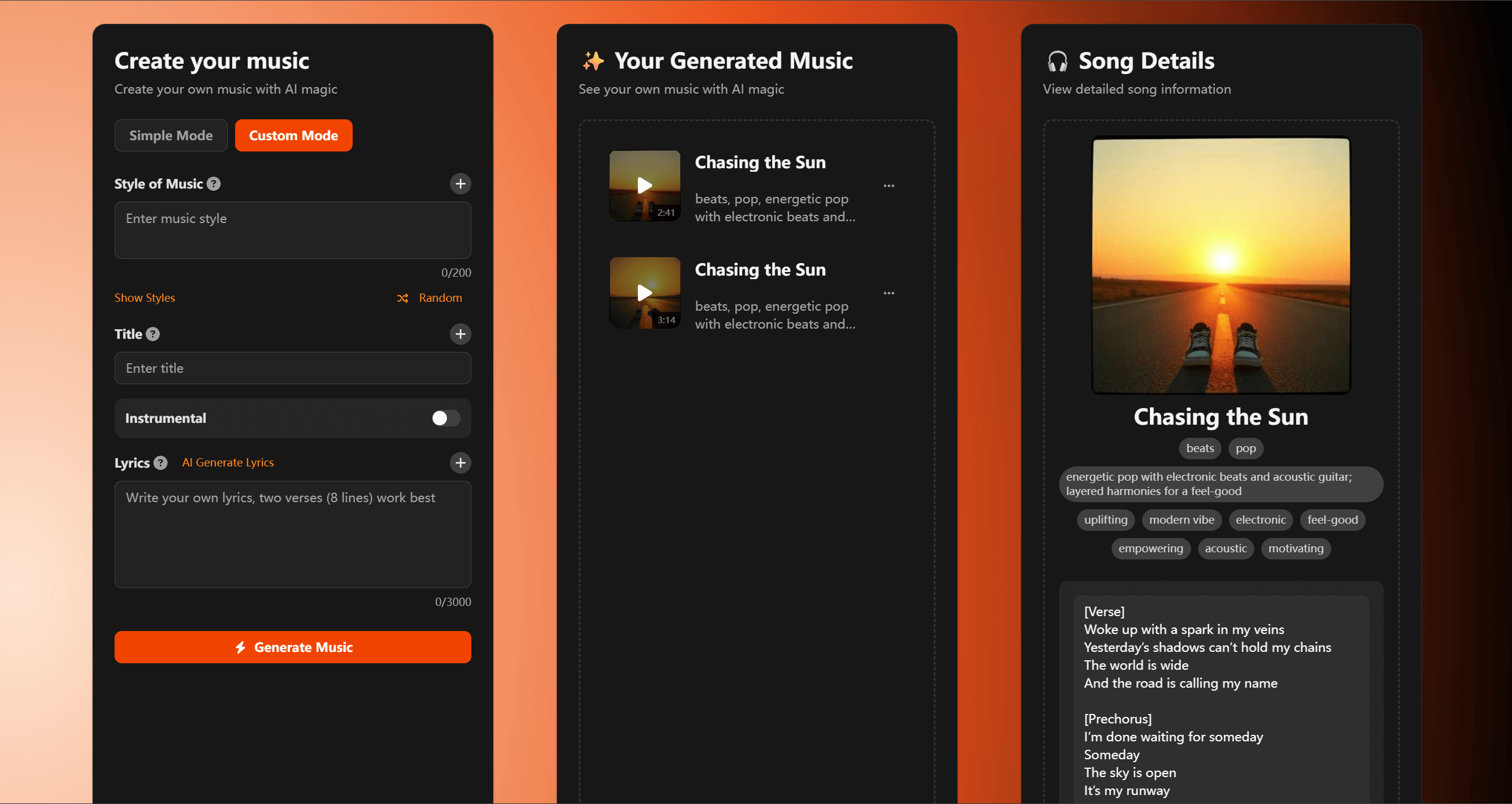
VibeMusicing is an AI-powered music creation platform designed to help anyone easily produce original, royalty‑free music. Using advanced AI and machine learning, it can generate complete songs, lyrics, and beats within seconds. Users can customize genre, mood, instruments, and tempo to create music that fits any style or project. The platform is fully cloud‑based, requires no installation, and is suitable for musicians, content creators, marketers, and businesses. It offers a free trial along with AI lyric and beat tools, making professional‑quality music production accessible to everyone.
Related apps

AI Vlog Video Maker
Transform Text into Realistic Vlog Videos with AI Power
AI Vlog Video Maker is a digital tool that uses Google Veo 3 technology to automatically generate vlog-style videos from text. It analyzes written input, interprets the context,…
Explore App
Tom and Jerry
The Cat Follow The Mouse
Click and the lovely cat will follow your mouse ~ Used AI to generate everything —— the animation and the interactive web
Explore App
Seedance 2.0
Multi-Modal AI Video Generator by ByteDance
Seedance 2.0 is a multi-modal AI video generator powered by the Seedance (ByteDance) video model—built to turn text, images, audio, or clips into cinematic short videos with…
Explore App
Vizard AI
Vizard AI – Explore its first-project workflow, official site, pricing, account needs, practical limits, safety checks, and troubleshooting.
Vizard AI – Official Website, What It Is & How to Use Vizard AI Official Website Vizard AI is an AI video clipping and editing service for repurposing longer recordings. Official…
Explore AppxPomelo
AI search for 60M+ adult videos
xPomelo is a free conversational AI search interface for discovering adult videos across 60M+ results. Users describe what they want in natural language and receive matching…
Explore App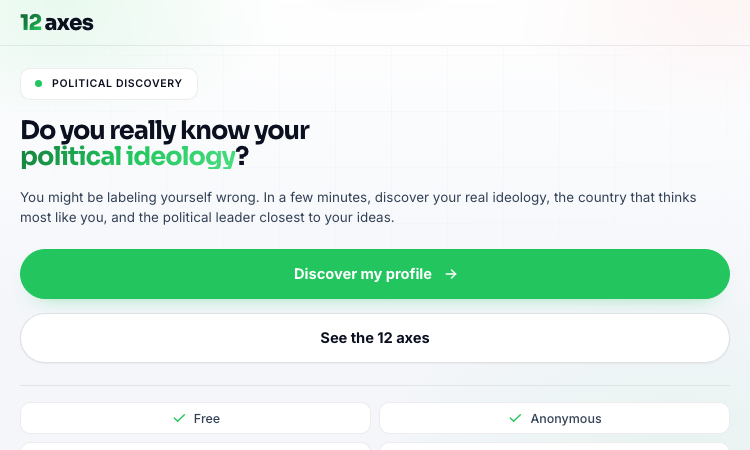
12axes Vercel App
12axes Vercel App - Free twelve-axis political quiz in Portuguese mapping you across ideology axes.
12axes Vercel App 12axes Vercel App is a free, web-based political quiz and ideological self-assessment tool that plots a respondent on twelve distinct political axes rather than…
Explore App