Overview
Robotics Lab
Robotics Lab is an interactive 3D learning app that teaches you how real robot boards work, directly in your browser. Instead of memorizing static diagrams, you open the Robotics Lab app, rotate a three-dimensional board on a virtual workbench, and complete your first guided circuit within minutes. Every pin, header and component has a visible place on the model, which is exactly why the Robotics Lab approach works so well for first-time learners and returning makers alike.
Why an interactive 3D learning app beats static tutorials
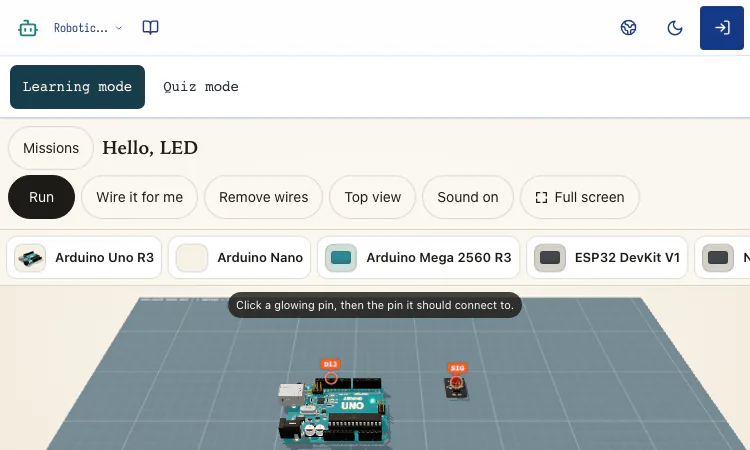
Most electronics tutorials show one flat photo and expect you to translate it into real hardware. Robotics Lab takes a different path: the Robotics Lab app renders each board procedurally in full 3D, including silkscreen markings, connectors and parts, so you can inspect any angle before you wire anything. When you connect a pin, the Robotics Lab workbench highlights the endpoints and checks the teaching circuit before you power it up, catching a missing ground or an unfinished signal line before it becomes a habit.
💡 Tip: In the Robotics Lab app you can use the wiring assistant to see an example connection, remove the wires, and rebuild the circuit from memory — the fastest repetition loop for learning.
Because the Robotics Lab scene runs entirely in your browser, there is nothing to install and nothing to break. The Robotics Lab learning app keeps practice and theory in one workspace: read the goal, make connections, run the simulation and observe the response, all on the same screen.
Learning mode and Quiz mode in one workspace
The Robotics Lab app is organized into two complementary modes. Learning mode is the wiring workbench: eleven guided missions walk you from a blinking LED toward sensors, displays, board communication and a small robot controller. Each mission in Robotics Lab explains why a connection exists, supplies example code, and models the circuit response — turn a virtual knob or press a virtual button and you immediately see the input-output relationship.
Quiz mode turns the same 3D models into recognition training. Find the part asks you to locate a component on the model; Assemble it tests where each part belongs. Robotics Lab keeps these exercises on the boards you just studied, so you can inspect a detail and immediately attempt the task again. Your quiz best scores stay stored locally in the browser for later comparison.
Eight robot boards in one learning app
Robotics Lab currently includes eight boards, each procedurally modeled with its real connector layout:
| Board | What the Robotics Lab app teaches with it |
|---|---|
| Arduino Uno R3 | Classic header layout, first LED and button missions |
| Arduino Nano | Compact form factor and pin sharing |
| Arduino Mega 2560 R3 | Larger pin count and power arrangements |
| ESP32 DevKit V1 | Modern microcontroller connectors |
| NodeMCU | ESP8266-based pin mapping |
| Raspberry Pi Pico | Dual-core RP2040 layout |
| STM32 Blue Pill | Minimal ARM board geometry |
| Raspberry Pi 4 Model B | Full-size single-board computer ports |
Comparing a compact Nano against a larger Mega inside Robotics Lab makes form factors, headers and processor placement genuinely visible — something no photograph communicates as well as an interactive 3D learning app.
Who the Robotics Lab app is for
- Beginners use Robotics Lab before buying parts: distinguish a processor from a USB connector, then try a small wiring task with zero risk.
- Teachers open the Robotics Lab app during a lesson, rotate a board to a useful camera angle, and ask students to predict the output before pressing Run.
- Makers explore a board family they have not used before, then verify exact pin ratings in the datasheet before touching real hardware.
Getting started with the Robotics Lab app
Start the free "Hello, LED" mission in the Robotics Lab app, locate the glowing pin, click the second endpoint, and press Run. Three missions and three boards are free forever; a single $10 purchase unlocks everything across devices through Google sign-in. Robotics Lab is an educational model rather than a replacement for a real simulator, but it is the fastest way to build the vocabulary and confidence that real circuits demand. Open the Robotics Lab app today and put your first board together in 3D.
What a session in the Robotics Lab app looks like
A typical twenty-minute session in the Robotics Lab app has a satisfying shape. You open with a two-minute review: rotate yesterday's board, re-read the mission goal, and recall where the last wire went. Five minutes of wiring follow — click a glowing pin in the Robotics Lab scene, click its partner, and watch the checklist shrink. Around minute ten you press Run for the first time, and the Robotics Lab simulation answers your work with movement: a blinking LED, a responding button, a servo swinging to the angle your sketch requested.
The middle of the session is where the Robotics Lab app earns its keep as an interactive 3D learning app. You stop the simulation, remove one wire, and predict what will break before pressing Run again. Robotics Lab confirms or corrects the prediction through behavior, not prose — the most memorable kind of feedback. The final minutes go to the quiz bench: one round of Find the part on the board you just wired, then Assemble it if the recognition round went well.
Close the tab, and the Robotics Lab session leaves something behind: vocabulary that sticks, a circuit you can rebuild from memory, and a locally saved quiz score that quietly measures the progress your hands have made. Twenty minutes a day in the Robotics Lab app compounds quickly — most learners reach the robot-controller missions within two weeks of short, regular sessions, and the interactive 3D learning app format keeps that streak easy to maintain.
FAQ
Q: Does the Robotics Lab app require installation?
A: No. Robotics Lab runs its interactive 3D scene entirely in your browser, on any modern desktop or laptop.
Q: Is the Robotics Lab learning app free?
A: Three missions and three boards are free. Unlocking all eight boards and eleven missions is a one-time $10 purchase, not a subscription.
Related apps
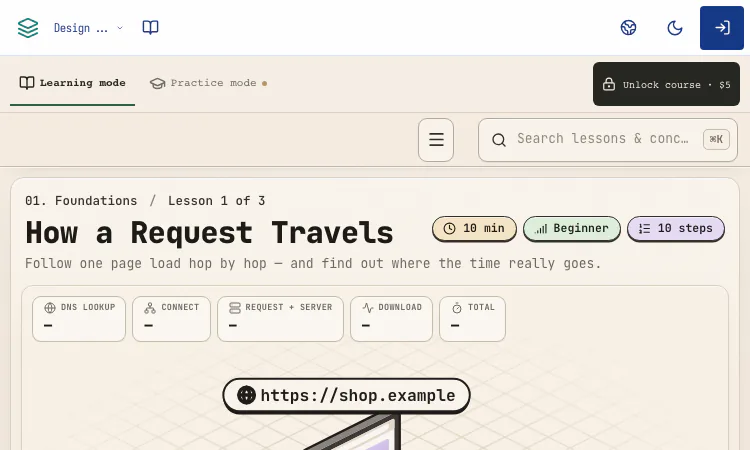
Design to Scale
Design to Scale turns system design into animated diagrams you can step through in your browser, from one request to complete distributed systems.
Design to Scale — Watch System Design Move Design to Scale reimagines system design education as a visual experience that runs entirely in your browser. The course is built…
Explore AppSubmify
Submify is an AI directory submission service with 7,000+ backlink sites. Let Codex auto-fill forms, verify emails and submit, and track every SaaS directory su
Submify Let Codex submit your backlinks for you. A 7,000+ backlink library plus Codex automation — auto-fill forms, verify emails, submit, and track every link's progress.…
Explore App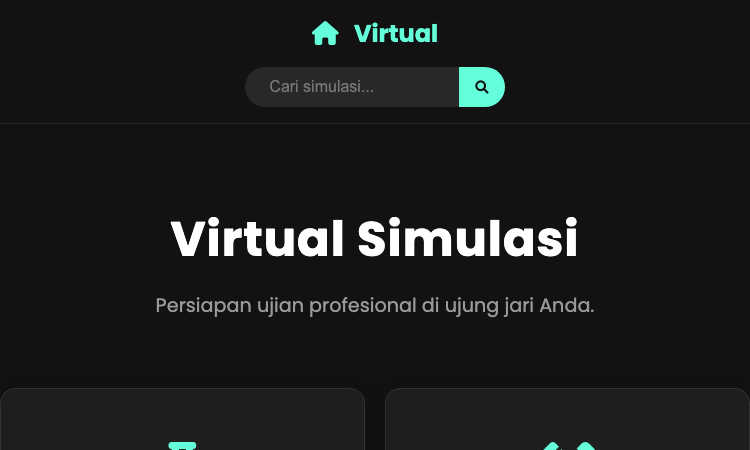
Simulasi Ujian Netlify
Simulasi Ujian Netlify- Simple browser practice for professional exam preparation.
Simulasi Ujian Netlify Simulasi Ujian Netlify offers an accessible way to approach professional exam preparation through a simple online simulation experience. The website…
Explore App
Tikdek AI video generator
Tikdek – AI Video Generator, AI Image Generator & Wan 3.0 API
Tikdek Create and edit AI images and videos with 30+ models. Seedance, Kling, Veo, Wan, GPT Image and Nano Banana behind one login and one credit balance — in the browser or via…
Explore App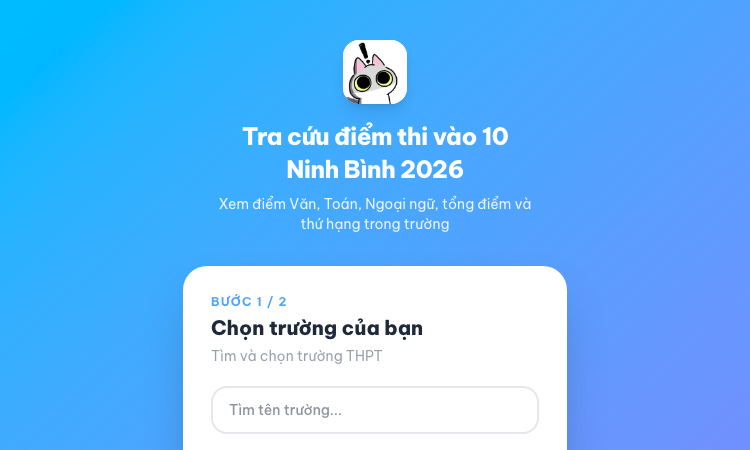
Diemthininhbinh
Diemthininhbinh - Free Ninh Binh 2026 10th-grade exam score lookup with school ranking and pass prediction.
Diemthininhbinh Diemthininhbinh is a lightweight Vietnamese web application that lets 10th-grade candidates and their parents look up entrance exam results for Ninh Binh province…
Explore App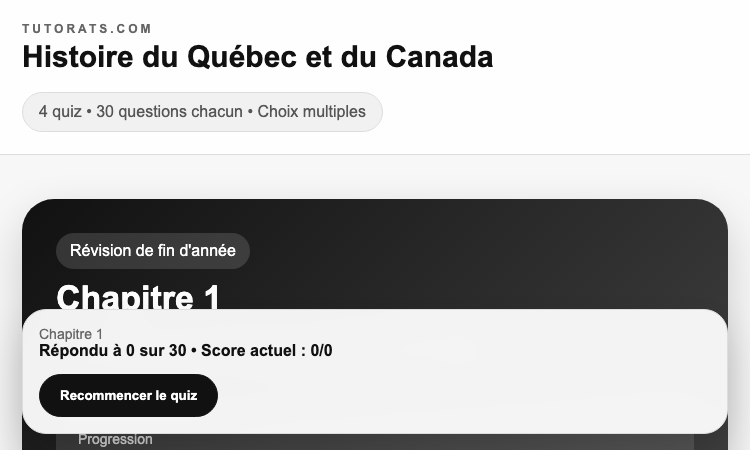
Histoiresec4 Netlify App
Histoiresec4 Netlify App turns French history revision into a fast, gamified quiz built for students preparing exams.
Histoiresec4 Netlify App Histoiresec4 Netlify App is built around a single insight: students retain more history when revision feels like play, not like homework. Hosted on…
Explore App