Overview
Beautiful UI
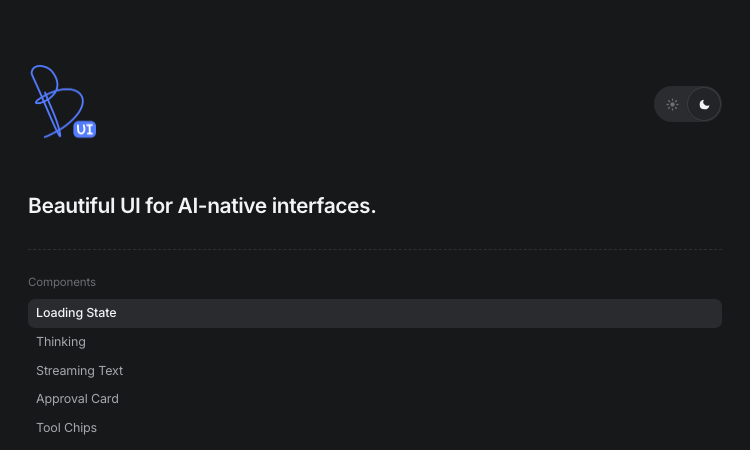
For developers shipping AI products, Beautiful UI removes the hardest part of the job: making agent output look and feel deliberate. The library is a set of copy-paste components — you open the page, pick the primitive you need, and drop it into your React codebase. There is no install step, no wrapper library, and no lock-in. Beautiful UI gives you hand-tuned markup, styling, and interaction details that would take days to build yourself.
Getting started is genuinely fast. Suppose your agent needs to show that it is working: grab the Loading State component with its pixel-grid loader and shimmer, or the Thinking component that expands traces for steps, reasoning, search, and coding. When the agent starts answering, Streaming Text adds inline sources and follow-up actions exactly like a production assistant. If your agent performs actions, Tool Chips compress code edits and tool calls into compact, readable chips, and Task Rows show running, failed, and completed tasks at a glance.
Human-in-the-loop flows are where Beautiful UI really shines. The Approval Card asks users to confirm decisions before the agent acts, the Recommendation Card pairs suggestions with a confidence meter and alternatives, and Selection Actions let users highlight any passage and ask the agent to explain, improve, shorten, or fix the tone and grammar. These are the interaction patterns users expect from serious AI products, and Beautiful UI makes them one click away.
The library also covers dashboards and data work: Prompt Bar with @ sources and / commands, Context Cards for retrieved knowledge, Diff Table for AI-proposed edits across tabular data, Records Table and Filter Table for CRM-style grids, Insight Cards with paged charts, Sidebar Nav, command Search, Code Block for streaming agent-written code, and Fine-tune Card for inspector-style property edits. Built by the Turbo product design studio, Beautiful UI keeps shipping new primitives — subscribe to get them copy-paste ready in your inbox, with no spam and an unsubscribe link.
Related apps
Remove Text From Video
Remove watermark, text, subtitles and unwanted objects from video online with AI
RemoveFrom.Video is an AI-powered online video cleanup platform built for users who want to remove watermark from video, remove text from video, remove subtitles from video, and…
Explore App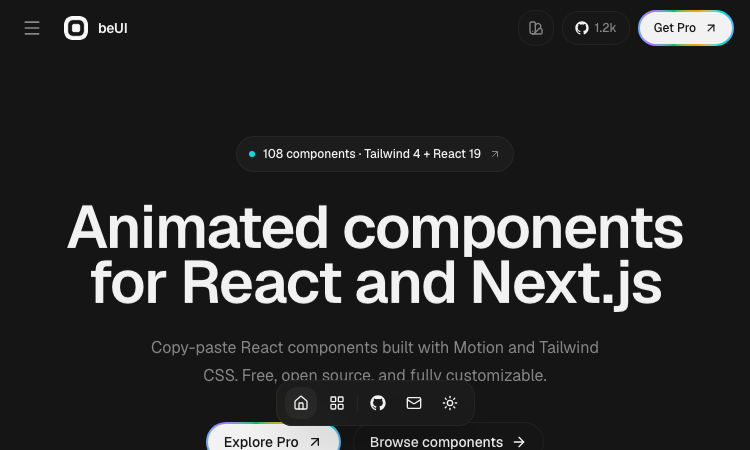
Beui
Beui — free animated UI components for React and Next.js; copy the source or install via shadcn CLI.
Beui Beui is a free, open-source collection of animated components for React and Next.js, built with Motion and Tailwind CSS. If you want polished animations in your app without…
Explore App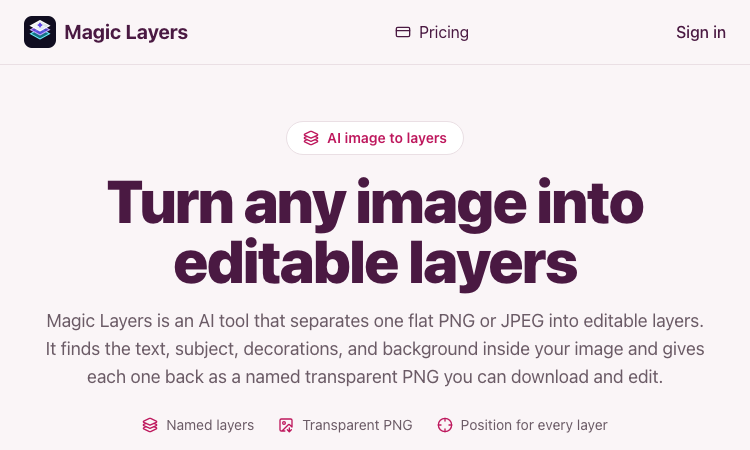
Magic Layers
Magic Layers – Official Website, What It Is & How to Use
Magic Layers is an AI tool that takes one flat PNG or JPEG image and separates it back into its individual visual elements — background, subject, text, and decorations — as named…
Explore App
ZIGGLE.ART
Create your animated brand mascot 🦄
Most apps are boring and forgettable. Stand out from the sea of sameness. Your app deserves a PERSONALITY. Create your custom fully animated mascot in 10 minutes as easy as a…
Explore AppBanana AI
Banana AI: Create, edit, and enhance images online with AI tools, prompt inspiration, style ideas, and 4K-quality output
Banana AI is an online image creation and editing website built around AI-powered visual tools. In addition to basic image generation, the site also covers prompt resources,…
Explore App
Wowovid – Kling AI Video Generator
Turn photos or text into video with Kling AI. Free preview, HD export with no watermark.
What is Wowovid? Wowovid is a web-based video generation tool built on Kling AI, designed for people who want AI-powered video without dealing with a complicated setup. Upload a…
Explore App