Overview
Beui
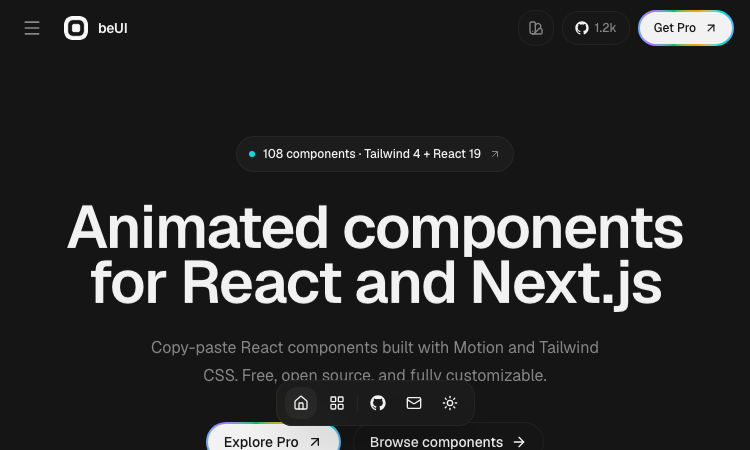
Beui is a free, open-source collection of animated components for React and Next.js, built with Motion and Tailwind CSS. If you want polished animations in your app without writing animation code from scratch, Beui is the fastest route. Here is how to use it.
Step 1: Open the Beui gallery. The Beui site presents its components visually — you can see exactly what each animated component looks like before you touch any code. Browse the collection and find the components that fit your interface.
Step 2: Copy the source. Every component on Beui is designed to be copied. Open the component you want, copy its source, and paste it into your project. Because Beui is built with Motion and Tailwind CSS, the code drops into any React or Next.js project that already uses those tools — which is most of them.
Step 3: Or install with the shadcn CLI. If you prefer a structured install, Beui is a shadcn-compatible registry. Run the shadcn CLI with the Beui component name, and the component is installed into your project the same way shadcn/ui components are. The Beui registry works with the workflow you already use.
Step 4: Customize and ship. Because Beui components are source code in your project — not a black box library — you can tweak every animation, color, and layout. There is no lock-in: what you copy is yours, forever.
A few things make Beui stand out. It is free and open source, with no subscription and no watermarks. It is built with the modern React stack — Motion for animation, Tailwind CSS for styling — so it integrates without friction. It works for React and Next.js equally. And the copy-paste model means you never have to read a long installation guide; the source is right there.
Beui is the kind of library developers appreciate: high quality, zero cost, and no strings attached. Open Beui, copy an animated component, paste it into your project, and watch your interface come to life.
Related apps
Magic Layers
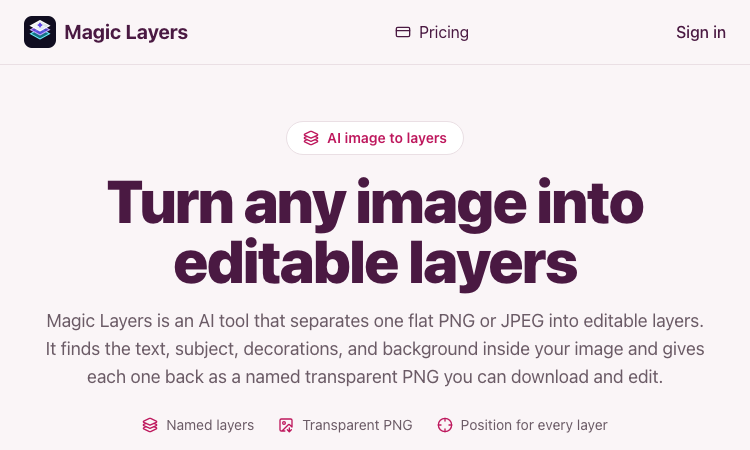
Magic Layers – Official Website, What It Is & How to Use
Magic Layers is an AI tool that takes one flat PNG or JPEG image and separates it back into its individual visual elements — background, subject, text, and decorations — as named…
Explore App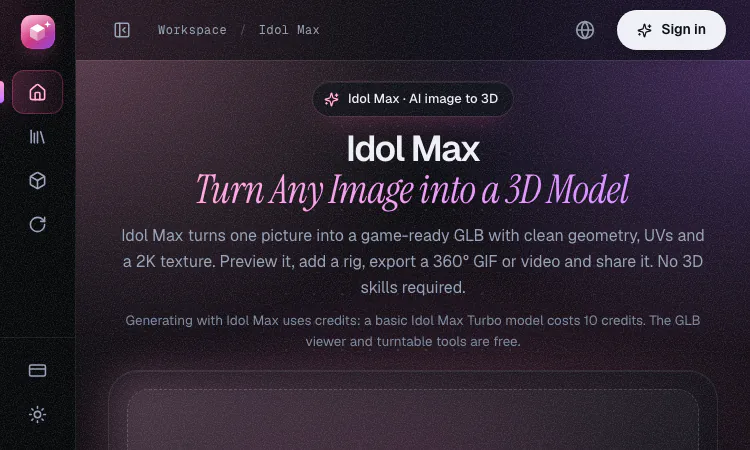
Idol Max- Image to 3D
Image to 3D: Idol Max turns one picture into a game-ready GLB with UVs, a 2K texture and an optional rig in about 20 seconds with Turbo.
Idol Max- Image to 3D Image to 3D is the quickest way to turn one picture into a usable 3D asset, and Idol Max is an AI service built around that single idea. You upload one…
Explore App
ZIGGLE.ART
Create your animated brand mascot 🦄
Most apps are boring and forgettable. Stand out from the sea of sameness. Your app deserves a PERSONALITY. Create your custom fully animated mascot in 10 minutes as easy as a…
Explore AppBanana AI
Banana AI: Create, edit, and enhance images online with AI tools, prompt inspiration, style ideas, and 4K-quality output
Banana AI is an online image creation and editing website built around AI-powered visual tools. In addition to basic image generation, the site also covers prompt resources,…
Explore App
Wowovid – Kling AI Video Generator
Turn photos or text into video with Kling AI. Free preview, HD export with no watermark.
What is Wowovid? Wowovid is a web-based video generation tool built on Kling AI, designed for people who want AI-powered video without dealing with a complicated setup. Upload a…
Explore App
Imagine Image
Imagine Image: the free AI generator people find when searching Grok Imagine Image, now running on Imagine Image 2.0 — n
If you searched Grok Imagine Image, here's what you found: Imagine Image, a free AI generator running on Imagine Image 2.0. What it does Text-to-image — describe a scene, get a…
Explore App