Overview
ProtoPie – Official Website, What It Is & How to Use
ProtoPie Official Website
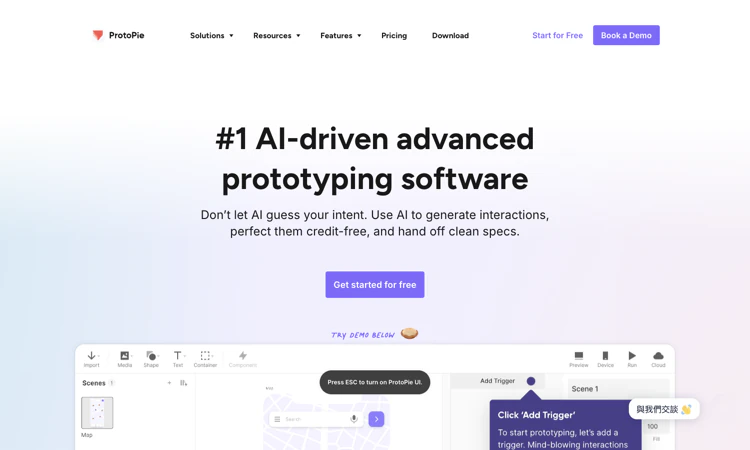
ProtoPie is an advanced interaction-prototyping platform for realistic product behavior and device experiences.
- Official app: https://www.protopie.io/
- Creator: Studio XID
- Price: Freemium; Free, Basic, Pro, Enterprise, and optional add-ons
- Login required: Yes for account and Cloud workflows; public learning and product pages are available without signing in
- Platform: Desktop authoring with web-based Cloud sharing and device playback workflows
- Main use: Building high-fidelity interactive prototypes, testing behavior, and communicating interaction specifications
- Last checked: 2026-10-22
We are not the official developer of ProtoPie. This page helps users find, understand, and use the product.
What Is ProtoPie?
ProtoPie helps designers model how a digital product behaves, including conditional responses, changing values, device inputs, and cross-device interactions. Its current homepage also presents AI-assisted interaction generation, MCP capabilities, and developer handoff. ProtoPie supports importing designs from tools such as Figma, Sketch, and Adobe XD, then adding behavior rather than treating each screen as a static presentation. Its public feature descriptions include variables, formulas, sensors, voice, hardware integration, and multiple displays. ProtoPie is useful when a team must test an experience that depends on state or an input sequence. The distinguishing output is a working prototype that can expose an interaction decision before production implementation. A prototype still needs a deliberate test case and engineering interpretation. This review inspected the website and pricing information without installing the authoring application or constructing a working prototype.
For a first visit, the useful question is how quickly a small, well-defined task becomes a result you can inspect. This edition follows that first-project route and explains the decisions that should come before a larger commitment.
How to Use ProtoPie
- Open the official ProtoPie website and confirm the domain before starting a project.
- In ProtoPie, select Get Started for Free and follow the official download and account instructions. Use the official documentation for the authoring application and intended playback device.
- In ProtoPie, import a design or begin with a small scene. Define one interaction question, such as what should happen when a user enters an invalid value or changes a control.
- In ProtoPie, add the relevant inputs, conditions, variables, and responses. If using an AI feature, inspect and refine the generated behavior instead of accepting the first result blindly.
- In ProtoPie, preview the interaction and test the required states. Share through the available Cloud or playback workflow, then check plan limits and handoff features before involving a wider team.
ProtoPie: Preparing the Input and Checking the Result
For ProtoPie, prepare a screen design and a precise description of the interaction, state, and device input to be tested. The target deliverable is a previewable interaction prototype and an understandable specification for reviewers or engineers. Use this as an acceptance condition rather than assuming that every completed draft or preview is ready for its final audience.
Before calling a ProtoPie project complete, check initial state, conditional behavior, timing, error recovery, device input, and the clarity of the handoff. Preserve the original material so a correction can be traced to the source. Keep a copy of the accepted deliverable through the available official workflow, especially when storage or access is limited.
ProtoPie: A First Project That Produces a Useful Result
Begin your ProtoPie evaluation with one input validation or state-change flow with an expected result for both success and failure. Write down the expected result before changing settings: a previewable interaction prototype and an understandable specification for reviewers or engineers. This makes the exercise concrete and keeps an impressive preview from replacing a useful outcome.
For the first ProtoPie session, preserve the original input and change only one major setting at a time. Record what improved and what still needs attention. If the result fails, compare it with the original requirement before spending more time on a more elaborate project. A small test is easier to diagnose and explain to another person.
The next ProtoPie decision is whether the workflow is repeatable. Can you find the same entry point again, understand what was saved, and identify the final deliverable? Keep a short note covering the chosen settings, the limitation encountered, and the next action. A successful first project should leave you with an understandable process as well as a result.
ProtoPie Evaluation Checklist
- ProtoPie input: Prepare a screen design and a precise description of the interaction, state, and device input to be tested and confirm that it is appropriate to provide to the service.
- ProtoPie expected result: Define a previewable interaction prototype and an understandable specification for reviewers or engineers before judging the first preview.
- Quality review: In the ProtoPie result, check initial state, conditional behavior, timing, error recovery, device input, and the clarity of the handoff.
- ProtoPie budget and delivery: Check editor seats, storage, prototype limits, and any required Connect or user-testing add-ons against the actual task.
- ProtoPie handoff: Preserve the interaction goal, state rules, prototype link, known limitations, and expected implementation behavior for the next session or reviewer.
Is ProtoPie Safe?
ProtoPie is attributed to Studio XID on the official website. Imported design files and shared prototypes can contain unreleased interfaces, brand assets, test data, and interaction specifications. The pricing page distinguishes public Cloud plans from private enterprise arrangements and describes access-control capabilities. ProtoPie sharing should therefore be evaluated at the plan and link level: decide who can open the prototype, comment, or receive handoff material. Use dummy account information in prototypes, and review permissions before inviting external reviewers or connecting additional tools.
For ProtoPie, review the current policies before providing sensitive material. This public-page check is not a security audit.
Why Is ProtoPie Popular?
ProtoPie is relevant to teams that need more realistic interaction behavior than a sequence of static screen transitions can express. The homepage demonstrates uses across digital products, automotive interfaces, and connected devices, and now foregrounds AI-assisted generation. Those examples help explain brand searches, but they do not establish an independent ranking or a sudden viral origin. No single verified source of current popularity was identified during this check.
ProtoPie Not Working?
- Refresh the official page and check whether the issue concerns browsing, account access, processing, or the final deliverable. Try a current browser when a page fails to render correctly.
- For ProtoPie, if a prototype behaves incorrectly, reduce it to one trigger and response, then inspect conditions, variable values, and scene state before adding more interactions.
- For ProtoPie, if an import or playback workflow fails, check the relevant design-tool plugin, authoring version, and device instructions in the official documentation.
- For ProtoPie, if saving or sharing is unavailable, verify the active account, team space, prototype and scene limits, and the plan required for that specific capability.
- If a content blocker appears to interfere, temporarily test the official page with that extension paused. Restore the setting afterward and contact official support if the problem persists.
The ProtoPie public homepage was reachable on 2026-10-22; individual account features and jobs were not tested.
ProtoPie Alternatives
Compare ProtoPie alternatives against the required input and deliverable; capabilities and commercial terms differ.
- Figma — an adjacent option when design collaboration and more straightforward screen flows are the main requirement.
- Proto.io — an adjacent interactive-prototyping tool to compare against the required behaviors and playback workflow.
- Framer — an adjacent option when the desired outcome is a published website with interactions rather than a device prototype.
Frequently Asked Questions
What is the official ProtoPie website?
The official ProtoPie website is https://www.protopie.io/. Use the official navigation to reach account, pricing, downloads, and support rather than relying on a similarly named search result.
Is ProtoPie free?
The ProtoPie Free plan lists two prototypes saved in Cloud, eight scenes per prototype, and 50 MB of Cloud storage. Basic, Pro, and Enterprise expand different authoring, collaboration, storage, and handoff capabilities. The pricing comparison distinguishes MCP and AI features by plan and lists Connect and user-testing options separately. ProtoPie plan selection should consider editor seats and add-ons as well as prototype count. Check the billing interval and whether a required capability is included before treating a headline price as the full project cost.
Do I need an account to use ProtoPie?
Yes for account and Cloud workflows; public learning and product pages are available without signing in.
Who created ProtoPie?
The official public attribution for ProtoPie is Studio XID.
Is ProtoPie still available?
Yes: the official ProtoPie public website was accessible when checked on 2026-10-22. No account creation, customer upload, paid output, or physical order was tested.
What should a first-time user test?
ProtoPie: A small project with a visible pass condition is the most useful first test. Use one input validation or state-change flow with an expected result for both success and failure, then check initial state, conditional behavior, timing, error recovery, device input, and the clarity of the handoff. Expand only after that result meets the original requirement.
What limitations should I check before relying on ProtoPie?
Complex logic requires testing; Cloud prototype counts, scene limits, local saving, team features, MCP access, and hardware-related add-ons differ across plans. A practical ProtoPie evaluation should include one example that exposes the limitation most relevant to your project. Check the current plan or item details again before a subscription, purchase, integration, or external handoff.
Where should I begin with ProtoPie?
Start with ProtoPie and use one input validation or state-change flow with an expected result for both success and failure. Keep the source, acceptance condition, and final decision together so the next step is based on an observed result.
Sources and Review Scope
Official references checked or linked from the reviewed website: Official website; Official plans; Official downloads.
Last checked: 2026-10-22. Verify current ProtoPie plan details before a purchase or integration.
Related apps
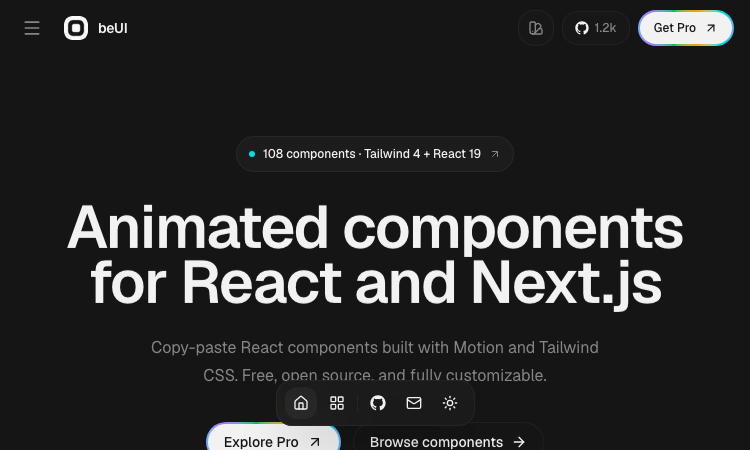
Beui
Beui — free animated UI components for React and Next.js; copy the source or install via shadcn CLI.
Beui Beui is a free, open-source collection of animated components for React and Next.js, built with Motion and Tailwind CSS. If you want polished animations in your app without…
Explore AppAI‑Ready Development Custom PHP Engineer
A development studio & AI‑native infrastructure provider that builds high‑performance, agent‑ready websites.
Built2WinWeb — AI‑Ready Dev, MCP Infrastructure & Custom PHP Engineering Overview Built2WinWeb is a custom PHP development studio and AI‑native infrastructure provider that…
Explore App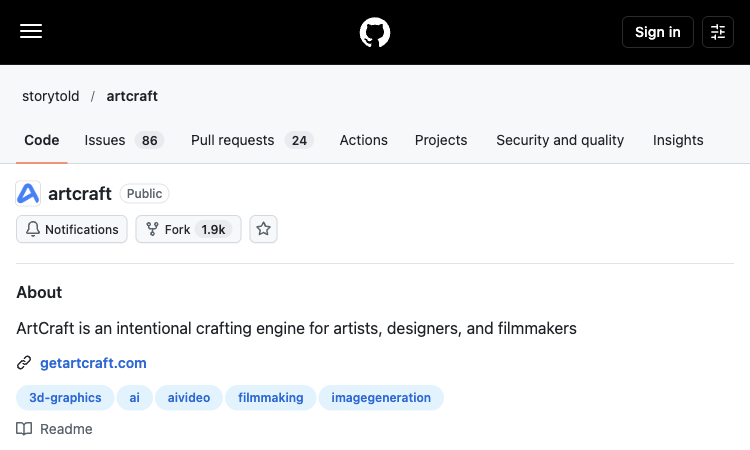
ArtCraft
ArtCraft — Explore the core workflow and practical use cases in one concise product listing.
ArtCraft: A Practical Overview ArtCraft is an open-source creative IDE for artists, designers, and filmmakers working with AI-generated images, video, and staged scenes. This…
Explore App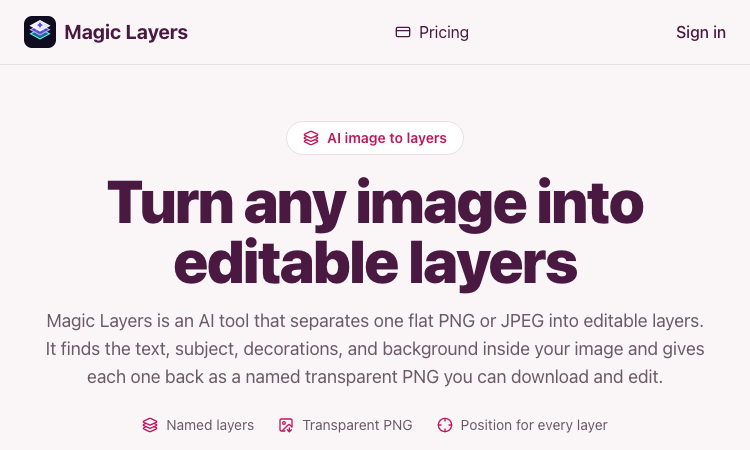
Magic Layers
Magic Layers – Official Website, What It Is & How to Use
Magic Layers is an AI tool that takes one flat PNG or JPEG image and separates it back into its individual visual elements — background, subject, text, and decorations — as named…
Explore Appobjectremover
Remove Unwanted Objects from Videos with AI
ObjectRemover is an AI-powered video object removal tool that helps users quickly remove unwanted people, objects, text, logos, subtitles, and other distractions from videos.…
Explore App
ZIGGLE.ART
Create your animated brand mascot 🦄
Most apps are boring and forgettable. Stand out from the sea of sameness. Your app deserves a PERSONALITY. Create your custom fully animated mascot in 10 minutes as easy as a…
Explore App