Overview
Scenevio Official Website
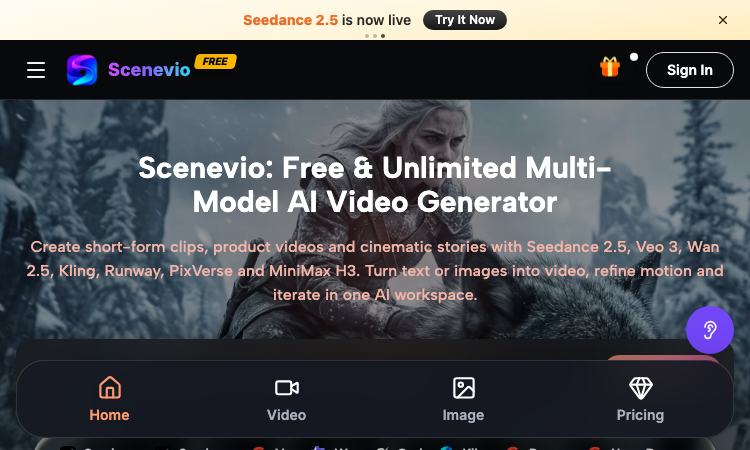
Scenevio is a free multi-model AI video generator that turns text prompts and images into short-form clips, product videos, and cinematic story sequences.
- Official app: https://scenevio.com
- Creator: Scenevio team (support@scenevio.com)
- Price: Freemium — free starter credits plus paid plans from $14.99/month
- Login required: Yes, an account is needed to generate and save videos
- Platform: Web (works in any modern browser, 8 languages including English, Japanese, Korean, and Chinese)
- Main use: Text-to-video and image-to-video generation with 26+ AI models
- Last checked: 2026-09-18
We are not the official developer of Scenevio. This page helps users find, understand, and use the product.
What Is Scenevio?
Scenevio is a web-based AI video workspace that puts many of the leading video models — Seedance 2.5, Veo 3, Wan 2.5, Kling, Runway, PixVerse, and MiniMax H3 — behind a single interface, so you can compare outputs without juggling separate subscriptions. You type a prompt or upload a reference image, pick a model, and generate a clip; per-second billing means credits follow actual duration, resolution, and reference inputs rather than a flat per-video rate. Beyond video, it also bundles image models such as Seedream, Flux, Nano Banana, and GPT Image for concept frames. The homepage doubles as a prompt library: every showcased clip (macro food shots, mecha squads, golden-hour trains) can be opened directly in the workspace or copied as a starting prompt, which makes it easy to go from zero to a first render in minutes.
How to Use Scenevio
- Open the official Scenevio website and click Generate.
- Sign in to create your workspace (free starter credits are included).
- Choose a mode — text-to-video or image-to-video — and select a model such as Seedance 2.5 or Veo 3.
- Type your prompt (or copy one from a homepage showcase) and generate; refine motion and iterate in the same workspace.
Is Scenevio Safe?
The site runs on the Scenevio.com domain with standard HTTPS and does not require third-party login such as Google or Discord beyond a regular account. Generation requires signing in, and uploads may include reference images, so treat anything you submit as data leaving your device. Payment is only needed for paid plans (Lite, Starter, Pro, Unlimited), which unlock private generation, no-watermark exports, and a commercial license — the free tier is ad-supported with watermarks. No deceptive redirects were observed during review; last checked September 2026.
Why Is Scenevio Popular?
Scenevio appears to be gaining attention through direct sharing and word-of-mouth around newly released models like Seedance 2.5, although there is no clear public source showing where the trend originated. Its positioning as a single place to try many premium video models at once — with free credits and per-second billing — gives it natural reach among short-form creators on TikTok and Instagram.
Scenevio Not Working?
If Scenevio fails to load:
- Refresh the page.
- Open it in another browser.
- Disable ad blockers temporarily.
- Check whether the original scenevio.com deployment is still online.
- Try again later if the developer is updating the app.
Scenevio Alternatives
- Runway — the veteran AI video suite with strong editing tools
- Kling AI — high-motion video generation from Kuaishou
- Hailuo (MiniMax) — fast, character-consistent video generation
Frequently Asked Questions
What is the official Scenevio website?
The official website is https://scenevio.com.
Is Scenevio free?
It is freemium: you get free starter credits to generate videos, but watermark-free exports, private generation, and a commercial license require a paid plan (from $14.99/month to $149.99/month for Unlimited).
Do I need an account to use Scenevio?
Browsing showcases is free, but generating and saving videos requires an account.
Who created Scenevio?
The Scenevio team; the site lists support@scenevio.com as its contact.
Is Scenevio still available?
Yes, the site was live and generating as of September 18, 2026.
Related apps
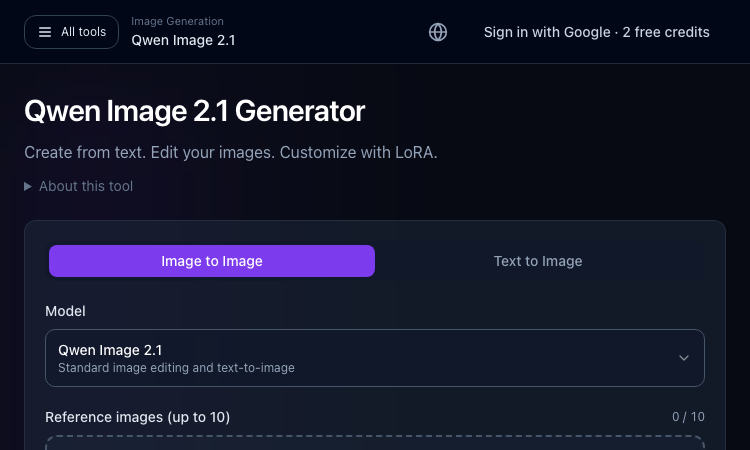
Qwen Image 2.1 Generator
Qwen Image 2.1 Generator — Start with the core task and use the guided workflow to evaluate fit.
Qwen Image 2.1 Generator: a practical tool for your next project Qwen Image 2.1 Generator is a browser-based image creation and editing workspace on ImageLayered, powered by Qwen…
Explore App
Happiepages
Happiepages - Digital greeting cards you can sign solo or with a group, sent online from anywhere.
Happiepages Happiepages is a browser-based digital greeting card service that lets anyone create a fun, personalized card for any occasion in just a few minutes. The product is…
Explore App
Infinite Worlds
Infinite Worlds — do whatever you want; the AI makes sense of any action and weaves it into a compelling story.
Infinite Worlds Infinite Worlds is an AI adventure game built around unlimited freedom. Most narrative games ask you to pick from a list of options the writers imagined in…
Explore App
SeaArt AI – Official Website
SeaArt AI – Official Website, What It Is & How to Use
SeaArt AI Official Website SeaArt AI is a web-based creation platform and community for generating and editing images, making videos, exploring models, and sharing work. The home…
Explore App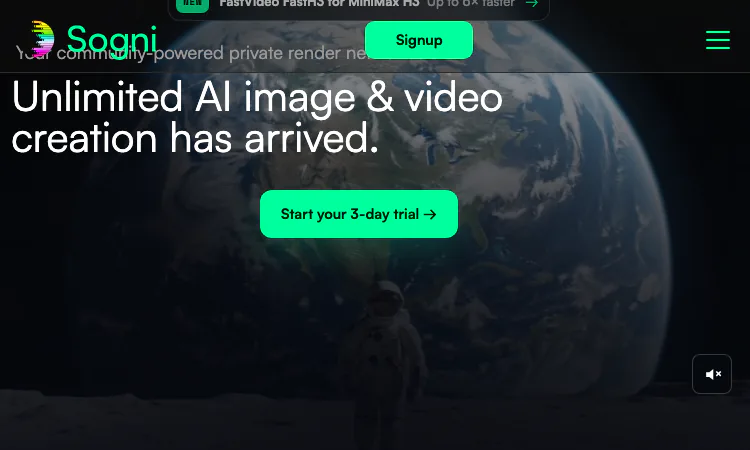
Sogni AI
Sogni AI turns a text prompt into finished images and video through 200+ creative models on a community-powered GPU network, with a free tier to start.
What Sogni AI Actually Is Most people meet generative art tools one at a time. A subscription here for photorealistic images, another one there for short video clips, a third for…
Explore App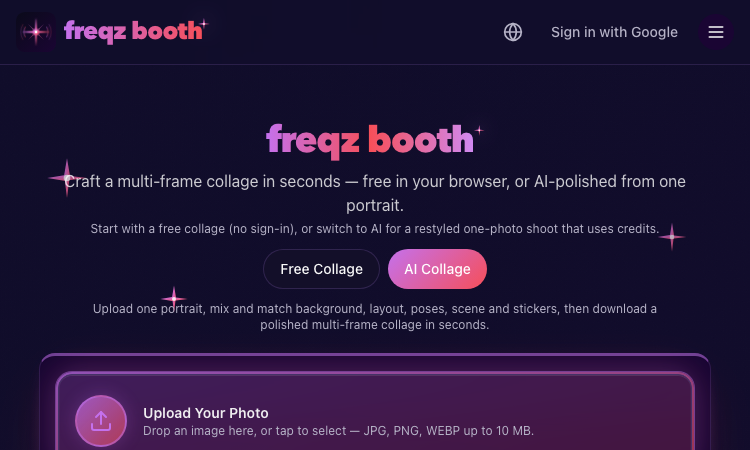
Ideal Photo Vercel
Ideal Photo Vercel- an AI photo booth app that builds shareable, multi-frame portrait strips from one photo.
Ideal Photo Vercel Ideal Photo Vercel reimagines the classic photo booth as a fast, web-based AI utility. From a single uploaded photo, the tool generates a clean, four-panel…
Explore App