Overview
PixMira AI
AI Image Generator and Photo Editor for Modern Visual Creation
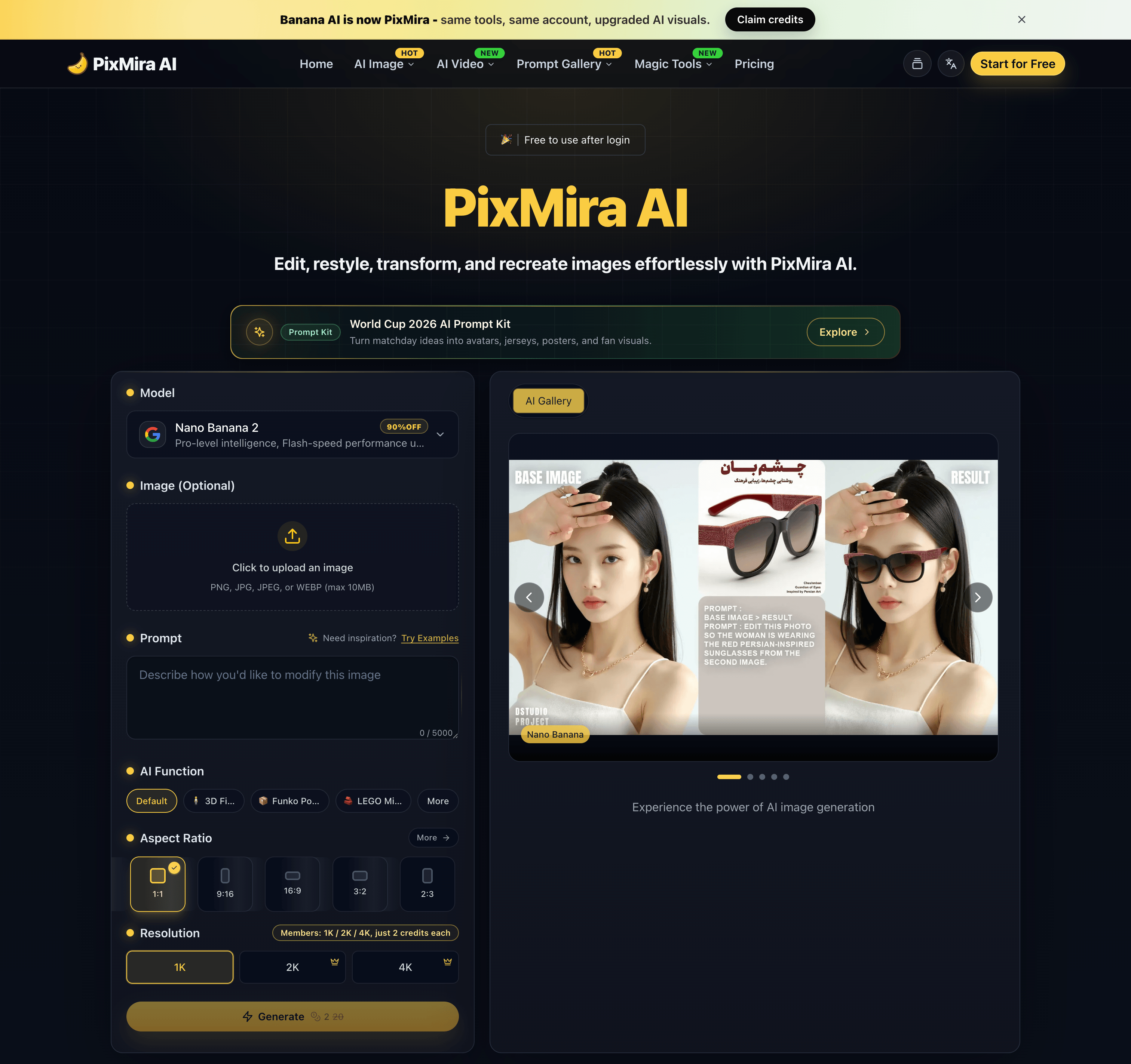
PixMira AI is an online AI-powered visual creation platform that brings image generation, photo editing, image transformation, and creative AI tools together in one place.
Users can generate original images from text prompts, transform existing photos, edit images with natural-language instructions, explore different visual styles, and complete a wide range of image creation tasks directly in their browser.
PixMira AI is designed for both everyday users and professional creators. It simplifies advanced visual workflows so users can focus on their ideas instead of learning complicated traditional editing software.
Overview
PixMira AI combines multiple AI image models and task-specific creative tools within a unified online workspace.
Whether you want to generate an image from scratch, modify part of an existing photo, create marketing graphics, prepare ecommerce visuals, experiment with a new artistic style, or turn an idea into a shareable image, PixMira AI provides a simple and flexible workflow.
Users can describe the result they want through a prompt, upload reference images when needed, select suitable generation options, and let AI handle much of the creative and technical process.
Key Features
AI Image Generation
Create original images from text descriptions for creative, commercial, and personal projects.
PixMira AI can help generate:
- Marketing visuals
- Social media graphics
- Product concepts
- Posters and promotional images
- Profile pictures and avatars
- Illustrations
- Concept art
- Blog and website images
- Presentation graphics
- Creative inspiration
AI Photo Editing
Edit existing photos by describing the changes you want in natural language.
Common editing tasks include:
- Adding or removing visual elements
- Replacing objects
- Changing backgrounds
- Adjusting image composition
- Restyling a photo
- Expanding an image
- Improving visual presentation
- Creating alternative versions
- Transforming ordinary photos into creative designs
Image-to-Image Transformation
Upload an existing image and use it as the foundation for a new visual result.
This can be used to:
- Preserve the main subject while changing the style
- Create new compositions from reference images
- Transform portraits, products, pets, or scenes
- Generate multiple creative variations
- Adapt an image for different visual contexts
- Explore new colors, environments, or artistic directions
Prompt-Based Visual Editing
PixMira AI makes image editing more accessible through natural-language prompts.
Instead of manually navigating complex editing menus, users can explain what they want to change. This workflow helps reduce repetitive work and makes advanced image editing easier for users without professional design experience.
Specialized AI Tools
In addition to general image generation and editing, PixMira AI provides dedicated tools for specific visual tasks.
Depending on the selected tool, users can work with capabilities such as:
- AI image generation
- AI photo editing
- Portrait and composition conversion
- Image expansion
- Image combination
- Image-to-sticker creation
- Background editing
- Style transformation
- Product and marketing image creation
- Prompt-based object modification
- Visual content enhancement
- AI-assisted creative workflows
These focused tools provide clearer workflows for users who want to complete a specific task without configuring a complex editing environment.
Multiple AI Models
PixMira AI offers access to different AI models for different creative requirements.
Users can choose a model based on factors such as:
- Image quality
- Generation speed
- Editing capability
- Prompt understanding
- Style preferences
- Resolution requirements
- Creative flexibility
- Task complexity
The availability of multiple models allows users to select a more suitable option instead of relying on a single model for every task.
What You Can Create
PixMira AI can support a broad range of visual projects, including:
- Social media posts
- Advertising creatives
- Ecommerce product images
- Website banners
- Blog illustrations
- Profile images
- Posters
- Thumbnails
- Brand concepts
- Campaign visuals
- Presentation graphics
- Concept art
- Character designs
- Lifestyle images
- Product scenes
- Personalized stickers
- Creative photo transformations
Use Cases
Content Creation
Create original visual content for blogs, social media accounts, newsletters, websites, and online communities.
Marketing and Advertising
Generate promotional graphics, campaign concepts, advertising images, product scenes, and visual ideas for different audiences.
Ecommerce
Create or improve product visuals, explore alternative backgrounds, generate lifestyle scenes, and prepare images for online stores and product promotions.
Social Media
Produce engaging images for posts, covers, announcements, short-form content, and personal profiles.
Design Exploration
Test visual directions, compositions, styles, color ideas, and creative concepts before moving into a full production workflow.
Personal Projects
Transform personal photos, create avatars, design stickers, generate illustrations, and experiment with imaginative visual ideas.
Professional Creative Work
Designers, marketers, creators, and online sellers can use PixMira AI to accelerate ideation, create drafts, compare alternatives, and reduce time spent on repetitive production tasks.
Who Is PixMira AI For?
PixMira AI is suitable for:
- Content creators
- Social media managers
- Digital marketers
- Ecommerce sellers
- Small business owners
- Designers
- Bloggers
- Developers
- Startup teams
- Educators
- Students
- Creative professionals
- Casual users exploring AI image creation
No advanced image editing experience is required for basic use. Users can begin with a simple prompt and gradually explore more advanced models, tools, and workflows.
Why Choose PixMira AI?
Easy to Use
PixMira AI turns complex image generation and editing workflows into a more approachable prompt-based experience.
Browser-Based
The platform works online, allowing users to create and edit visual content without installing traditional desktop editing software.
Flexible Creative Workflow
Users can start with text, upload an existing image, use reference images, or combine prompts and visual inputs.
Generation and Editing in One Platform
PixMira AI supports both creating new images and modifying existing ones, reducing the need to switch between multiple tools.
Tools for Specific Tasks
Dedicated pages and focused workflows help users complete common visual tasks more efficiently.
Multiple Creative Options
Different models and tools allow users to experiment with alternative results, visual styles, and editing approaches.
Suitable for Beginners and Professionals
The platform is accessible to first-time users while still providing useful capabilities for experienced creators and professional workflows.
How It Works
- Choose an AI image model or specialized visual tool.
- Enter a text prompt describing the desired result.
- Upload an image or reference image when required.
- Configure the available generation or editing options.
- Generate the image.
- Review the result and refine the prompt if needed.
- Download or continue editing the generated visual.
Platform Focus
PixMira AI focuses on making modern AI image technology practical, accessible, and useful for real visual creation tasks.
Rather than presenting AI image generation as a technical experiment, the platform organizes its capabilities around the results users want to create.
This includes generating new visuals, improving existing photos, adapting images for specific formats, creating marketing content, and exploring different creative directions.
Summary
PixMira AI is an online AI image generator and photo editor that helps users create, edit, and transform visual content through text prompts, uploaded images, multiple AI models, and specialized creative tools.
It provides an accessible workspace for generating original images, modifying photos, exploring visual ideas, and producing content for social media, ecommerce, marketing, design, branding, and personal projects.
Website: https://pixmira.ai/
Related apps
EPIC
Create Visual Sitemaps for your website
EPIC is a browser-based design and layout builder that combines manual creative control with structured navigation tools. Unlike heavy design software, EPIC focuses on speed,…
Explore App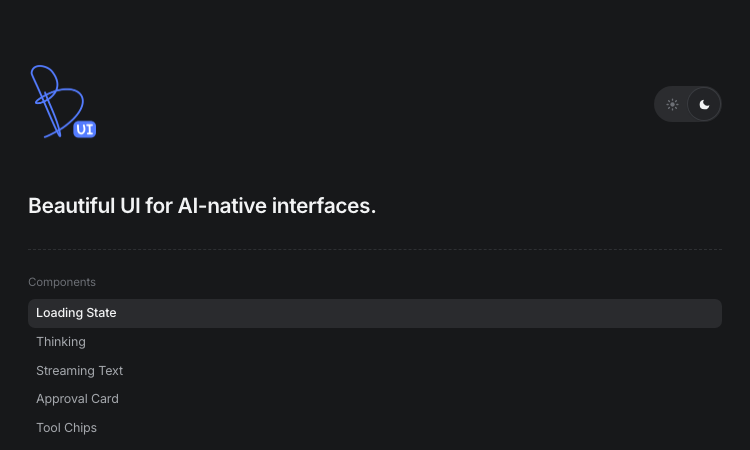
Beautiful UI
Beautiful UI - Crafted copy-paste components that make chat agents, tool calls, and approvals look stunning.
Beautiful UI For developers shipping AI products, Beautiful UI removes the hardest part of the job: making agent output look and feel deliberate. The library is a set of…
Explore AppRemove Text From Video
Remove watermark, text, subtitles and unwanted objects from video online with AI
RemoveFrom.Video is an AI-powered online video cleanup platform built for users who want to remove watermark from video, remove text from video, remove subtitles from video, and…
Explore App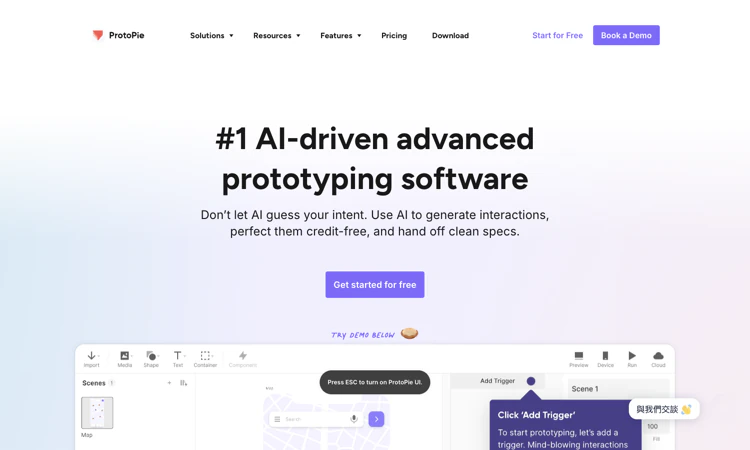
ProtoPie
ProtoPie – Explore its first-project workflow, official site, pricing, account needs, practical limits, safety checks, and troubleshooting.
ProtoPie – Official Website, What It Is & How to Use ProtoPie Official Website ProtoPie is an advanced interaction-prototyping platform for realistic product behavior and device…
Explore App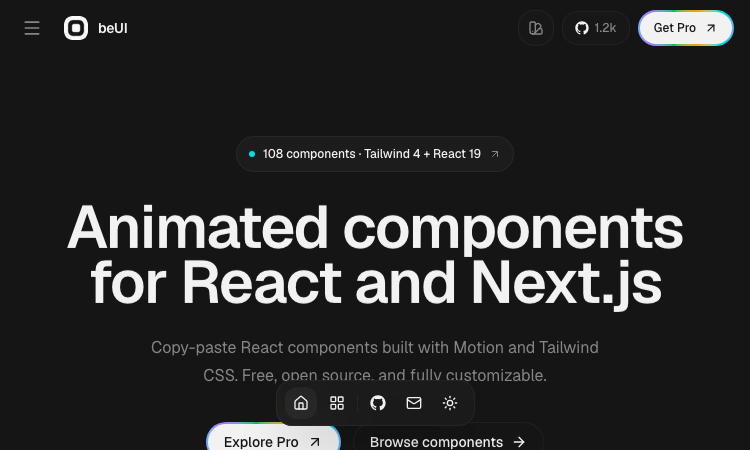
Beui
Beui — free animated UI components for React and Next.js; copy the source or install via shadcn CLI.
Beui Beui is a free, open-source collection of animated components for React and Next.js, built with Motion and Tailwind CSS. If you want polished animations in your app without…
Explore AppAI‑Ready Development Custom PHP Engineer
A development studio & AI‑native infrastructure provider that builds high‑performance, agent‑ready websites.
Built2WinWeb — AI‑Ready Dev, MCP Infrastructure & Custom PHP Engineering Overview Built2WinWeb is a custom PHP development studio and AI‑native infrastructure provider that…
Explore App