Design Apps
Discover beautiful apps crafted with vibe coding across different categories. Explore our curated collection of lovable applications.
Categories
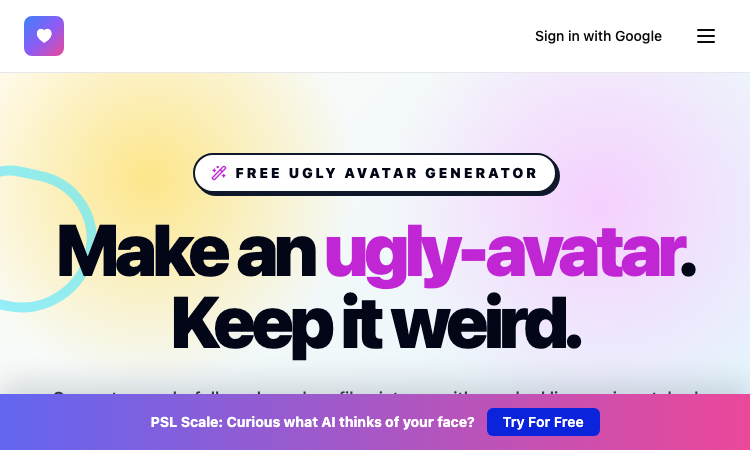
Ugly Avatar
Ugly Avatar - Browse 48 delightfully awkward faces, refresh the gallery, and download one free.
Ugly Avatar Ugly Avatar turns procedural drawing into an entertaining way to create profile art. Open the tool and you immediately get 48 intentionally odd portraits rather than a blank canvas. The faces combine crooked lines, uneven eyes, unusual mouths, distorted contours, and chaotic hairstyles to produce a hand-drawn look that feels expressive and unmistakably different from standard avatar packs. The experience is designed for speed. Browse the gallery, click a face you like, and save a high-resolution 1024×1024 PNG with one action. You do not need to create an account, upload a selfie, enter personal information, or learn illustration software. When none of the visible characters fits, use the regeneration control to make 48 new faces and continue exploring. Behind every portrait is a unique deterministic seed. The seed drives how the procedural system shapes the face, eyes, nose, mouth, and hair, while also making the output repeatable. This approach gives the collection variety without turning the process into a complicated customization workflow. The generator is useful for social media identities, developer profiles, forums, games, community spaces, side projects, and playful placeholders. It is particularly appealing to people who want a recognizable image but do not want to use a real photograph or a polished, artificial-looking character. Ugly Avatar is free to use in the browser. Inspired by the open-source txstc55/ugly-avatar project, it pays tribute to that idea through an independently built drawing system. The result is a simple, privacy-friendly tool for downloading strange and memorable portrait art whenever a normal avatar would be too ordinary.
PicText - Image Text Editor
AI-powered image text editor that detects and replaces text in photos, screenshots, and product Image
Image Text Editor is an AI-powered image text editor that seamlessly detects existing text in photos, screenshots, JPGs, product images, and social creatives, then replaces it while preserving the original layout, style, and font characteristics. Key Features Smart Text Detection: Automatically identifies text areas in any image. Font Matching: AI recognizes and matches the original font style, size, and color. Layout Preservation: Maintains the original design and background intact. Simple Workflow: Upload image → describe text change → get edited result. No Source Files Needed: Edit text without requiring PSDs or layered templates. How It Works Upload the source image: Add a screenshot, JPG, product image, poster, or any visual containing text. Describe the text change: Specify original text, enter new text, and add style instructions if needed. Generate the edited result: AI processes the image-to-image request and returns a revised version. Perfect For Marketing posters and social media creatives. Presentation screenshots. AI-generated visuals. Product images with text. Any static graphics needing text modifications. Edit text in images effortlessly with professional AI font matching and seamless background cleanup.
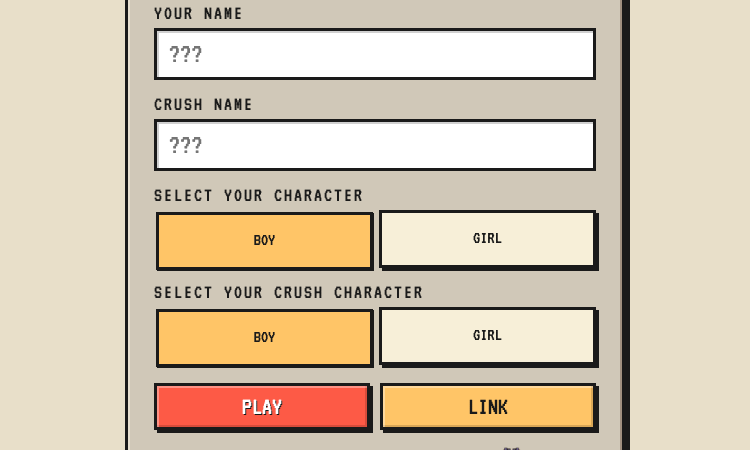
Rare Encounter
Rare Encounter - build a personalized ask-me-out RPG mini-game and send a link to your crush.
Rare Encounter Rare Encounter is a nicely built example of turning a tender, intimidating human moment into a focused, shareable web product. The app lets a user craft a personalized "ask me out" RPG mini-game and send it to their crush, who then plays through a short encounter to reach an answer. From a product perspective, the build is thoughtful. The creator side is a simple form—your name, their name, character genders, generate link—while the player side is a compact role-playing scene with stats like Courage, Heart, and Happiness and actions like Ask Out Attack, Overthink, and Run. That split between an easy authoring flow and an engaging play flow is exactly what makes the concept land: the sender does almost nothing, and the recipient gets a real, interactive experience. The mechanics carry the metaphor. A "rare encounter" in RPG terms is an unusual, valuable event, and the game borrows that framing for romance—meeting someone you're attracted to is rare, and the game encourages the player not to let it pass. A Game Over ending teases the missed chance, while a win unlocks follow-up quests like planning the first date. For makers browsing a showcase, Rare Encounter shows how a single, emotionally resonant idea can become a polished, shareable web app. It proves you do not need a sprawling platform to build something people will actually send to each other—just a clean authoring flow and a playful payoff.
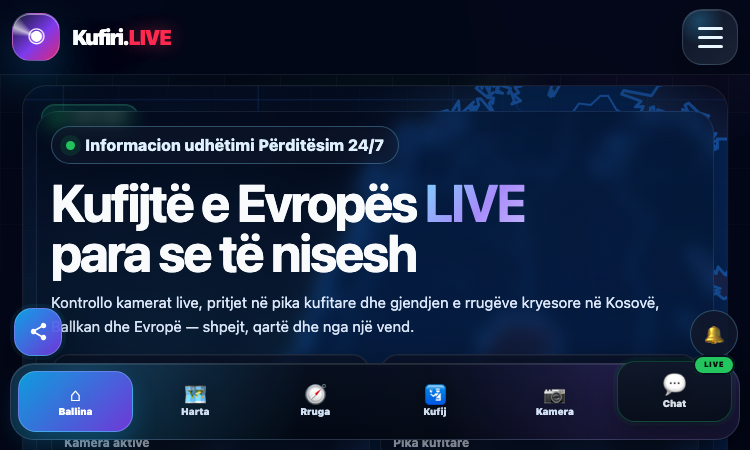
Kufiri Live
Kufiri Live - a focused web app bringing live border cameras and wait times together.
Kufiri Live Kufiri Live is a nicely built example of a focused, single-purpose web app solving a real, recurring problem: the uncertainty of waiting at a border. The product gathers live border-crossing webcams, wait-time estimates, an interactive map, route planning, and an A-Z directory of crossings into one place, rather than leaving travelers to piece it together themselves. From a product perspective, the scope is well-judged. Each feature maps to a concrete decision a traveler makes: the webcam section answers "what does it look like right now," the wait estimates answer "how long will I wait," the map and "my route" answer "where is the crossing on my trip," and the A-Z listing handles direct lookups. That tight feature-to-decision mapping is what separates a useful tool from a cluttered one. The build is modern and portable. Kufiri Live is an installable progressive web app with a mobile-first layout, a dark theme suited to night driving, and a language switcher that extends its Albanian-language core to a wider audience. A "world live" section hints at ambitions beyond its European focus without diluting the core. For makers browsing a showcase, Kufiri Live shows how a clear, real-world problem—border wait uncertainty—can become a polished, genuinely useful product. It proves you do not need a sprawling platform to ship something travelers will actually rely on; just a tight scope, live data, and a clean, portable interface.
PatentFig AI
AI Patent Drawing Software
The patent drawing tool that generates compliant figures from text and images. Line art, 3D renderings, flowcharts — ready for USPTO, CNIPA, EPO, JPO, KIPO, and PCT filing workflows. Everything you need for patent drawing generation From line art to 3D renderings, this patent drawing software handles every type of patent illustration with AI precision. Filing-ready patent figures, priced per credit PatentFig AI turns a description, sketch, or photo into office-compliant black-and-white patent figures you can file.
Echoes of Aincrad Reference Hub
Echoes of Aincrad Characters, weapons, guides, and Death Game notes
A focused Echoes of Aincrad reference hub for players who want beginner routes, wiki notes, character pages, weapon details, updates, and Death Game Mode planning in one place.
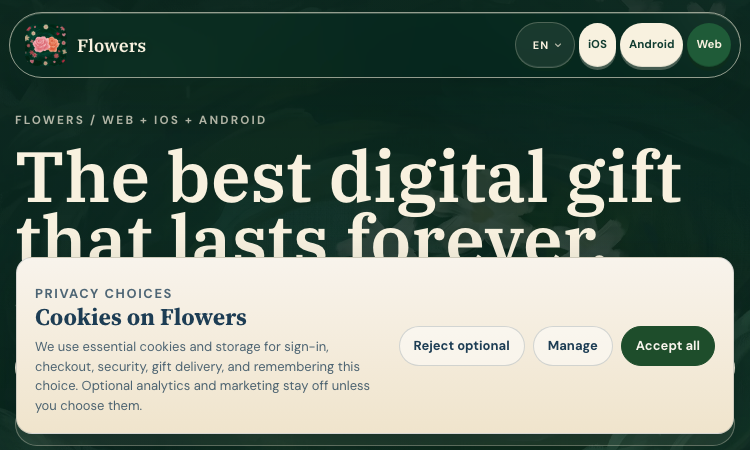
Flowers Blooming
Flowers Blooming - create private digital flower gifts with shareable links and QR codes.
Flowers Blooming Flowers Blooming is a nicely built example of turning a tender idea into a clean, focused web product. The app lets users compose a digital flower gift and generates a private, permanent link and a QR code for sharing it—an elegant combination that solves the real problem of how a digital gift actually reaches someone. From a product perspective, the build is thoughtful. The "live forever" gift is a shareable web page addressed by a private link, and the QR code makes that link scannable from a phone, a printed card, or a physical gift tag. That duality—link for online sharing, QR for the real world—covers both ways people actually hand someone a gift. There is no heavy backend for the recipient to wrestle with; the gift simply opens in a browser. The flow is tight and low-commitment. The sender composes in the browser with no sign-up wall, and the recipient opens the gift with no app install, which removes the single biggest drop-off in digital gifting. For developers browsing a showcase, the link-plus-QR pattern and the privacy model are both worth noting. For makers and curious visitors alike, Flowers Blooming shows how a small, well-scoped product can carry real emotional weight. It proves that a thoughtful gift utility does not need a sprawling platform—just a clean interface, a private link, and a QR code that lasts.
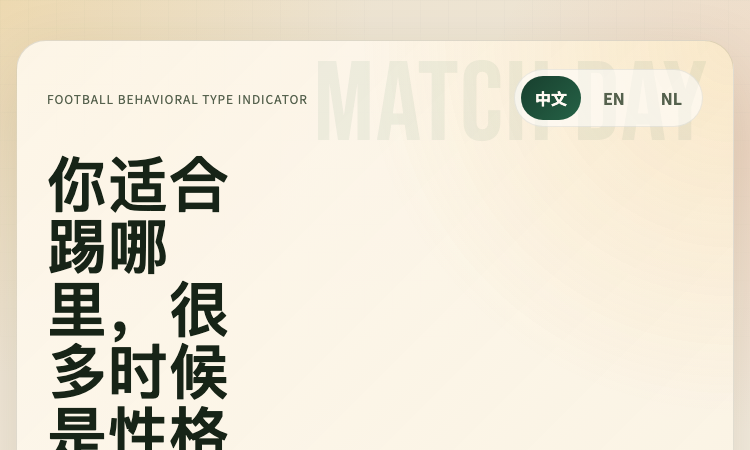
FBTI
FBTI - a multilingual football personality test built on an MBTI-style typing framework.
FBTI FBTI is a nicely built example of adapting a well-known personality framework to a specific passion. The project takes the MBTI-inspired four-letter typing concept and reframes it for football, producing a "Football Personality Test" that lets fans discover a type reflecting how they engage with the game. From a product standpoint, the build is clean and thoughtful. The site is a modern static web application, which keeps it fast, reliable, and simple to deploy. A particularly nice touch is its multilingual support—Chinese, English, and Dutch—so fans from different regions can take the test in their own language, broadening the audience considerably without adding runtime complexity. The flow itself is tight: a short questionnaire leads to a clear, shareable football personality result. There is no sign-up wall and no heavy onboarding, which suits a fun, low-commitment tool. For developers browsing a showcase, the multilingual handling and the crisp single-purpose scope are both worth noting as patterns. For makers and curious visitors alike, FBTI shows how a familiar concept can be reimagined for a niche and shipped as a polished, accessible web app. It is the kind of small, focused project that proves you do not need a sprawling platform to build something fans will actually enjoy and share.
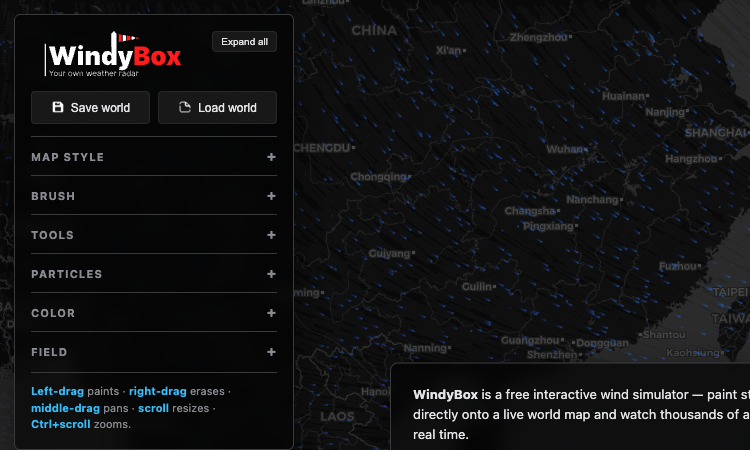
Windy Sandbox
Windy Sandbox — pick a brush, drag on the live world map to paint wind, and watch thousands of particles flow. Free.
Windy Sandbox Windy Sandbox is a free interactive wind simulator built around a brush you drag across a live world map. The core interaction is painting wind: you pick a brush, left-drag on the map, and wind appears where you drew it, with thousands of particles flowing along the pattern in real time. For anyone who likes creative tools where the input is direct — you draw, the world responds — that brush-on-a-map approach is the heart of the product. The brushes are what make the wind painting expressive. Rather than choosing from a fixed list of weather presets, you paint wind patterns yourself, which means a storm, a vortex, or a typhoon can be shaped to exactly the form and location you want on the map. Different brush settings let you control how the wind is laid down, and the particle field reacts to each stroke as you make it, so the feedback is immediate and the result is something you composed rather than something you triggered. The Field section includes a demo typhoon for an instant example, which shows the range of what the brushes can produce before you start painting your own. Because the painting happens on a real world map, the wind patterns you create sit on actual geography, which makes the simulation feel grounded rather than abstract. The tool is free, made by an independent creator, and offered as a beta, with support and a Discord for the community. Around the brushes, the simulator includes tools for map style, particles, color, and field, plus save and load for the worlds you build. For anyone who wants to paint storms, vortices, and typhoons onto a real map and watch thousands of particles flow, Windy Sandbox's brush is the way in.
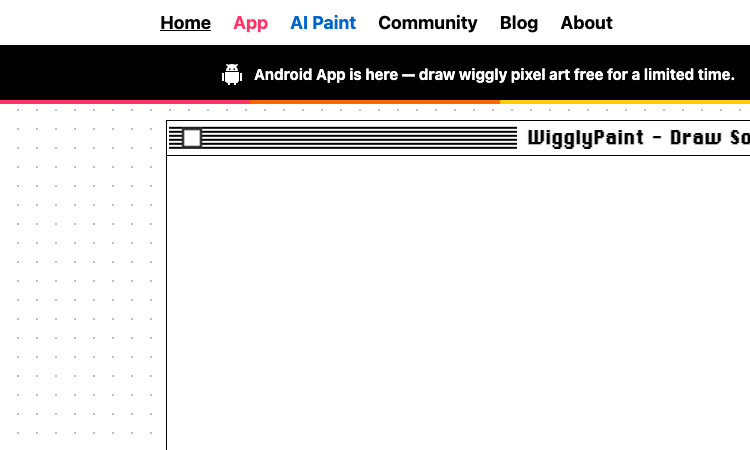
WigglyPaint
WigglyPaint — animated brushes make every line wiggle and dance as you draw, no animation expertise required. Free.
WigglyPaint WigglyPaint is an animated drawing tool built around brushes that make your lines wiggle. Where a normal drawing app captures a stroke as a fixed shape, WigglyPaint's animated brushes turn each stroke into a living line that wiggles and dances, so the drawing is animated from the moment you create it. For anyone who has wanted their doodles to move without learning a full animation workflow, that wiggle-as-you-draw approach is the core of the product. The brushes are where the personality lives. Each brush style produces a different wiggle effect, so a creator can choose how a line moves — subtle, lively, jittery, or playful — and combine brushes within a single drawing for varied motion. Because the wiggle is automatic, the barrier to making an animated drawing drops to nearly zero: you do not keyframe, tween, or timeline anything, you just draw, and the lines move. That simplicity is what makes WigglyPaint feel like a doodle tool rather than animation software, even though the output is genuinely animated. Once a drawing is done, it can be shared or exported, and the native iPhone, iPad, and Android apps extend the same wiggly brushes to mobile, with Apple Pencil support and one-tap GIF and video export for posting to TikTok, Instagram, and Discord. The web tool is free with no signup, your art stays on your device, and a community gallery lets you see what other people are making with the same animated brushes. With a blog, changelog, multi-language support, and an AI Paint feature alongside the core tool, WigglyPaint is the drawing tool for anyone who wants every line they draw to wiggle and dance.

Dear You Cards
Dear You Cards — draw or upload your own artwork so the front of the card is genuinely yours, then write and share.
Dear You Cards Dear You Cards is a virtual card tool that puts your own artwork at the center of the design. Where most card services offer a fixed library of templates you pick from, Dear You Cards lets you draw your artwork directly or upload an image you already have, so the visual side of the card is something you made or chose rather than something a designer already prepared. For anyone who wants a card that looks like it came from them and not from a stock catalog, that artwork-first approach is the core of the product. The draw option is what makes the tool genuinely personal. Drawing directly in the card means a doodle, a sketch, or a hand-drawn message can become the front of the card, which carries a kind of warmth that an uploaded photo or a chosen template cannot match. The upload option extends the same idea to images you already have — a photo, a scan of something handmade, or a piece of art — so anything visual you want to use can become a card. Once the artwork is in place, you write a message and share the card instantly through a unique link. Around the artwork feature, Dear You Cards keeps the rest of the experience deliberately simple: create a card, draw or upload, write a message, share instantly, all without an account on the recipient's side. Built by an independent maker crafting small tools for thoughtful moments, the site takes a clean stance on privacy — no tracking, no selling of data, only minimal cookies to understand usage. For anyone who wants to send a card whose artwork is genuinely their own, Dear You Cards is the tool that makes the front of the card as personal as the message inside.
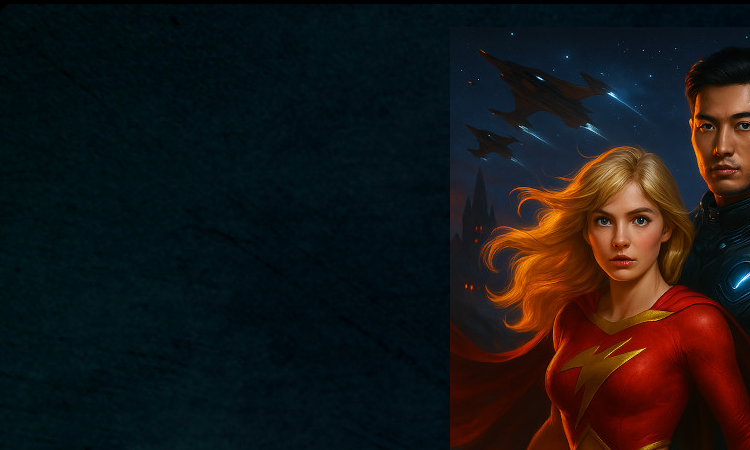
Infinite Worlds
Infinite Worlds — do whatever you want; the AI makes sense of any action and weaves it into a compelling story.
Infinite Worlds Infinite Worlds is an AI adventure game built around unlimited freedom. Most narrative games ask you to pick from a list of options the writers imagined in advance, which means the story can only go where someone already mapped it. Infinite Worlds throws that constraint out: when you are playing an adventure, you can do literally whatever you want, and the AI system underlying the game will make sense of whatever you attempt and build it into the unfolding story. For players who have been frustrated by the limits of branching narratives, that openness is the whole point. The freedom is genuine, not illusory. Because the AI interprets your action and decides how the world responds, your character can actually fail — you can try something and the AI can rule that it did not work, which gives choices real weight and makes the story feel like it has stakes. That is a meaningful difference from a game that simply accepts every input and calls it a win. The result is an adventure that feels like it is being co-written with you in real time, where the next beat is genuinely uncertain because it depends on what you do and how the AI reasons about it. Around that free-form play, Infinite Worlds uses cutting-edge AI to produce adventures and stories complete with illustrations, and it lets you build your own worlds in minutes and share them with friends — a rom-com in a zombie world, a detective story, or a familiar universe like Harry Potter or Star Wars. Built by Friendly Fox Games, with a community, FAQ, and Wiki, Infinite Worlds is the AI game for players who want the story to go wherever their imagination takes it, not wherever a script allowed.