Developer-tool Apps
Discover beautiful apps crafted with vibe coding across different categories. Explore our curated collection of lovable applications.
Categories
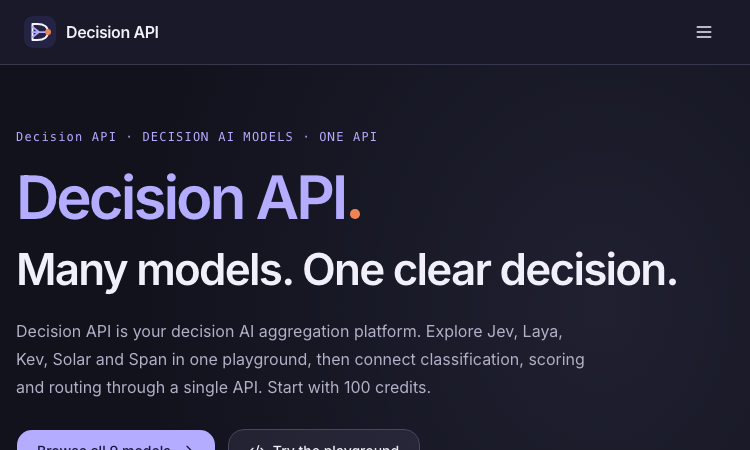
Decision API
Decision API – Official Website, What It Is & How to Use
Decision API is a developer platform that aggregates decision AI models — Jev, Laya, Kev, Solar Decide, Span, Liquid, D1 and more — behind one playground and one unified API for classifying, scoring, and routing text. Instead of prompting an LLM and parsing prose, you send a state (a ticket, message, or record) plus structured questions and get back typed answers with probability distributions: a label (Choice), a rating along your rubric (Score), or a yes/no judgment with probability (Noul). Use it for customer-request routing, agent next-step selection, and claim-versus-evidence checking. An evaluation workspace lets you A/B test two models or question phrasings on the same cases before wiring one into production, and a single endpoint (POST /v1/systemone, Bearer auth) keeps the integration identical across all models — switching is a one-string change. New accounts get 100 free credits; paid packs are one-time ($10/$100/$1,000), credits never expire. Note: decisionapi.org is an independent platform — not the OpenAI Decisions API preview — and is the current home of the tool previously seen at decisions-api.org.
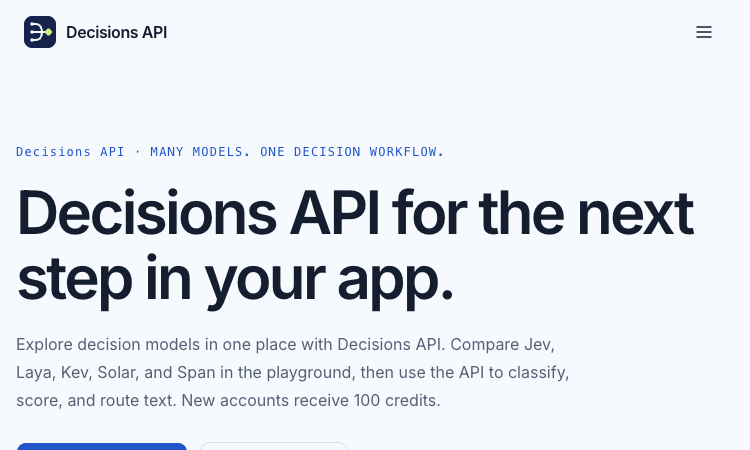
Decisions API
Decisions API – Official Website, What It Is & How to Use
Decisions API is an independent developer platform that brings multiple decision models — Jev, Laya, Kev, Solar Decide, and Span — into one playground and one unified API for classifying, scoring, and routing text. Instead of prompting an LLM and parsing prose, you send a state (a ticket, message, or record) plus structured questions and get back typed answers with probability signals: a label (Choice), a rating along your rubric (Score), or a yes/no judgment with probability (Noul). Use it for customer-request routing, agent next-step selection, and claim-versus-evidence checking. An evaluation workbench lets you A/B test two models or question phrasings on the same cases before wiring one into production, and a single endpoint (POST /v1/systemone, Bearer auth) keeps the integration identical across models. New accounts get 100 free credits; paid packs are one-time ($10/$100/$1,000) and credits never expire. Note: decisions-api.org is an independent platform, not the OpenAI Decisions API preview announced at DevDay.
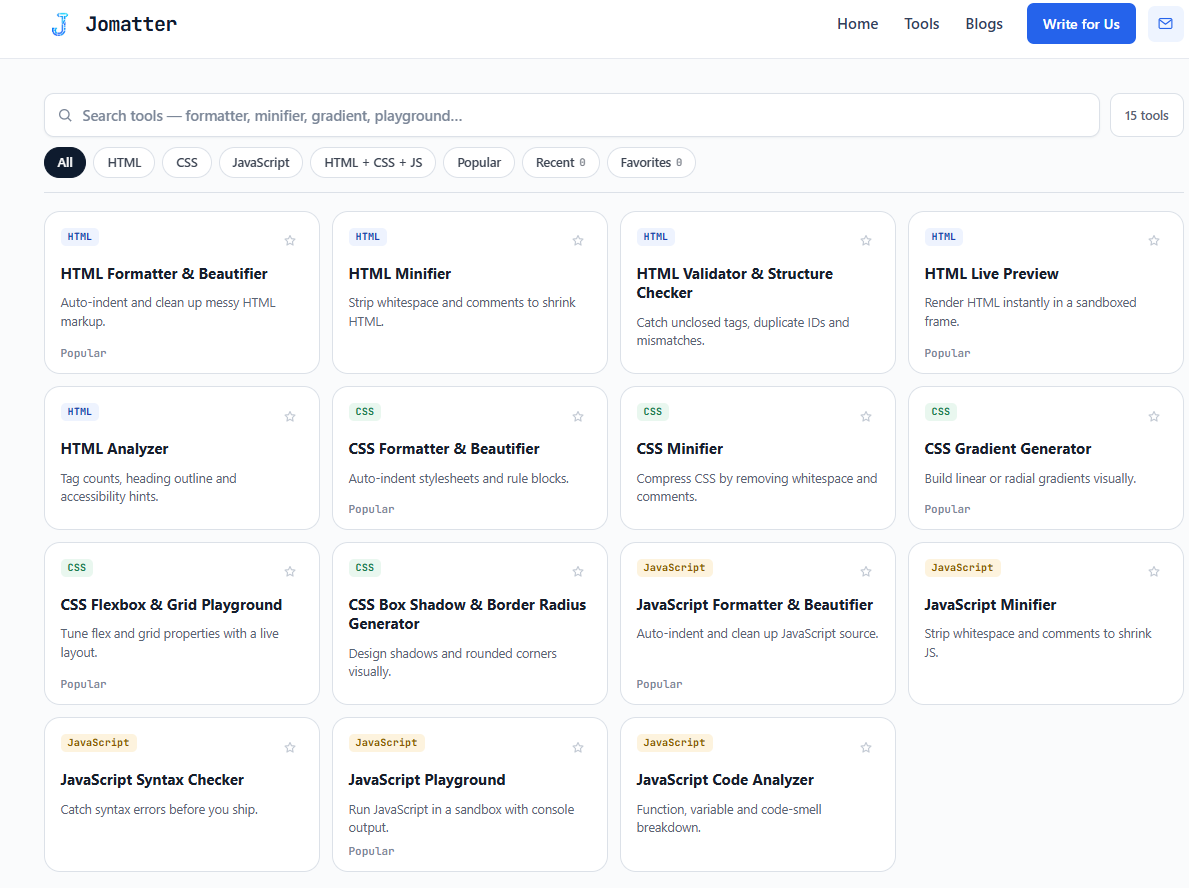
JoMatter
Free HTML, CSS & JavaScript Developer Tools
"Jomatter is a free online toolkit built for HTML, CSS, and JavaScript developers. It brings together practical web development tools designed to make everyday coding tasks easier, faster, and more convenient. From working with HTML and CSS to handling JavaScript-related development tasks, Jomatter focuses on providing simple browser-based utilities that developers can access without unnecessary complexity. The platform is designed for developers, web designers, students, and anyone working with modern web technologies. Jomatter also publishes development-focused blog content and provides a dedicated Write for Us section for contributors interested in sharing relevant topics. The goal is to create a useful resource for people building, testing, optimizing, and learning web technologies."
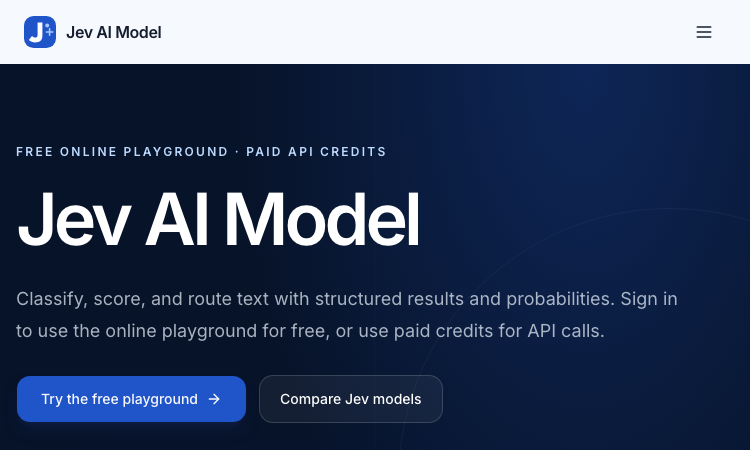
Jev AI Model
Jev AI Model – Official Website, What It Is & How to Use
Jev AI Model Official Website Jev AI Model is the model-focused home of the Jev decision engine: classify, score, and route text with structured results and probabilities — free online playground for signed-in users, paid credits for API calls. Official app: https://jevaimodel.net Creator: the Jev team (companion site to the Jev AI workspace at thejevai.com) Price: Freemium — playground free after sign-in; API usage via paid credits Login required: Yes — even the playground requires signing in Platform: Web playground + REST API (POST /v1/systemone) with a typed SDK Main use: Turning state plus typed questions (Choice / Score / Noul) into probability-backed decisions inside your code Last checked: 2026-09-23 Visit Jev AI Model We are not the official developer of Jev AI Model. This page helps users find, understand, and use the product. What Is Jev AI Model? Jev AI Model is not a chatbot — it is a decision model. You send state (a ticket, message, form fields, or the structured context your agent already sees) plus up to eight typed questions — Choice for classification, Score for ordered levels, Noul for yes/no — and one request returns typed answers with probabilities and confidence in 70–500ms, ready to branch on in code (if result.urgent: escalate()). This site adds two things the main product page doesn't. First, a published benchmark: JevBench v1.3.0 scores 52 systems across 534 decisions (snapshot Sep 21, 2026), with Jev 1.13.0 ranked #1 at 74.4, ahead of SemIf (73.1) and djev (73.0) — covering decision quality, probability calibration, speed, and cost per decision. Second, a 21-example interactive showcase with a clear specialty: agent trace evaluation — feeding an agent's tool-call trace into questions like taskcompletion, failuremode, and grounded_answer to grade whether an AI agent actually completed the task and whether its final response is grounded in its tool results. How to Use Jev AI Model Open the official Jev AI Model website and sign in — the playground is free for signed-in users. Pick one of the 21 decision workflows (e.g. agent trace evaluation) or build your own: enter state as Text or JSON. Define up to eight typed questions (Choice / Score / Noul), then click Generate decisions to see typed output with probabilities. Copy the POST /v1/systemone JSON preview, buy API credits, create a key, and wire the decision into your service via REST or the typed SDK. Is Jev AI Model Safe? The site runs on the jevaimodel.net domain over standard HTTPS and publishes API, Pricing, and Docs pages. Note the account gate: unlike the main Jev AI site, where the playground works without an account, here even the playground requires sign-in, and API calls use paid credits. Any state you send (tickets, messages, agent traces) leaves your system for classification, so treat customer-sensitive content accordingly — the same caution as any hosted AI API. The model's design supports safety use cases itself (pre-action checks around deletion and payment). No deceptive redirects were observed during review. Last checked September 2026. Why Is Jev AI Model Popular? As teams ship AI agents, evaluating and controlling them became the bottleneck of 2026: did the agent finish the task, is its answer grounded, when should a human step in? Jev AI Model answers exactly that with typed, probability-backed outputs — and backs its claims with a published, dated benchmark rather than adjectives. The free playground (just a sign-in) lets developers pressure-test it on a real scenario in minutes. Jev AI Model Not Working? If Jev AI Model fails to load: Refresh the page. Open it in another browser. Disable ad blockers temporarily. Check whether the original jevaimodel.net deployment is still online. Try again later if the developer is updating the app. Jev AI Model Alternatives Jev AI (thejevai.com) — the same decision engine with a no-login playground OpenAI Structured Outputs — typed JSON from GPT models you orchestrate yourself LangSmith — LLM/agent evaluation and tracing platform Frequently Asked Questions What is the official Jev AI Model website? The official website is https://jevaimodel.net. Is Jev AI Model free? The online playground is free once you sign in; API requests use paid credits. Do I need an account to use Jev AI Model? Yes — this site requires sign-in even for the playground (the companion thejevai.com playground needs no account). Who created Jev AI Model? The Jev team, which also publishes JevBench — an independent evaluation of decision-model quality across 52 systems. Is Jev AI Model still available? Yes, the site was live as of September 23, 2026.

Jev AI
Try Jev AI online for free. Get fast, confidence-scored Yes/No, Choice, and Score answers with an interactive playground and API.
Jev AI – Free Online Playground & API Jev AI is an independent online playground and API for Jev, a System One AI model. Unlike traditional AI chatbots that generate lengthy responses, Jev is designed to analyze text and return fast, structured answers with confidence scores. Whether you're building an AI application, automating workflows, or evaluating text, Jev AI makes it easy to explore structured AI decision-making without complex setup. Key Features Free Online AI Playground Try Jev AI directly in your browser. New users receive 5 free runs to explore the model. Three Structured Question Types Yes/No: Get a probability-based answer to a question about your text. Choice: Select from multiple predefined options and see the probability of each. Score: Evaluate text using your own scoring levels. Fast, Confidence-Scored Answers Jev returns structured results with confidence values, making its output easier to interpret and integrate into applications. Multiple Questions in One Request Ask several questions about the same text in a single API call. Jev evaluates them in parallel, helping streamline repetitive analysis tasks. Developer-Friendly Jev API Integrate Jev into your own applications using the Jev API. Submit text or JSON, define your questions, and receive structured responses that your application can process. What Can You Use Jev AI For? Jev AI supports a variety of text analysis and automation scenarios, including: Customer support ticket classification and prioritization Sentiment analysis and product review scoring Chatbot intent detection and routing Content moderation and text evaluation Sales lead qualification AI output evaluation and citation checking Get Started for Free Visit Jev AI to explore the interactive playground, test different question types, and see how structured AI responses work. New accounts receive 5 free runs. Try Jev AI online for free: https://jev-ai.pro/
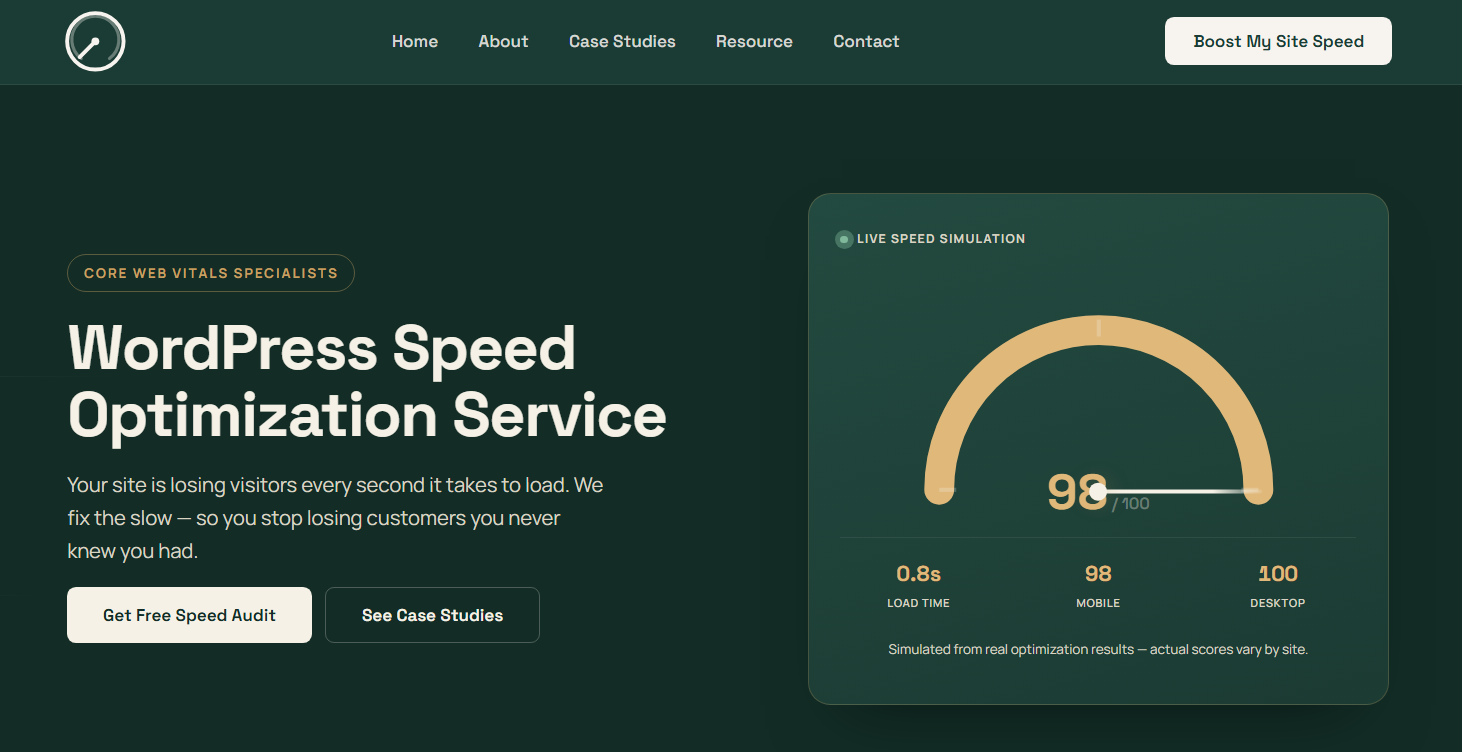
WordPress Speed Optimization Service
Make Your WordPress Website Faster, Smoother, and More Efficient.
WordPress Speed Optimization Service helps businesses improve website speed, performance, and Core Web Vitals through practical, hands-on optimization. We identify the technical issues slowing down WordPress websites and implement targeted improvements to create faster, more responsive pages. Our optimization services include caching configuration, image compression, WebP and AVIF optimization, CSS and JavaScript optimization, Cloudflare configuration, server response improvements, and Core Web Vitals optimization. The service is suitable for business websites, agencies, blogs, publishers, and WooCommerce stores experiencing slow loading times or poor performance scores. Every project starts with a free speed audit to identify key performance bottlenecks before optimization begins. After the work is completed, clients receive before-and-after performance reporting to understand the improvements made. WordPress Speed Optimization Service offers a straightforward one-time pricing model of $239 per website, with no recurring optimization fee. The goal is to deliver measurable performance improvements while maintaining website functionality, design, and user experience.
Jev AI
Jev AI – Official Website, What It Is & How to Use
Jev AI Official Website Jev AI is a decision engine for software teams: an AI model that turns real-world state into structured, probability-backed decisions — classification, routing, scoring, and safety checks in 70–500ms. Official app: https://thejevai.com Creator: Jev AI team Price: Freemium — free online playground (no waitlist), API usage via Pricing Login required: No for the playground; an account and API key for production calls Platform: Web playground + REST API (POST /v1/systemone) with a typed SDK Main use: Making small, high-frequency decisions inside code — routing, escalation, guardrails, queue sorting Last checked: 2026-09-20 Visit Jev AI We are not the official developer of Jev AI. This page helps users find, understand, and use the product. What Is Jev AI? Jev AI is deliberately not another chat model. Its pitch: the hardest product work is often not generating a paragraph — it is making small decisions many times a second without losing control. You send state (a ticket, message, form fields, or the context your agent already sees) plus up to eight typed questions — Choice (classification with 2–255 options), Score (ordered levels, e.g. urgency 0–10), or Noul (yes/no). One request returns typed answers with probabilities and confidence, so your code can branch: if result.urgent: escalate(). Because each answer carries probability, you can decide when the system should act automatically and when to ask a person. Documented use cases: assess task difficulty before routing to cheap vs. heavy models, run intent checks before risky tool actions (deletion, payment), classify intent + urgency + human-review together to sort queues, and decide which tool results survive context compression in long sessions. The online playground lets you build a full decision (state, questions, JSON preview) and copy the exact API request before writing any code. How to Use Jev AI Open the official Jev AI website and try the playground — load one of five example scenarios (e.g. "three deploys failed, production returning 500s — escalate?"). Enter your state (Text or JSON) and define up to 8 typed questions: Choice, Score, or Noul. Click Generate decisions to see typed output with probabilities and confidence. Copy the POST /v1/systemone JSON preview, create an account, get an API key, and wire it into your service via REST or the typed SDK. Is Jev AI Safe? The site runs on the thejevai.com domain over standard HTTPS and publishes Docs, API, Pricing, and Showcase pages. The playground works without an account; production use requires a managed API key. Note that any state you send (tickets, messages, form content) leaves your system to be classified, so treat customer-sensitive text accordingly, as with any hosted AI API. The model's own design supports safety use cases — pre-action intent checks around payments and deletions — which is a point in its favor. No account requirement beyond the API key, no forced third-party login, no deceptive redirects observed. Last checked September 2026. Why Is Jev AI Popular? As teams ship AI agents in 2026, the bottleneck has shifted from generating text to deciding reliably: should this escalate, route, block, or queue? Jev AI lands exactly on that pain with an unusually concrete promise — typed answers, probabilities, 70–500ms, one request for three decisions — instead of vague "AI agents" marketing. Its no-waitlist free playground also makes it easy for developers to evaluate with a real scenario in minutes. Jev AI Not Working? If Jev AI fails to load: Refresh the page. Open it in another browser. Disable ad blockers temporarily. Check whether the original thejevai.com deployment is still online. Try again later if the developer is updating the app. Jev AI Alternatives OpenAI Structured Outputs — typed JSON from GPT models you orchestrate yourself LangChain routers — build classification/routing chains in your own stack Humanloop — evaluation and prompt-ops platform for production LLM features Frequently Asked Questions What is the official Jev AI website? The official website is https://thejevai.com. Is Jev AI free? The online playground is free with no waitlist; API usage follows the plans on the Pricing page. Do I need an account to use Jev AI? No for the playground. Production API calls need an account and a manageable API key. Who created Jev AI? The Jev AI team; the site publishes full API docs, an SDK example, and a Showcase. Is Jev AI still available? Yes, the site was live as of September 20, 2026.
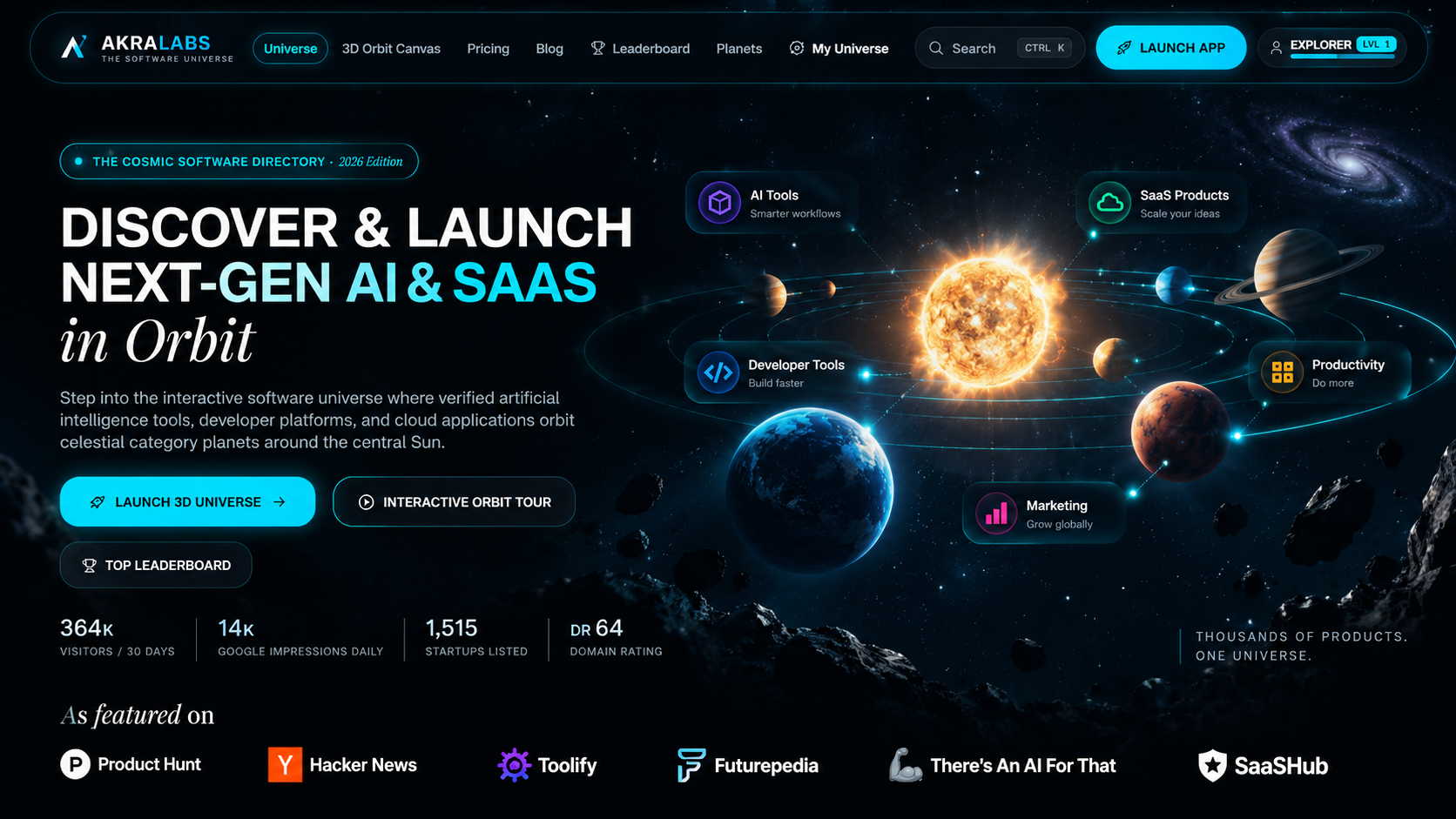
AkraLabs
Where modern software products get discovered, launched, and distributed. Explore verified AI tools, SaaS startups, and developer software.
AkraLabs is a software discovery and product launch platform for AI tools, SaaS products, developer tools, productivity software, marketing tools, business software, design tools, startups, and other innovative internet products. Discover useful software by category, search for AI tools and SaaS products, explore new product launches, and find software for business, development, marketing, design, productivity, and more. Founders and creators can submit their products to AkraLabs to create a dedicated product listing, launch their software, reach potential users, and gain visibility through product discovery and distribution opportunities. AkraLabs helps users discover new software while giving startups, SaaS companies, AI startups, developers, and indie founders a platform to showcase and launch their products.

Freesoragenerator
Freesoragenerator – Official Website, What It Is & How to Use
Freesoragenerator Official Website Freesoragenerator (FSG AI) is a free online AI video generator built around Grok Imagine-style generation — text-to-video and image-to-video with synchronized audio, free starter credits, and a stable API for developers. Official app: https://freesoragenerator.com Creator: FSG AI team Price: Freemium — 50 free credits on signup, paid credits and API plans via Pricing Login required: No for browsing the showcase; Yes to claim free credits and generate Platform: Web (+ REST API for developers) Main use: Turning prompts or images into short AI videos with synced audio, plus AI image generation Last checked: 2026-09-18 Visit Freesoragenerator We are not the official developer of Freesoragenerator. This page helps users find, understand, and use the product. What Is Freesoragenerator? FSG AI positions itself as the free way to run Grok Imagine-style video generation on the web. You type a prompt or upload an image, generate a short clip with synchronized audio, and download the result from one clean workflow — no timeline editing required. Two things set it apart from a basic demo site. First, the showcase is genuinely instructive: every demo (camera push-pull replication from a reference video, a painting character reaching out of frame for a cola, five-outfit fashion walk) exposes its full prompt structure, duration (10–15s), and resolution (720x1280 or 1280x720), so you learn multi-shot, multi-reference prompting (@Image1, @Video1) by example. Second, it is developer-friendly: alongside video and image generation it sells a stable AI video/image API for teams wiring generation into their own products, which most free generator sites never offer. How to Use Freesoragenerator Open the official FSG AI website. Browse the Showcase to pick a demo whose structure fits your idea — open it to read the full prompt. Click Get 50 Credits for Free and sign in. Enter your prompt or upload images/references, generate the video (10–15s with synced audio), and download the clean result; developers can wire the same workflows through the API. Is Freesoragenerator Safe? The site runs on the freesoragenerator.com domain with standard HTTPS and publishes Pricing, Tools, Blog, and Sign In pages. Browsing the showcase needs no registration; claiming the 50 free credits requires an account. Generation can involve uploading reference images and videos, so treat anything you upload as data leaving your device. No deceptive redirects or forced third-party logins were observed during review. Note it is an independent service inspired by Grok Imagine — not the official xAI product. Last checked September 2026. Why Is Freesoragenerator Popular? Grok Imagine's video results spread widely on X (Twitter) in 2025–2026, but access required an X Premium subscription — which created real search demand for a free, web-based equivalent. FSG AI captures exactly that demand with its name and its free-credits offer, and its example-rich showcase gives newcomers copy-paste prompts that produce impressive results on the first try. Freesoragenerator Not Working? If Freesoragenerator fails to load: Refresh the page. Open it in another browser. Disable ad blockers temporarily. Check whether the original freesoragenerator.com deployment is still online. Try again later if the developer is updating the app. Freesoragenerator Alternatives Scenevio — free multi-model AI video generator (Seedance, Veo, Kling, and more) AIEnhancer — 27-model video/image workspace with guided controls Grok Imagine on X — the original xAI tool (requires X Premium) Frequently Asked Questions What is the official Freesoragenerator website? The official website is https://freesoragenerator.com. Is Freesoragenerator free? Yes — you get 50 free credits to test text-to-video and image-to-video; heavier use follows the plans on the Pricing page. Do I need an account to use Freesoragenerator? The showcase is open to everyone; generating videos and claiming free credits requires signing in. Who created Freesoragenerator? The FSG AI team. It is an independent Grok Imagine-style generator, not affiliated with xAI or X. Is Freesoragenerator still available? Yes, the site was live as of September 18, 2026.
ToolSift
Discover software tools for developers and creators
ToolSift helps developers and creators discover software across AI, development, design, SEO, marketing and other categories. Visitors can search and browse curated tools, explore dedicated product pages, and submit their own tools for consideration.
AInexfinder
Discover and explore the best AI tools for work, creativity, productivity, and more.
AInexfinder is an AI tools discovery platform that helps users find and explore AI-powered software, apps, and solutions for different needs. Whether you're looking for AI tools for content creation, marketing, productivity, design, development, research, business, or everyday tasks, AInexfinder makes it easier to discover relevant tools in one place. What You Can Find AI tools for different industries and use cases Productivity and workflow tools AI writing and content creation tools Design, image, and video AI tools Developer and coding tools Marketing and SEO tools Research and business AI solutions AI applications for everyday tasks Why Use AInexfinder? Instead of searching across multiple websites to find useful AI software, AInexfinder brings AI tools together in an organized discovery platform. Browse categories, explore different tools, and find solutions based on your specific needs. AInexfinder is built for creators, marketers, developers, businesses, students, and anyone interested in discovering useful AI tools.
Image2Layer
Turn flat images into editable PSD layers with AI
Image2Layer is an AI-powered image-to-PSD and image layer separation tool for designers, Photoshop users, marketers, ecommerce teams, and content creators. It helps users turn flat JPG, PNG, and WebP images into editable layered PSD files without manually rebuilding every element from scratch. Users can upload an image and let AI separate key visual elements such as the main subject, background, logos, text, icons, shadows, and decorative details. The separated result can be exported as a Photoshop-ready PSD file, transparent PNG layers, or a ZIP package for further editing. Image2Layer is useful for AI-generated images, ecommerce product visuals, marketing graphics, social media assets, mockups, posters, and design references. Key features: AI-powered image layer separation Convert JPG, PNG, and WebP images to editable PSD files Export transparent PNG layers Download separated assets as a ZIP package Useful workflows for image to PSD, PNG to PSD, JPG to PSD, logo to layers, character to layers, and background splitting